

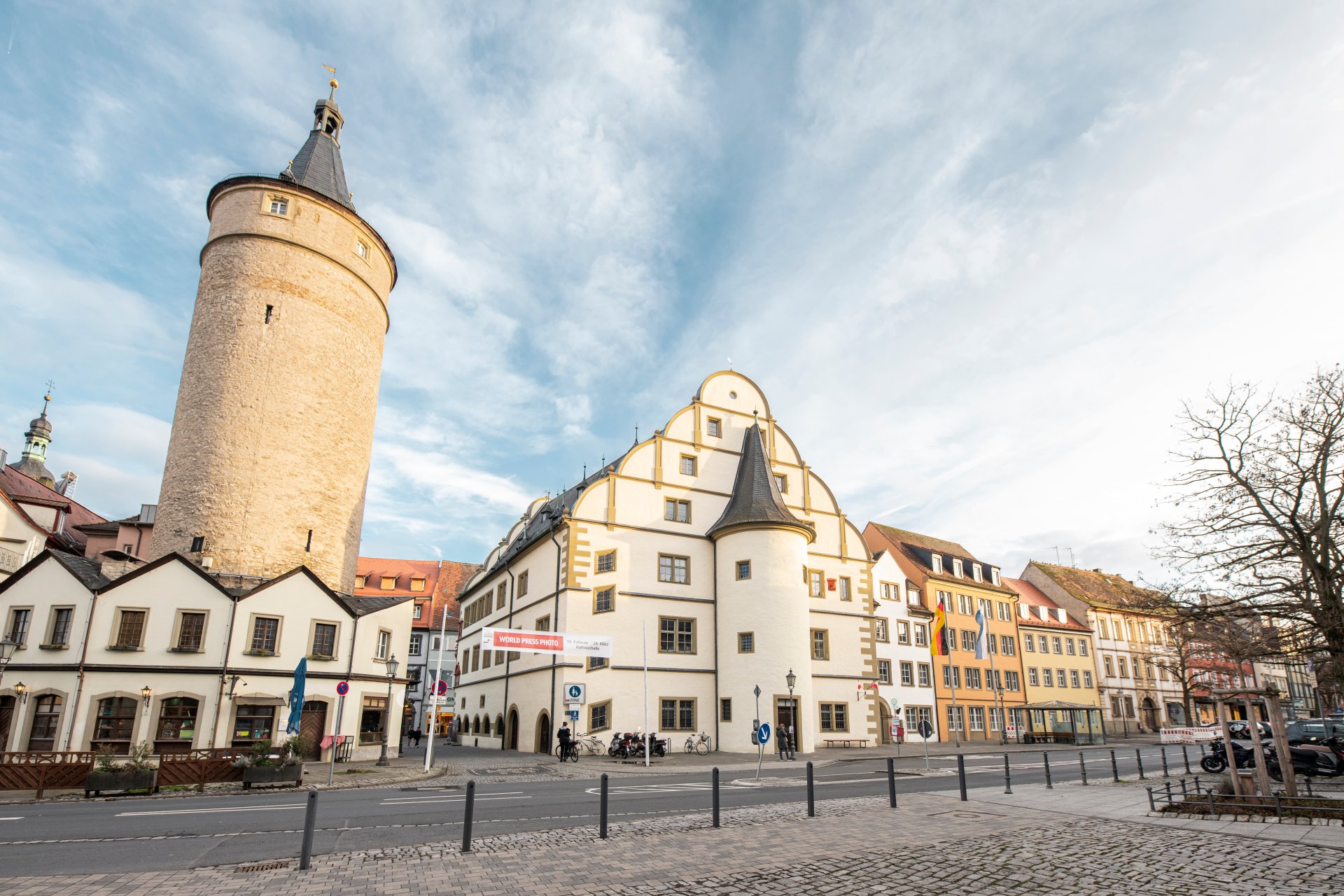
Market tower next to the historic town hall and the adjoining city administration in the other buildings.
Diese Seite wurde automatisch übersetzt. Es kann daher zu Abweichungen oder Ungenauigkeiten im Text kommen. Verbindlich ist ausschließlich die Originalfassung. Rechtsansprüche aus Inhalten der übersetzten Version sind ausgeschlossen.

Digitale Amtsblätter 2026

Amtliche Bekanntmachungen der Stadt Kitzingen

Since 2 May 2025, the official announcements of the town of Kitzingen have been published in electronic form. The digital official gazette is published as a PDF file on this page every fortnight on Fridays.

Das Bayerische Digitalgesetz von Juli 2022 ermöglicht den Gemeinden eine ausschließlich elektronische Bekanntmachung im Internet. Der Stadtrat hat in seiner Februarsitzung 2025 einer dahingehenden Änderung der Geschäftsordnung zugestimmt. Damit entfällt die bisherige Verpflichtung der Bekanntgabe in der Kitzinger Zeitung als offizielles Bekanntmachungsblatt.

Auf die elektronische Bekanntmachung im Internet wird am Erscheinungstag auf den städtischen Kanälen hingewiesen. In papierener Form liegt das Amtsblatt zum kostenlosen Mitnehmen in der Vermittlung des Rathauses (Kaiserstraße 13/15) und in der Stadtbücherei (Hindenburgring Süd 3) bereit.

Amtsblätter

Help with accessibility

  • General

    We endeavour to make our website accessible. You can find details on this in our accessibility statement. You can send us suggestions for improvement via our feedback form Report accessibility.

  • Font size

    To adjust the font size, please use the following key combinations:

    Larger

    command
    +

    Smaller

    command

    Larger

    Ctrl
    +

    Smaller

    Ctrl
  • Keyboard navigation

    Use TAB and SHIFT + TAB to navigate through next/previous links, form elements, and buttons.

    Use ENTER to open links and interact with elements.

  • Contrast mode

    Press the following key combination to reduce or increase the contrast:

    Enlarge

    control
    option
    command
    .

    Decrease

    control
    option
    command
    ,
    Note: The shortcuts must be activated in the system settings of the operating system.

    Press the left ALT key + left SHIFT key + PRINT to quickly turn high contrast mode on or off.

  • Invert colours

    Press the following key combination to switch the colour inversion on and off:

    control
    option
    command
    8
    Note: The shortcuts must be activated in the system settings of the operating system.

    First activate the screen magnifier and then switch the colour inversion on and off with the following key combinations:

    1. screen magnifier

    +

    2. invert colours

    Ctrl
    Old
    I
  • Screen magnifier

    Press the following key combinations to use the screen magnifier:

    Switch on/off

    option
    command
    8

    Enlarge view

    option
    command
    =

    Zoom out view

    option
    command
    Note: The shortcuts must be activated in the system settings of the operating system.

    Switch on / Enlarge view

    +

    Zoom out view

Select language