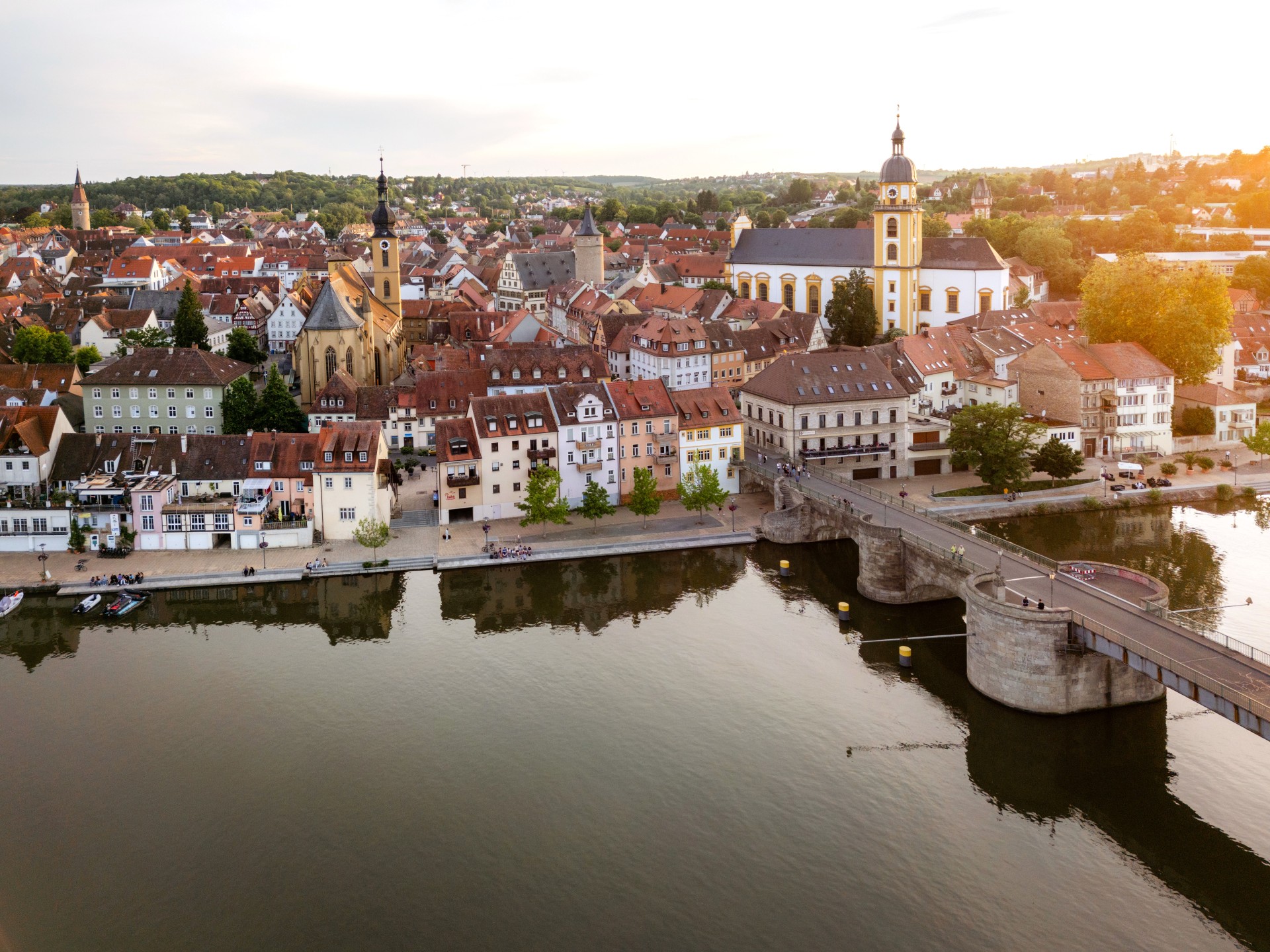

Aerial view of Kitzingen
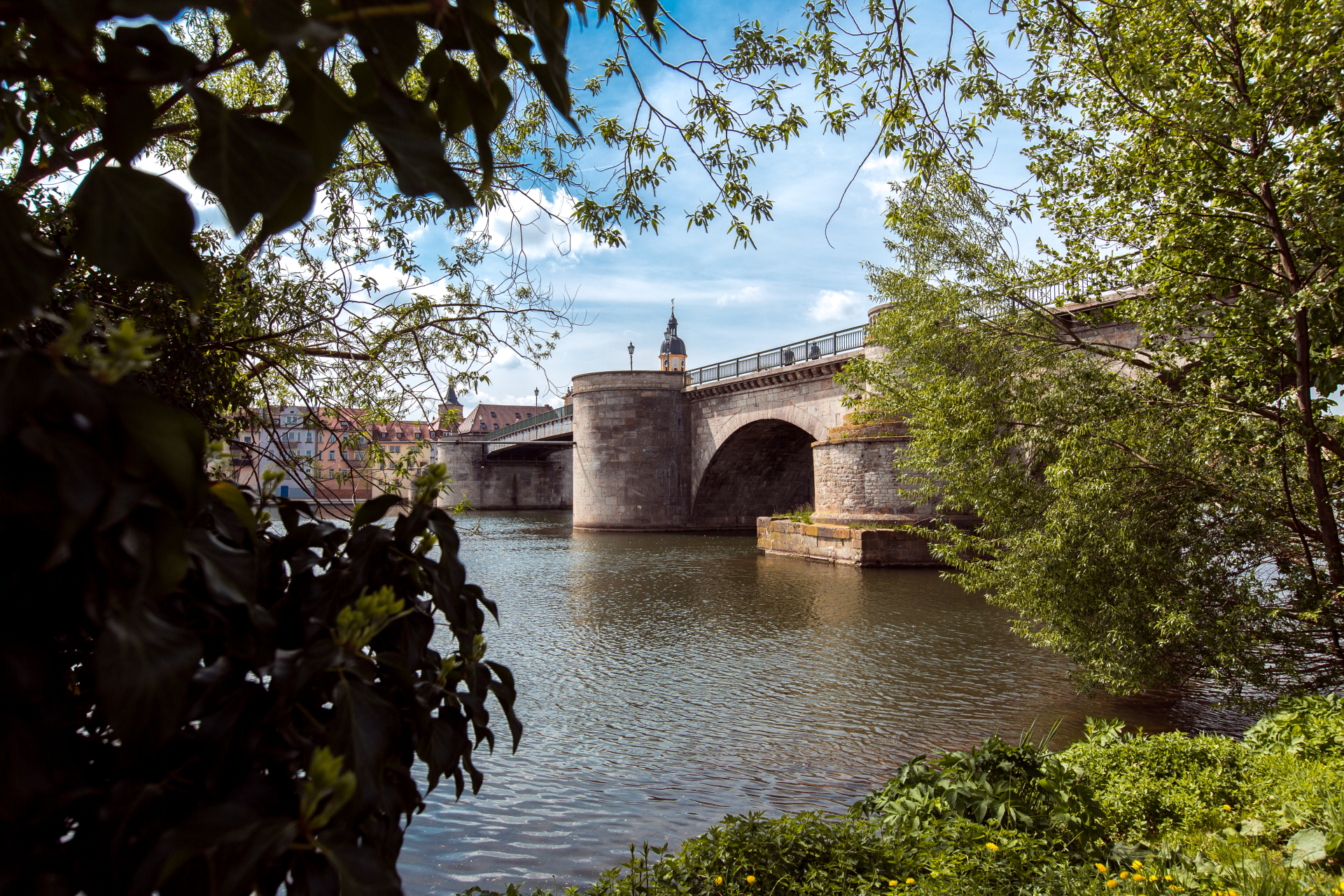
View of the Old Main Bridge from the city balcony.
White wine in two glasses with a blue sky in the background
Diese Seite wurde automatisch übersetzt. Es kann daher zu Abweichungen oder Ungenauigkeiten im Text kommen. Verbindlich ist ausschließlich die Originalfassung. Rechtsansprüche aus Inhalten der übersetzten Version sind ausgeschlossen.

A warm welcome to Kitzingen!
The Main. Wine. History

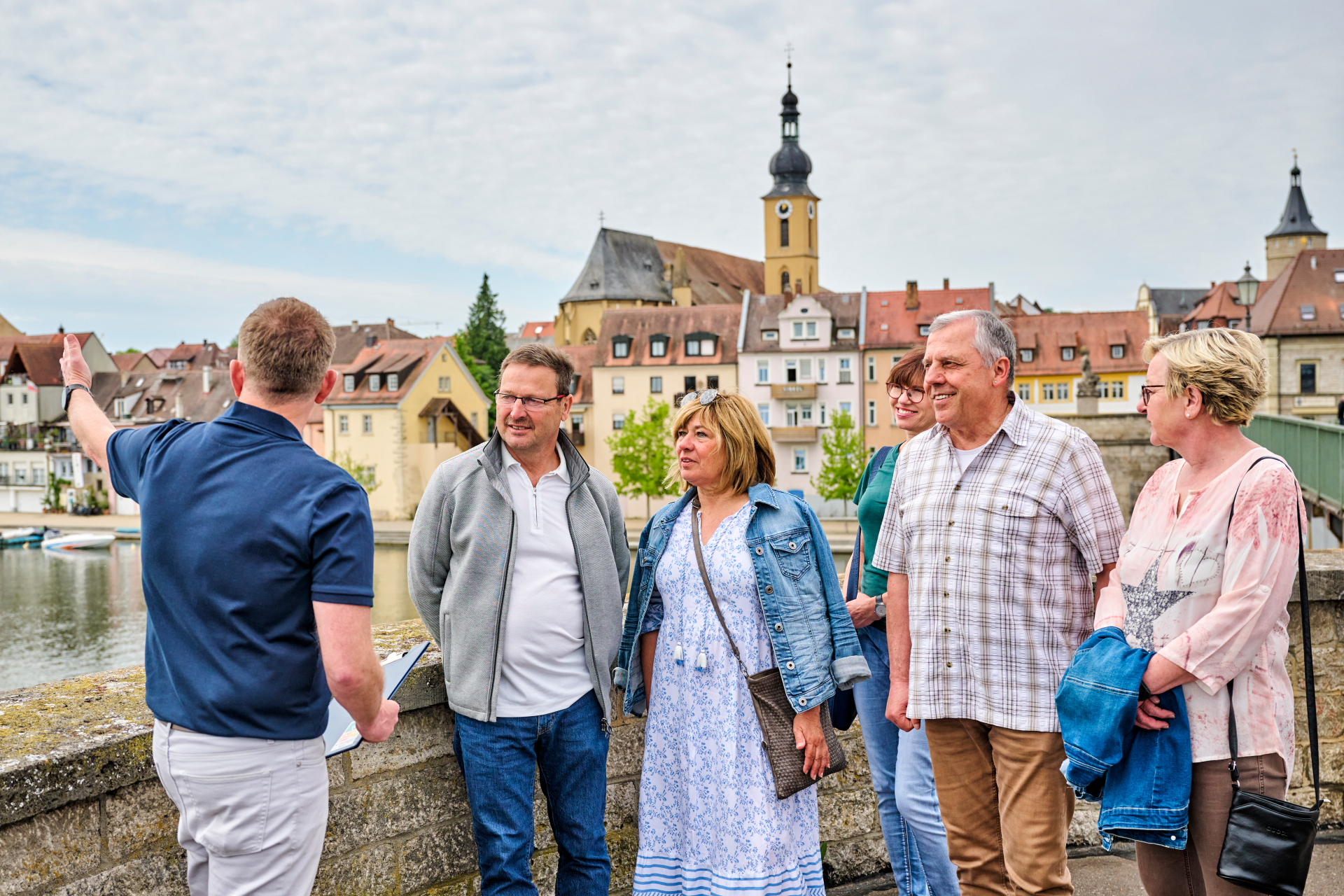
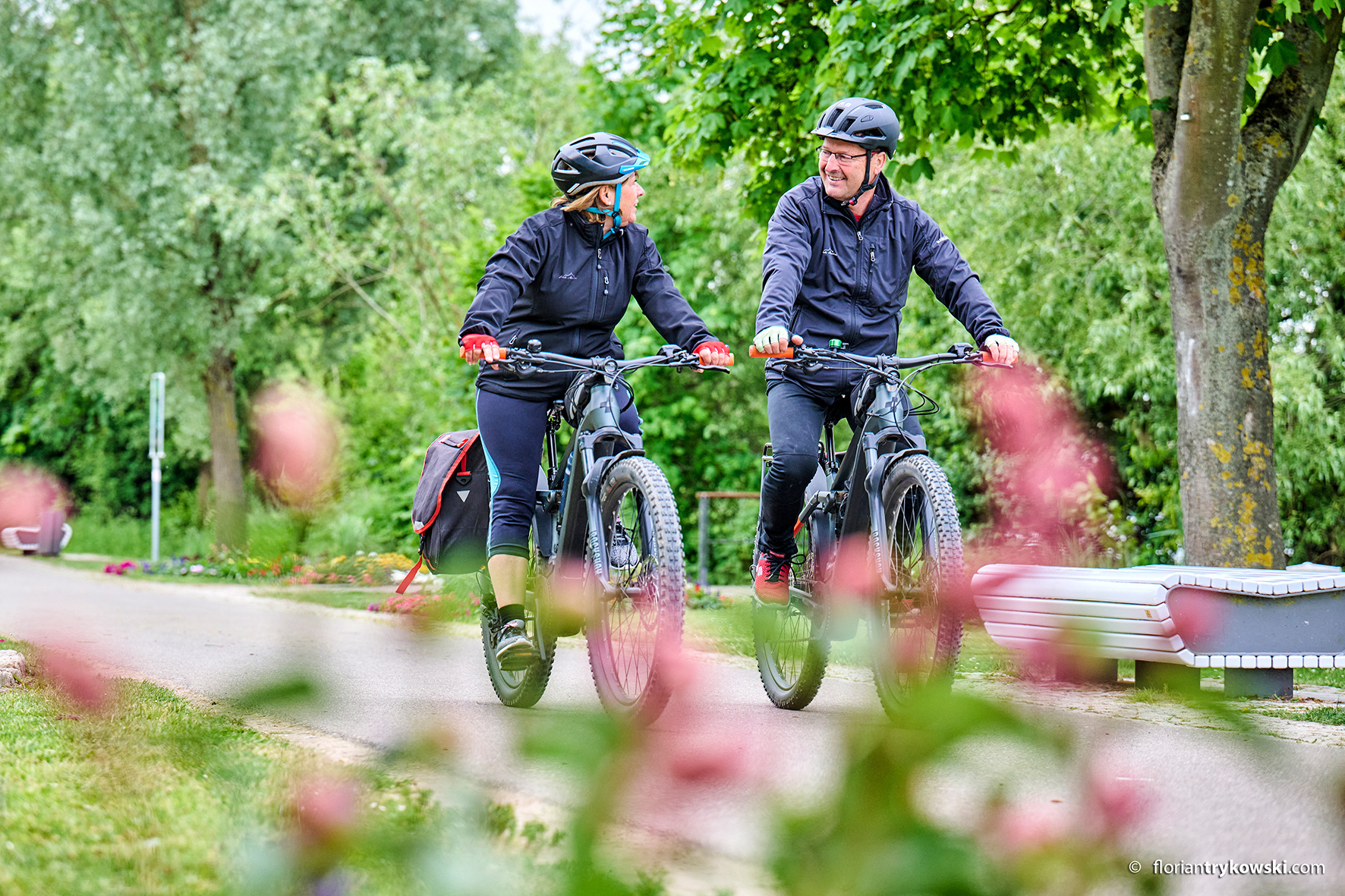
Kitzingen invites you to experience history, enjoyment and nature in a relaxed way. Situated directly on the Main, the river characterises the townscape and provides special moments - whether you are taking a walk along the banks, cycling along the Main cycle path or simply pausing to enjoy the view of the water.

Wine is simply part of life in Kitzingen. As a historic wine-trading town in Franconia, its vineyards, festivals and cosy spots invite you to come and enjoy yourself.

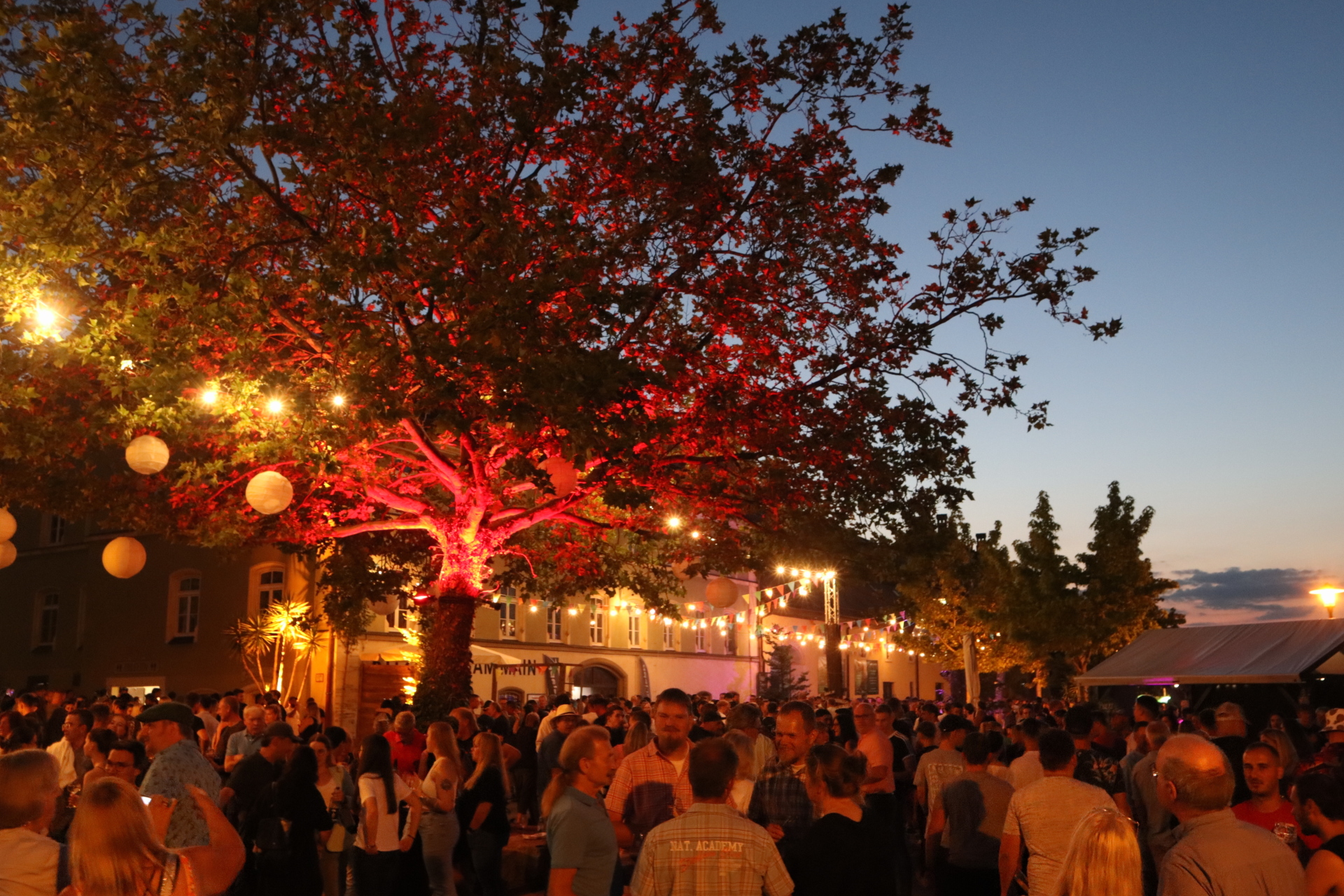
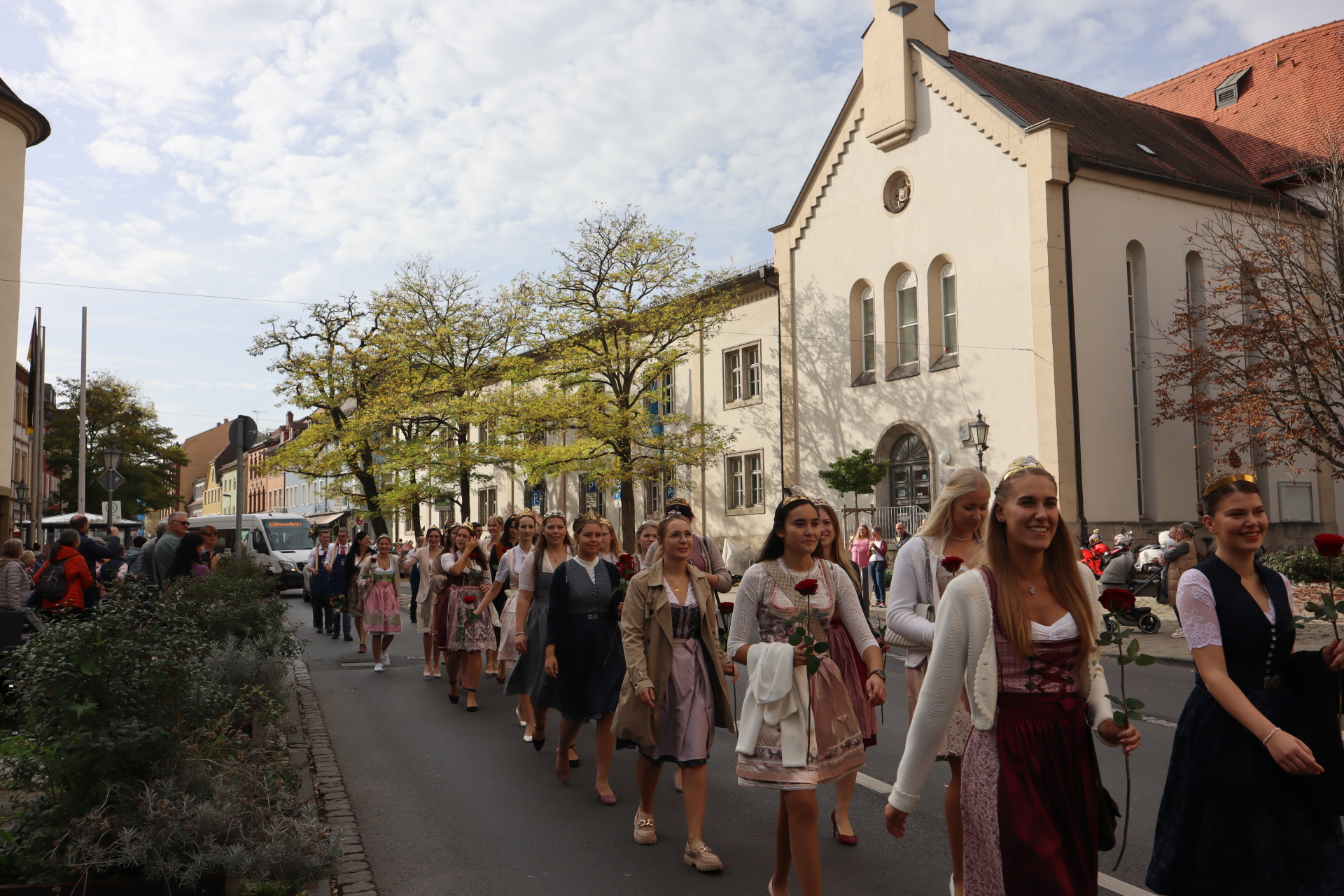
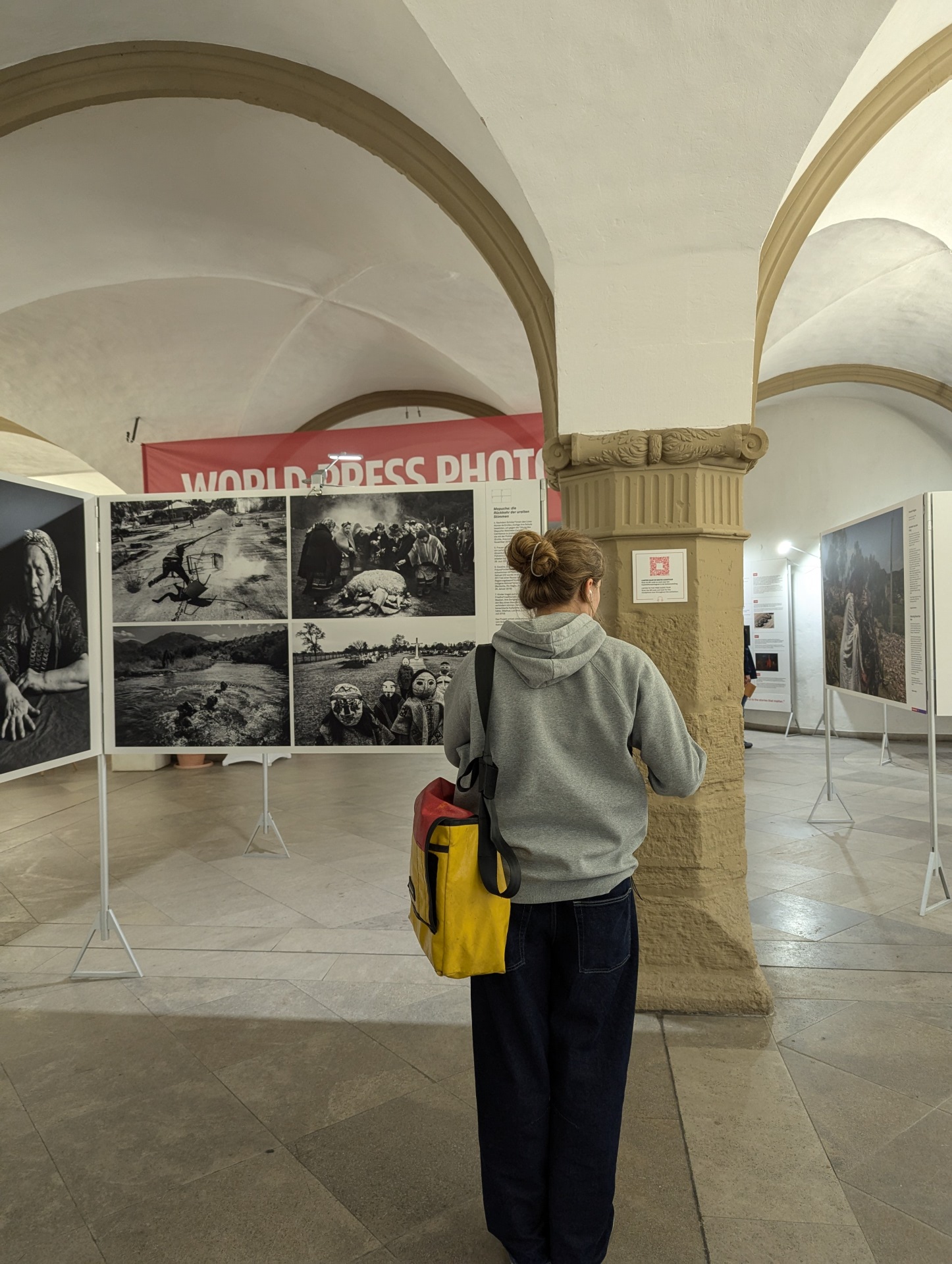
Added to this is a vibrant programme of events – ranging from wine festivals and cultural events to concerts
– which ensures there is plenty to do all year round.
Latest news

Found quickly

Help with accessibility

  • General

    We endeavour to make our website accessible. You can find details on this in our accessibility statement. You can send us suggestions for improvement via our feedback form Report accessibility.

  • Font size

    To adjust the font size, please use the following key combinations:

    Larger

    command
    +

    Smaller

    command

    Larger

    Ctrl
    +

    Smaller

    Ctrl
  • Keyboard navigation

    Use TAB and SHIFT + TAB to navigate through next/previous links, form elements, and buttons.

    Use ENTER to open links and interact with elements.

  • Contrast mode

    Press the following key combination to reduce or increase the contrast:

    Enlarge

    control
    option
    command
    .

    Decrease

    control
    option
    command
    ,
    Note: The shortcuts must be activated in the system settings of the operating system.

    Press the left ALT key + left SHIFT key + PRINT to quickly turn high contrast mode on or off.

  • Invert colours

    Press the following key combination to switch the colour inversion on and off:

    control
    option
    command
    8
    Note: The shortcuts must be activated in the system settings of the operating system.

    First activate the screen magnifier and then switch the colour inversion on and off with the following key combinations:

    1. screen magnifier

    +

    2. invert colours

    Ctrl
    Old
    I
  • Screen magnifier

    Press the following key combinations to use the screen magnifier:

    Switch on/off

    option
    command
    8

    Enlarge view

    option
    command
    =

    Zoom out view

    option
    command
    Note: The shortcuts must be activated in the system settings of the operating system.

    Switch on / Enlarge view

    +

    Zoom out view

Select language