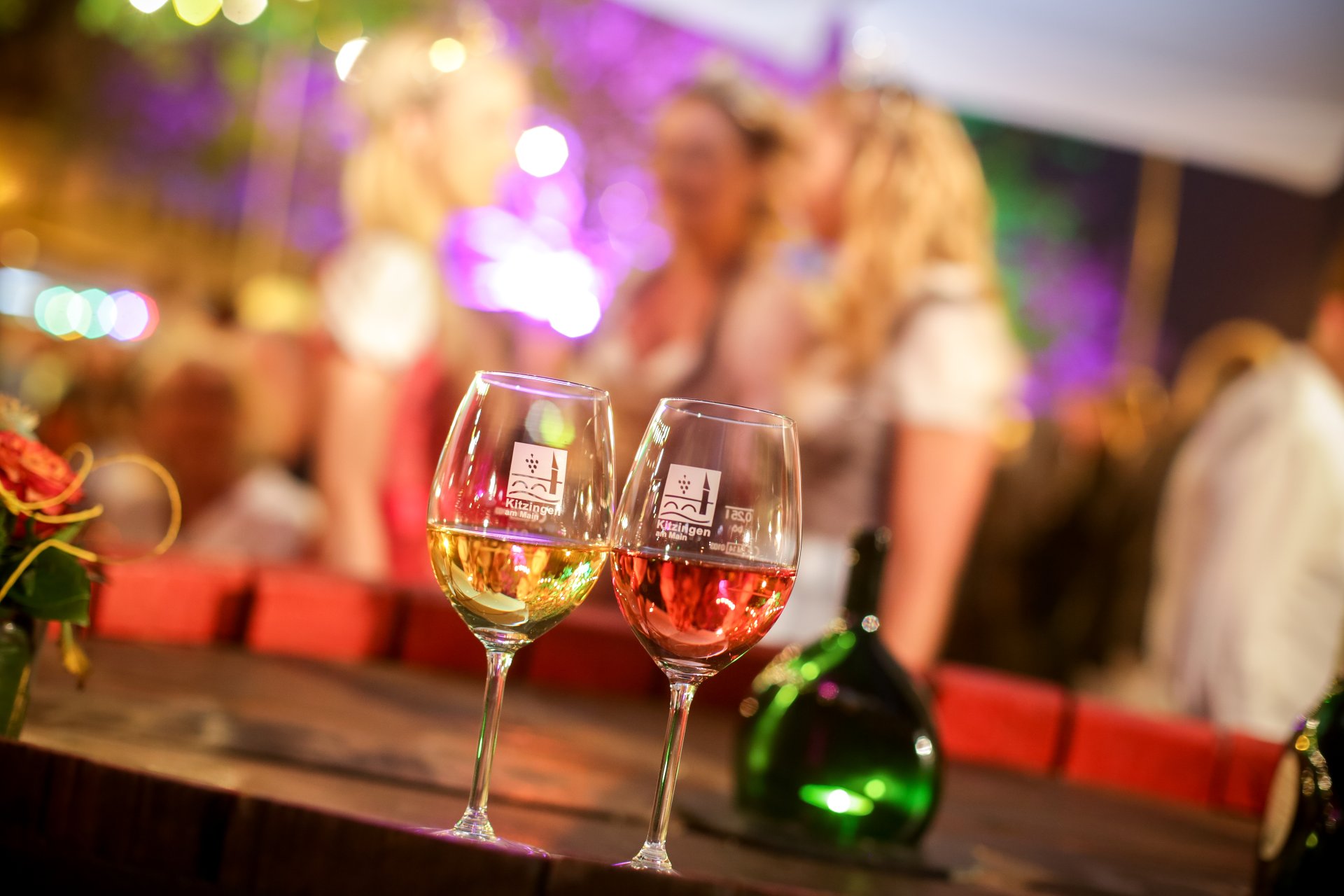
Two wine glasses and a Bocksbeutel at the Kitzingen Promenade Wine Festival
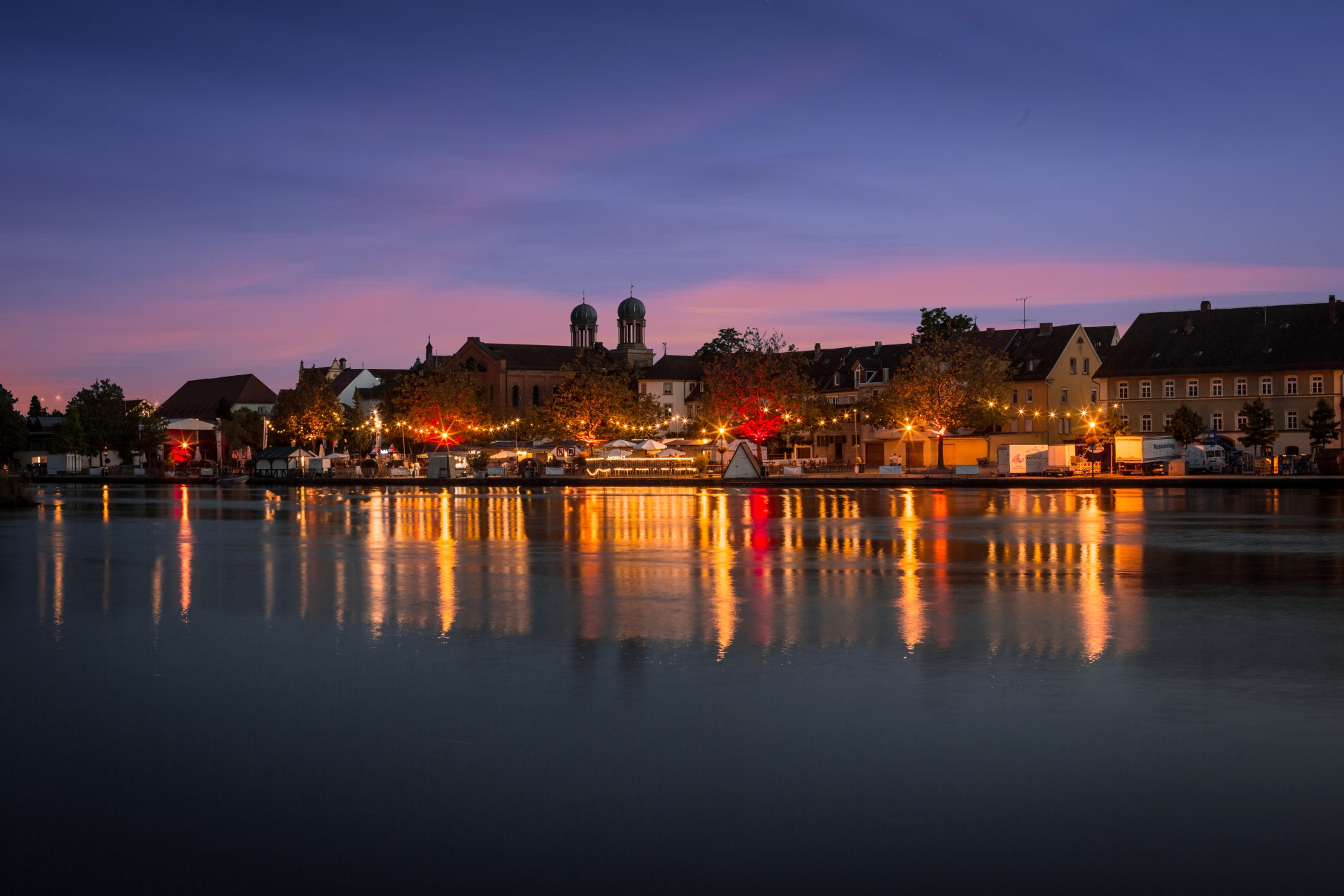
View of the Kitzingen Promenade Wine Festival in the evening
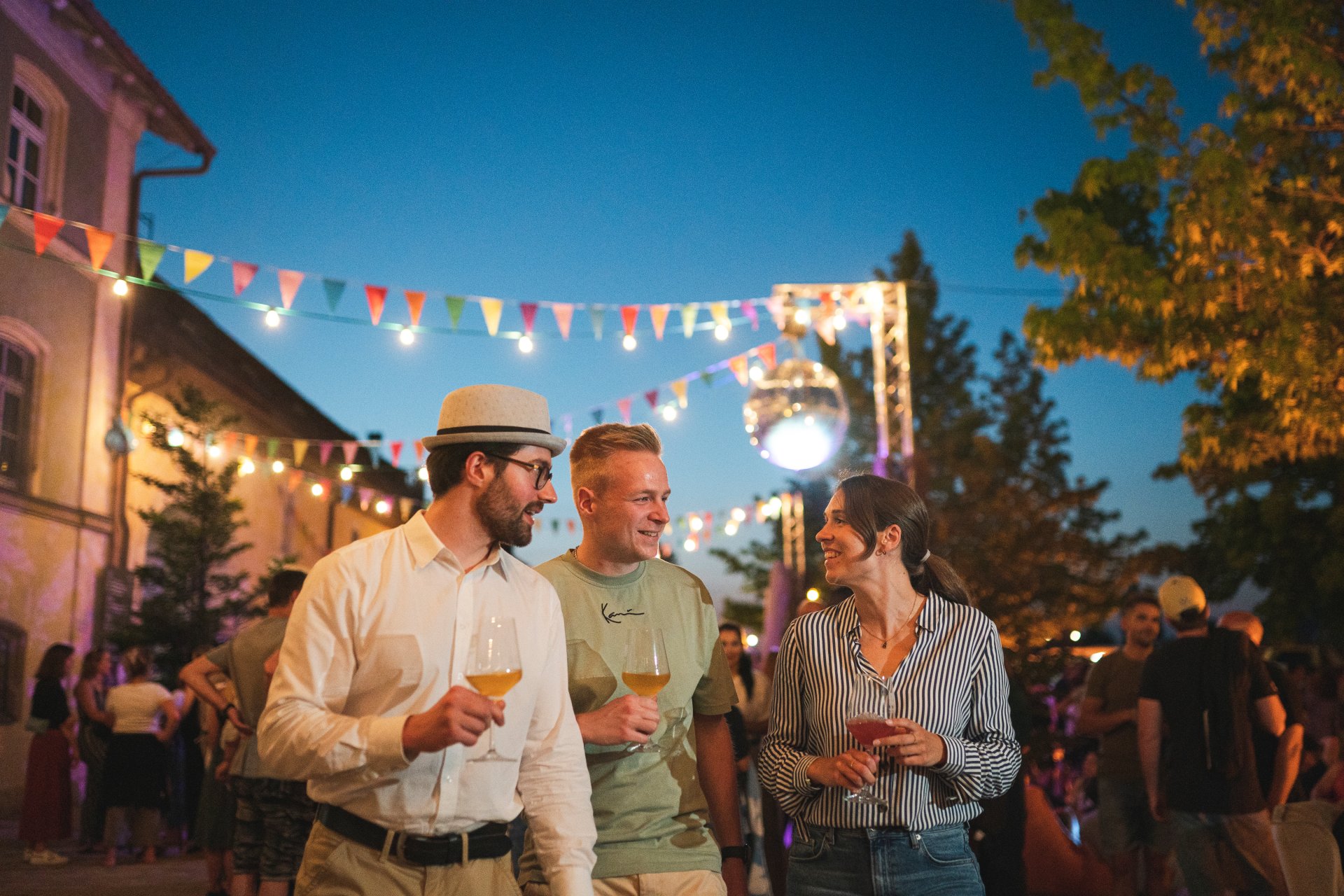
Guests at the Kitzingen Promenade Wine Festival with wine glasses in hand
Diese Seite wurde automatisch übersetzt. Es kann daher zu Abweichungen oder Ungenauigkeiten im Text kommen. Verbindlich ist ausschließlich die Originalfassung. Rechtsansprüche aus Inhalten der übersetzten Version sind ausgeschlossen.

Kitzingen wine festivals

Kitzingen Promenade Wine Festival

Enjoy some fine wine right on the banks of the Main. We warmly invite you to our Kitzingen Promenade Wine Festival. Spend a few enjoyable hours in an unbeatable setting. Our music and family programme, as well as the fireworks, promise plenty of variety.
Free admission every day.
The Kitzingen Promenade Wine Festival takes place from 26 to 29 June 2026.

Book table reservations at Kitzingen Tourist Information under ‘Book activities online’

Here you can find more information about the Kitzingen Promenade Wine Festival

Sickershausen street wine festival

“No pleasure is fleeting, for the impression it leaves behind is lasting.” It is under this motto that the residents of the Sickerhausen district of Kitzingen celebrate their traditional street wine festival. In a cosy atmosphere, you can enjoy regional culinary specialities and wine from the “Sickershäuser Storchenbrünnle” vineyard.
The Sickershäuser Street Wine Festival takes place from 11 to 13 July 2026

Help with accessibility

  • General

    We endeavour to make our website accessible. You can find details on this in our accessibility statement. You can send us suggestions for improvement via our feedback form Report accessibility.

  • Font size

    To adjust the font size, please use the following key combinations:

    Larger

    command
    +

    Smaller

    command

    Larger

    Ctrl
    +

    Smaller

    Ctrl
  • Keyboard navigation

    Use TAB and SHIFT + TAB to navigate through next/previous links, form elements, and buttons.

    Use ENTER to open links and interact with elements.

  • Contrast mode

    Press the following key combination to reduce or increase the contrast:

    Enlarge

    control
    option
    command
    .

    Decrease

    control
    option
    command
    ,
    Note: The shortcuts must be activated in the system settings of the operating system.

    Press the left ALT key + left SHIFT key + PRINT to quickly turn high contrast mode on or off.

  • Invert colours

    Press the following key combination to switch the colour inversion on and off:

    control
    option
    command
    8
    Note: The shortcuts must be activated in the system settings of the operating system.

    First activate the screen magnifier and then switch the colour inversion on and off with the following key combinations:

    1. screen magnifier

    +

    2. invert colours

    Ctrl
    Old
    I
  • Screen magnifier

    Press the following key combinations to use the screen magnifier:

    Switch on/off

    option
    command
    8

    Enlarge view

    option
    command
    =

    Zoom out view

    option
    command
    Note: The shortcuts must be activated in the system settings of the operating system.

    Switch on / Enlarge view

    +

    Zoom out view

Select language