Diese Seite wurde automatisch übersetzt. Es kann daher zu Abweichungen oder Ungenauigkeiten im Text kommen. Verbindlich ist ausschließlich die Originalfassung. Rechtsansprüche aus Inhalten der übersetzten Version sind ausgeschlossen.

Announcement

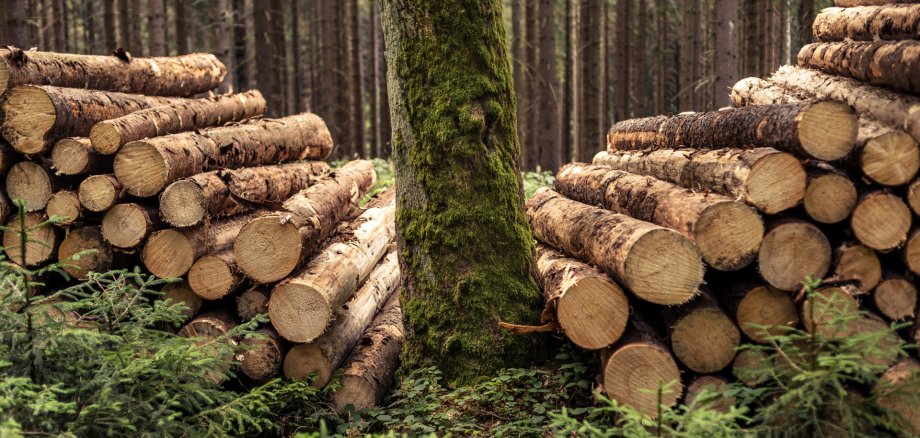
Crown Timber Sales

Interested members of the public may apply to the Property Management Department between 2 October 2026 and 1 November 2026 by emailing liegenschaften@stadt-kitzingen.de (09321 / 20-2305, Mr Mario Schmer).

The Kronenholz will be allocated by lottery; the town of Kitzingen will endeavour to accommodate all applicants (with priority given to residents of Kitzingen). Once the application deadline has passed, applicants will be notified accordingly.

When applying, please ensure you include your full contact details (name, address, email address and telephone number), a copy or scan of your sawing licence, and the approximate quantity you require (hardwood or softwood) in ster.

We would like to take this opportunity to point out that applications are binding and that the allocated crown timber must be collected. Please refer to the General Terms and Conditions (AGB-BrH), which can be viewed on the City of Kitzingen’s website.

The crown timber is to be felled, and its removal will be arranged in consultation with our forester, Mrs Wirth.

The charge is based on the actual quantity at €30.00 per ster for hardwood and €19.00 per ster for softwood.

Finally, we would like to take this opportunity to draw your attention to the auction of Polterholz. A separate notice will be issued regarding the date of the auction.

As in previous years, a list of the lots will be published on the Kitzingen town council website once the auction period begins.

Please note that applications for Polterholz lots received before this date cannot be considered.

Help with accessibility

  • General

    We endeavour to make our website accessible. You can find details on this in our accessibility statement. You can send us suggestions for improvement via our feedback form Report accessibility.

  • Font size

    To adjust the font size, please use the following key combinations:

    Larger

    ⌘command
    +

    Smaller

    ⌘command
    –

    Larger

    Ctrl
    +

    Smaller

    Ctrl
    –
  • Keyboard navigation

    Use TAB and SHIFT + TAB to navigate through next/previous links, form elements, and buttons.

    Use ENTER to open links and interact with elements.

  • Contrast mode

    Press the following key combination to reduce or increase the contrast:

    Enlarge

    ⌃control
    ⌥option
    ⌘command
    .

    Decrease

    ⌃control
    ⌥option
    ⌘command
    ,
    Note: The shortcuts must be activated in the system settings of the operating system.

    Press the left ALT key + left SHIFT key + PRINT to quickly turn high contrast mode on or off.

  • Invert colours

    Press the following key combination to switch the colour inversion on and off:

    ⌃control
    ⌥option
    ⌘command
    8
    Note: The shortcuts must be activated in the system settings of the operating system.

    First activate the screen magnifier and then switch the colour inversion on and off with the following key combinations:

    1. screen magnifier

    +

    2. invert colours

    Ctrl
    Old
    I
  • Screen magnifier

    Press the following key combinations to use the screen magnifier:

    Switch on/off

    ⌥option
    ⌘command
    8

    Enlarge view

    ⌥option
    ⌘command
    =

    Zoom out view

    ⌥option
    ⌘command
    –
    Note: The shortcuts must be activated in the system settings of the operating system.

    Switch on / Enlarge view

    +

    Zoom out view

    –

Select language