

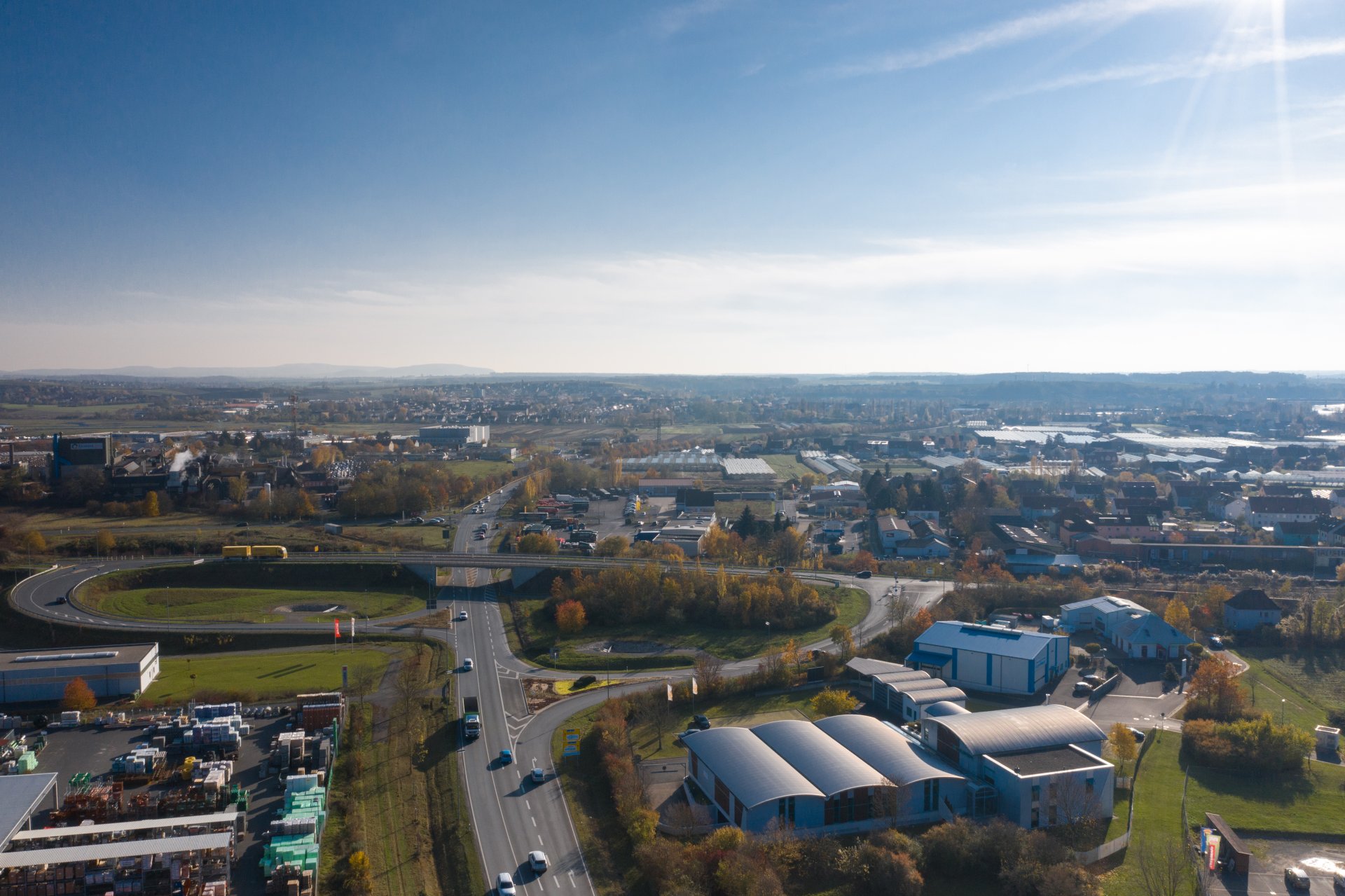
Aerial view of the Lochweg industrial estate
Diese Seite wurde automatisch übersetzt. Es kann daher zu Abweichungen oder Ungenauigkeiten im Text kommen. Verbindlich ist ausschließlich die Originalfassung. Rechtsansprüche aus Inhalten der übersetzten Version sind ausgeschlossen.

Business location

Kitzingen offers companies solid framework conditions - both logistically and in terms of skilled labour and living environment. At the same time, employees and their families benefit from a pleasant region with a high residential and recreational value.

Key figures

Around 23,000 inhabitants live in the town of Kitzingen. There are 91,287 inhabitants in the district of Kitzingen. The unemployment rate is 3.0 per cent. In Kitzingen there are 184 retail businesses with a total sales area of 65,700 m² in the town area. 88 businesses (44 percent) are located in the town centre. The retail trade in Kitzingen generates 145 million euros in turnover per year. This corresponds to a retail turnover index of 91 (BRD: 100 per cent). The retail-relevant purchasing power per inhabitant is 6,116 euros per inhabitant (as of 2023).


Location Strengths

Traffic situation & connections

Centrally located with proximity to the A3 and A7 motorway junction, rail connections and waterway via the Main - a significant logistical advantage.

Commercial space & infrastructure

There are modern commercial and industrial sites in the city area, e.g. the InnoPark Kitzingen start-up and business park.

Future orientation

The Technology Transfer Centre (TTZ) in the fields of robotics and AI will further strengthen the location.

Quality of life and work

In addition to economic conditions, the region offers culture, leisure and family-friendly structures - all of which attract skilled labour.

Help with accessibility

  • General

    We endeavour to make our website accessible. You can find details on this in our accessibility statement. You can send us suggestions for improvement via our feedback form Report accessibility.

  • Font size

    To adjust the font size, please use the following key combinations:

    Larger

    command
    +

    Smaller

    command

    Larger

    Ctrl
    +

    Smaller

    Ctrl
  • Keyboard navigation

    Use TAB and SHIFT + TAB to navigate through next/previous links, form elements, and buttons.

    Use ENTER to open links and interact with elements.

  • Contrast mode

    Press the following key combination to reduce or increase the contrast:

    Enlarge

    control
    option
    command
    .

    Decrease

    control
    option
    command
    ,
    Note: The shortcuts must be activated in the system settings of the operating system.

    Press the left ALT key + left SHIFT key + PRINT to quickly turn high contrast mode on or off.

  • Invert colours

    Press the following key combination to switch the colour inversion on and off:

    control
    option
    command
    8
    Note: The shortcuts must be activated in the system settings of the operating system.

    First activate the screen magnifier and then switch the colour inversion on and off with the following key combinations:

    1. screen magnifier

    +

    2. invert colours

    Ctrl
    Old
    I
  • Screen magnifier

    Press the following key combinations to use the screen magnifier:

    Switch on/off

    option
    command
    8

    Enlarge view

    option
    command
    =

    Zoom out view

    option
    command
    Note: The shortcuts must be activated in the system settings of the operating system.

    Switch on / Enlarge view

    +

    Zoom out view

Select language