Diese Seite wurde automatisch übersetzt. Es kann daher zu Abweichungen oder Ungenauigkeiten im Text kommen. Verbindlich ist ausschließlich die Originalfassung. Rechtsansprüche aus Inhalten der übersetzten Version sind ausgeschlossen.

Easter bunny hunt on the TraumRunde Kitzingen-Sulzfeld
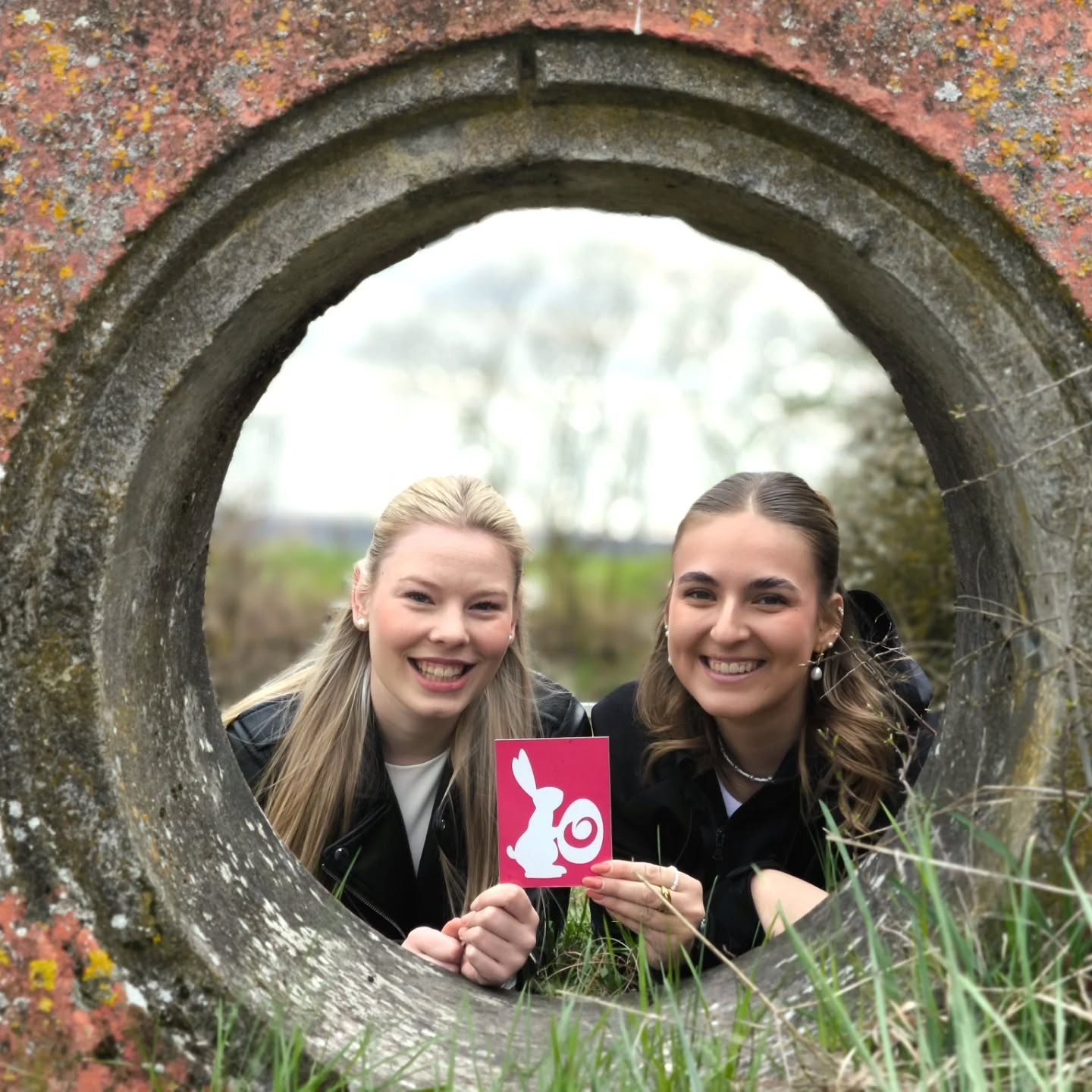
Easter bunny on the TraumRunde
Nature & Environment

Category: Nature & Environment

Easter bunny hunt on the TraumRunde Kitzingen-Sulzfeld

The popular Easter Bunny Hunt is taking place again this Easter. The Easter Bunny and his hard-working helpers will be out and about for you on Easter Sunday and Easter Monday. The TraumRunde trail wardens will be hiding three Easter bunnies on our TraumRunde trail on Easter Sunday, 5 April 2026, and on Easter Monday, 6 April 2026, between 11:00 and 16:00. Taking part is very simple: there are three bunnies hidden. Simply take a photo of a bunny and send it via our form at https://www.kitzinger-land.de/erleben/wandern/osterhasensuche-auf-den-traumrunden/ or by email to tourismus@kitzingen.de. Please do not take the signs featuring the bunnies with you, so that other hiking enthusiasts can join in the hunt too. All photo submissions will receive a small gift afterwards. The TraumRunden routes in Abtswind, Castell, Dettelbach, Dettelbacher-Dörfer, Dornheim, Geiselwind, Prichsenstadt
, Hüttenheim-Seinsheim, Kitzingen-Sulzfeld, Marktbreit-Obernbreit, Markt Einersheim, Rödelsee and Schwanberg are also taking part in the campaign.
HOW? Find one of three rabbits per TraumRunde, take a photo, send it in and win.
Facebook: @TraumRunden – Wandering joy in the Kitzingen
region Instagram: @traumrunden_kitzingerland
Email:

tourismus@kitzingen.deWir We hope you have fun on your hunt and look forward to lots of participants!

  • Photography

Help with accessibility

  • General

    We endeavour to make our website accessible. You can find details on this in our accessibility statement. You can send us suggestions for improvement via our feedback form Report accessibility.

  • Font size

    To adjust the font size, please use the following key combinations:

    Larger

    command
    +

    Smaller

    command

    Larger

    Ctrl
    +

    Smaller

    Ctrl
  • Keyboard navigation

    Use TAB and SHIFT + TAB to navigate through next/previous links, form elements, and buttons.

    Use ENTER to open links and interact with elements.

  • Contrast mode

    Press the following key combination to reduce or increase the contrast:

    Enlarge

    control
    option
    command
    .

    Decrease

    control
    option
    command
    ,
    Note: The shortcuts must be activated in the system settings of the operating system.

    Press the left ALT key + left SHIFT key + PRINT to quickly turn high contrast mode on or off.

  • Invert colours

    Press the following key combination to switch the colour inversion on and off:

    control
    option
    command
    8
    Note: The shortcuts must be activated in the system settings of the operating system.

    First activate the screen magnifier and then switch the colour inversion on and off with the following key combinations:

    1. screen magnifier

    +

    2. invert colours

    Ctrl
    Old
    I
  • Screen magnifier

    Press the following key combinations to use the screen magnifier:

    Switch on/off

    option
    command
    8

    Enlarge view

    option
    command
    =

    Zoom out view

    option
    command
    Note: The shortcuts must be activated in the system settings of the operating system.

    Switch on / Enlarge view

    +

    Zoom out view

Select language