Diese Seite wurde automatisch übersetzt. Es kann daher zu Abweichungen oder Ungenauigkeiten im Text kommen. Verbindlich ist ausschließlich die Originalfassung. Rechtsansprüche aus Inhalten der übersetzten Version sind ausgeschlossen.

Music get-together at the community centre
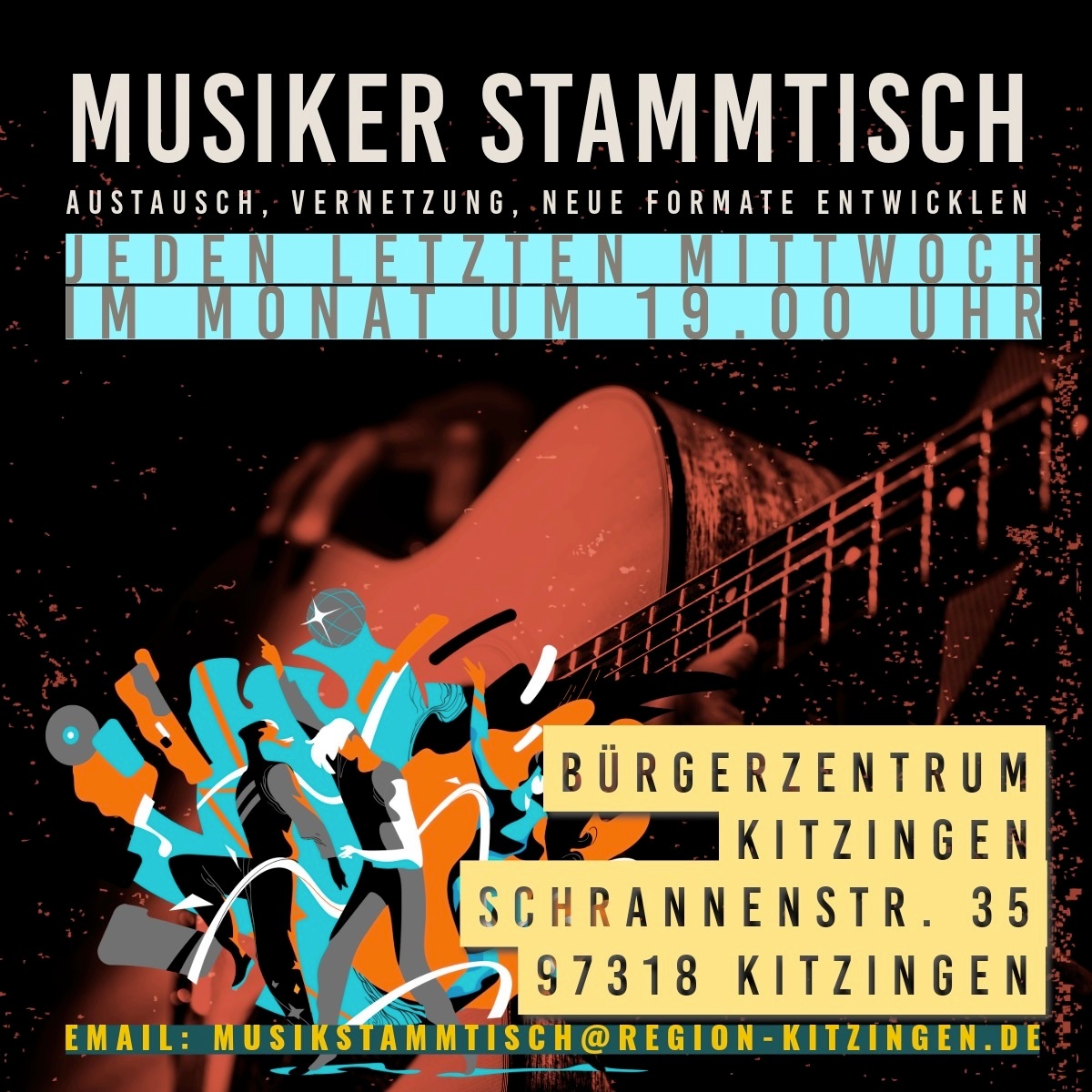
Musikstammtisch Logo
© M. Zink
Culture & Stage

Category: Culture & Stage

Music get-together at the community centre

Neil Young sends his regards – at the next music get-together!

At the music get-together on Wednesday, 25 November, we’ll be welcoming Eric Rust, a musician who has devoted himself to the music of Neil Young for many years.
Armed with his guitar, harmonica and vocals, he’ll kick off the evening and introduce us to the unmistakable sound of the Canadian singer-songwriter – at times quiet and melancholic, at others raw and rocking.
Afterwards, as always, we’ll continue with our open mic session! Whether on your own or with others, whether it’s rock, blues, folk or something completely different – anyone who fancies playing some music is warmly invited. Bring your instrument and get started!

Date: 25 November 2026

Time: 7.00 pm – 10.00 pm

Free

Organiser

Kitzingen Community Centre

0175 2255300

agutschera@gmx.de

bz-kitzingen.de

Contact us

Artie Gutschera

0175 2255300

agutschera@gmx.de

  • Concert

Help with accessibility

  • General

    We endeavour to make our website accessible. You can find details on this in our accessibility statement. You can send us suggestions for improvement via our feedback form Report accessibility.

  • Font size

    To adjust the font size, please use the following key combinations:

    Larger

    ⌘command
    +

    Smaller

    ⌘command
    –

    Larger

    Ctrl
    +

    Smaller

    Ctrl
    –
  • Keyboard navigation

    Use TAB and SHIFT + TAB to navigate through next/previous links, form elements, and buttons.

    Use ENTER to open links and interact with elements.

  • Contrast mode

    Press the following key combination to reduce or increase the contrast:

    Enlarge

    ⌃control
    ⌥option
    ⌘command
    .

    Decrease

    ⌃control
    ⌥option
    ⌘command
    ,
    Note: The shortcuts must be activated in the system settings of the operating system.

    Press the left ALT key + left SHIFT key + PRINT to quickly turn high contrast mode on or off.

  • Invert colours

    Press the following key combination to switch the colour inversion on and off:

    ⌃control
    ⌥option
    ⌘command
    8
    Note: The shortcuts must be activated in the system settings of the operating system.

    First activate the screen magnifier and then switch the colour inversion on and off with the following key combinations:

    1. screen magnifier

    +

    2. invert colours

    Ctrl
    Old
    I
  • Screen magnifier

    Press the following key combinations to use the screen magnifier:

    Switch on/off

    ⌥option
    ⌘command
    8

    Enlarge view

    ⌥option
    ⌘command
    =

    Zoom out view

    ⌥option
    ⌘command
    –
    Note: The shortcuts must be activated in the system settings of the operating system.

    Switch on / Enlarge view

    +

    Zoom out view

    –