Diese Seite wurde automatisch übersetzt. Es kann daher zu Abweichungen oder Ungenauigkeiten im Text kommen. Verbindlich ist ausschließlich die Originalfassung. Rechtsansprüche aus Inhalten der übersetzten Version sind ausgeschlossen.

eventGALERIE BÄDERglück – “Christmas Together” – Charity concert featuring the Timo Lechner Quartet
We look forward to seeing you all!
© WSG Bädergalerie
Music & Dance

Category: Music & Dance

eventGALERIE BÄDERglück – “Christmas Together” – Charity concert featuring the Timo Lechner Quartet

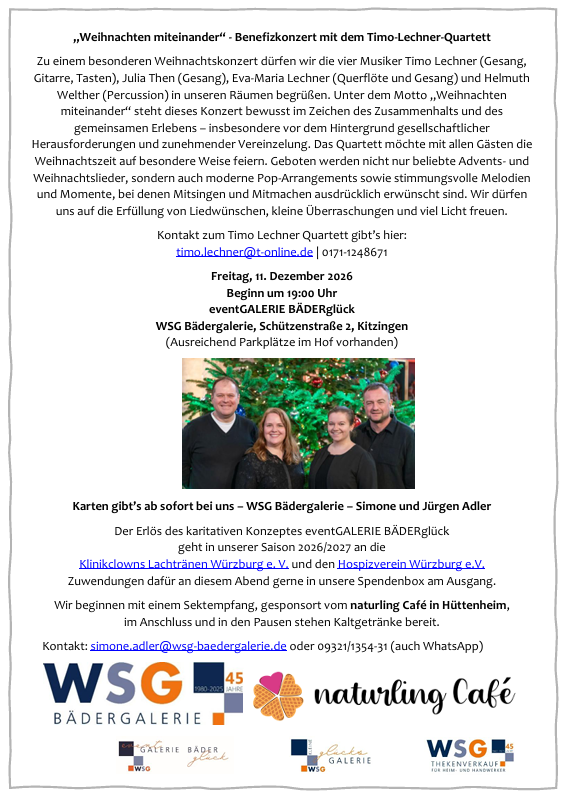
We are delighted to welcome the four musicians Timo Lechner (vocals, guitar, keyboards), Julia Then (vocals), Eva-Maria Lechner (flute and vocals) and Helmuth Welther (percussion) to our premises for a special Christmas concert. Under the theme ‘Christmas Together’, this concert is deliberately dedicated to a spirit of togetherness and shared experience – particularly against the backdrop of societal challenges and increasing isolation. The quartet would like to celebrate the festive season in a special way with all our guests. The programme will feature not only popular Advent and Christmas carols, but also modern pop arrangements, as well as atmospheric melodies and moments where singing along and joining in are expressly encouraged. We can look forward to song requests being fulfilled, little surprises and plenty of festive cheer.
Tickets (€6) are now available from us – WSG Bädergalerie – Simone and Jürgen Adler – Schützenstraße 2, Kitzingen (advance sales only, no bookings)

  • Concert

Help with accessibility

  • General

    We endeavour to make our website accessible. You can find details on this in our accessibility statement. You can send us suggestions for improvement via our feedback form Report accessibility.

  • Font size

    To adjust the font size, please use the following key combinations:

    Larger

    ⌘command
    +

    Smaller

    ⌘command
    –

    Larger

    Ctrl
    +

    Smaller

    Ctrl
    –
  • Keyboard navigation

    Use TAB and SHIFT + TAB to navigate through next/previous links, form elements, and buttons.

    Use ENTER to open links and interact with elements.

  • Contrast mode

    Press the following key combination to reduce or increase the contrast:

    Enlarge

    ⌃control
    ⌥option
    ⌘command
    .

    Decrease

    ⌃control
    ⌥option
    ⌘command
    ,
    Note: The shortcuts must be activated in the system settings of the operating system.

    Press the left ALT key + left SHIFT key + PRINT to quickly turn high contrast mode on or off.

  • Invert colours

    Press the following key combination to switch the colour inversion on and off:

    ⌃control
    ⌥option
    ⌘command
    8
    Note: The shortcuts must be activated in the system settings of the operating system.

    First activate the screen magnifier and then switch the colour inversion on and off with the following key combinations:

    1. screen magnifier

    +

    2. invert colours

    Ctrl
    Old
    I
  • Screen magnifier

    Press the following key combinations to use the screen magnifier:

    Switch on/off

    ⌥option
    ⌘command
    8

    Enlarge view

    ⌥option
    ⌘command
    =

    Zoom out view

    ⌥option
    ⌘command
    –
    Note: The shortcuts must be activated in the system settings of the operating system.

    Switch on / Enlarge view

    +

    Zoom out view

    –