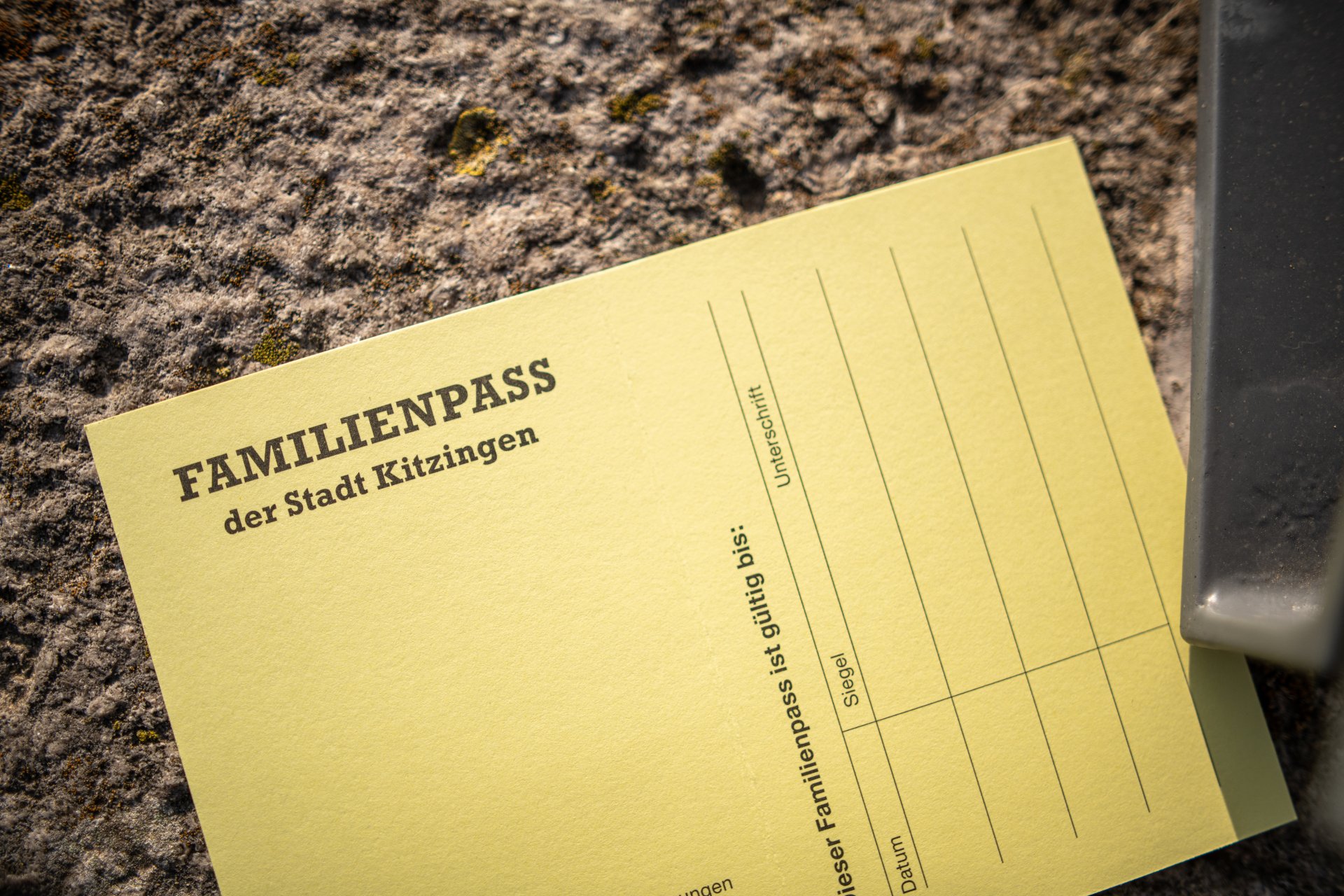
Families are the foundation of our society – their protection and support are firmly enshrined in the Basic Law, in the constitutions of the federal states and in local government regulations. We, as the town of Kitzingen, take this responsibility seriously and are actively committed to family-friendly local policies. An important step in this regard was therefore the introduction of the Family Pass, which the City Council approved as early as 18 November 1999. It is designed to provide targeted support for families and ease their financial burden – a sign of the special appreciation that families receive in Kitzingen.
Family pass
Who is eligible for the Family Pass?
Families,
- who are registered in Kitzingen
- whose taxable income from the previous year does not exceed an income threshold of a basic amount of €28,000 plus €2,500 per eligible child
can apply for the Family Pass at the Residents’ Registration Office in the following cases:
- Families with three or more children aged 18 or under
- Single parents with one or more children
- Recipients of benefits to cover living costs under SGB II or basic income support under SGB XII with one or more children
- the person who lives with a benefit recipient in a joint household
- Families with a disabled child, provided that the degree of disability is 50 per cent
The family pass must be renewed in good time.
Documents required
- 1 passport photo per person
- Certificate confirming receipt of child benefit (this can be requested from the Child Benefit Office at the Würzburg Job Centre (Tel. 0931/ 79490)), or a payslip or a recent bank statement showing this payment
- The previous year’s income tax assessment; or, if no tax return was filed, one or more annual earnings certificates (December payslips) or the payroll tax certificates must be submitted
- possibly a social security decision regarding the award of benefits to cover living expenses under SGB II or basic income support under SGB XUU
- possibly a disability card
Advantages
You will receive the following benefits free of charge for each family member:
- the issue of the SommerPASS
- a library card for the municipal library
You’ll receive a 50% discount on:
- Admission prices for the indoor and outdoor swimming pools
- for all VHS courses and events (except for events with tickets available at the door)
- the tuition fees for the Kitzingen Municipal Music School. For adult Family Pass holders (aged 18 and over), the 30 per cent surcharge does not apply
To receive the discount, please present your family pass at the relevant venues.