

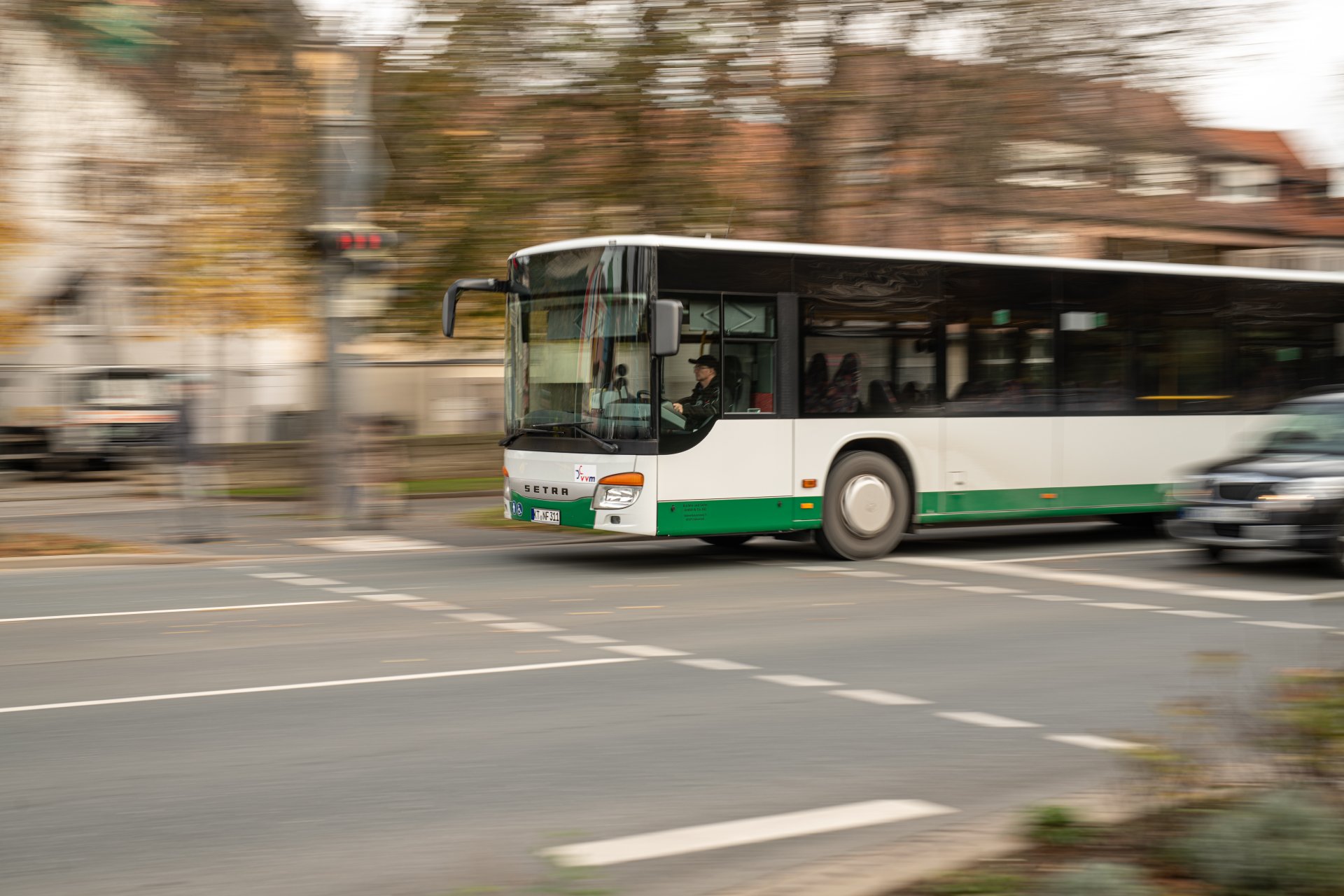
Der Kitzinger Bahnhof liegt direkt an der Bahnstrecke Würzburg - Nürnberg und ist damit gut an die Region angebunden. Kitzingen gehört außerdem sowohl zum Verkehrsverbund Großraum Nürnberg (VGN) als auch zum Nahverkehrsbund Mainfranken (NVM). Im Stadtgebiet bringt Sie ein praktisches Anrufsammeltaxi zu allen Bushaltestellen sowie zu 16 zusätzlichen Haltestellen. Und wer flexibel unterwegs sein möchte, kann auf zwei E-Carsharing-Fahrzeuge zurückgreifen, die allen Bürgerinnen und Bürgern zur Verfügung stehen.
Public transport
Anrufsammeltaxi
The call-and-collect taxi (AST) is outwardly indistinguishable from a normal taxi. However, its speciality is that it only departs from fixed stops at fixed times. Interested parties must book by telephone at least 30 minutes in advance. The call-and-collect taxi offers the comfort of a normal taxi and the same pricing as the NVM.
The AST is a way of travelling within Kitzingen and its districts (Hoheim, Hohenfeld, Repperndorf and Sickershausen) in addition to the local public transport services.
How does it work?
- Journeys according to a fixed timetable
- Registration by the passenger at least 30 minutes before the start of the journey
- Boarding at the marked AST departure points (all bus stops and 16 other marked departure points)
- Get off at your destination or at your front door
- Kitzingen and its districts are a so-called "honeycomb" in terms of the fare zone, i.e. a fare unit, plus the convenience surcharge for the AST of 2 euros
Information and departures
Register for free on 0800 278 8294
Tickets
- NVM tariff calculator
- Regular tickets (adult/child) on the AST routes are issued at the NVM fare plus a €2 convenience surcharge
- All VGN fare tickets including Deutschlandticket plus €2 comfort surcharge are recognised
- DB single tickets, DB/OVF employee ID cards, military and civilian service personnel, youth leisure tickets, semester tickets, BahnCard, Bayern-Ticket and other discounts are not recognised
E-Carsharing
Die Stadt Kitzingen und die LKW machen es möglich: Seit Dezember 2024 können zwei E-Fahrzeuge gemietet werden.
Die Fahrzeuge haben ihren festen Parkplatz am Kitzinger Bahnhof und am Stadtteilzentrum Kitzingen-Siedlung. Gebucht werden die Fahrzeuge über eine App, über die auch das Fahrzeug geöffnet und geschlossen wird.
Nach der Fahrt werden die Fahrzeuge einfach wieder an deren Parkplätzen abgestellt und an der vorhandenen Ladesäule aufgeladen.
Wir wünschen viel Spaß und eine Gute Fahrt!
Weitere Informationen zum E-Carsharing
Auf einen Blick
- Zwei Top-aktuelle VW ID.3
- Standorte direkt im Zentrum der Stadt (Kitzinger Bahnhof, Stadtteilzentrum Kitzingen-Siedlung)
- Einfache (einmalige) Registrierung über die MOQO App und anschließende Führerscheinverifizierung
- Unkomplizierte Reservierung und Buchung per MOQO App oder über den Browser
- Komfortables „Aufschließen“ und Starten der Fahrzeuge per App (Download erforderlich)
- Und das zu fairen und überschaubaren Konditionen! Details entnehmen Sie bitte der aktuelle Preis- und Gebührentabelle (auf der Seite der LKW)
- Für Laden am Carsharing-Standort fallen keine Kosten an
- Reserviert werden können die Fahrzeuge bis zu 50 Tage vor der geplanten Nutzung