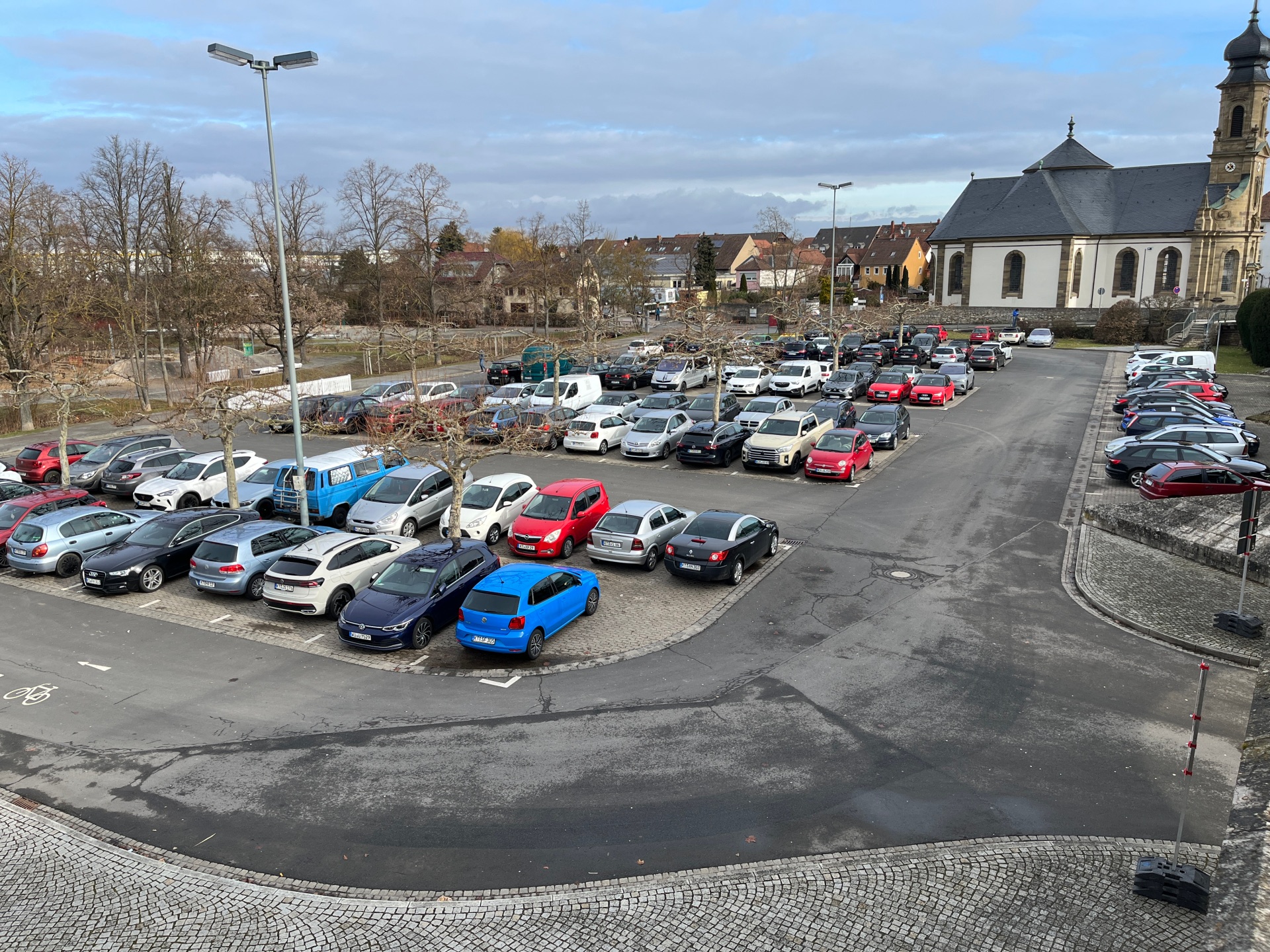
Parking in Kitzingen is uncomplicated - regardless of whether you are coming to the city centre for shopping, an appointment or an excursion. Numerous parking spaces in the town centre as well as several larger parking areas ensure that you can park your car quickly and conveniently. Short distances lead from there directly to shops, sights and the Main. For longer stays, there are signposted parking facilities with favourable rates or free of charge. Barrier-free car parks are also available in a central location. This makes your visit to Kitzingen relaxed and stress-free right from the start.
Parking
Overview car parks & parking garages
Pay by phone
In Kitzingen, you can pay for your parking ticket at the ticket machine using cash or your mobile phone. With the PayByPhone parking app, you can request and pay for your parking ticket on your mobile phone. The parking app is also available in Würzburg, Nuremberg, Erlangen, Bamberg and many other locations.
Advantages of mobile phone parking
- No more searching for small change for the parking ticket machine
- Select flexible parking duration
- Automatic reminder before your parking time expires
- Conveniently extend or shorten your parking time while on the move
How does it work?
In the app, you can select your parking zone using a map. The app also shows you detailed information, the maximum parking time, the parking zone, the speed dial number, the chargeable time and the parking fee per hour for your selected parking zone. Then enter your licence plate number and the desired parking time. After confirming the overview of the parking process, your car is registered in the system. If you exceed the parking time you have entered, you can extend your parking time via the app within the applicable maximum parking time. You can also shorten your parking time and pay the lower amount accordingly. Billing takes place automatically via the preset payment method.
You can also request a parking ticket by text message. To do so, send a text message with the following content to 91402:
- For 30 minutes e.g: KTST789:30
- For 60 minutes e.g: KTST789:60
The maximum parking time and a detailed description can be found on the parking machines. Control is carried out digitally by the traffic monitoring centre.
Where can I park?
In Kitzingen you can use the PayByPhone app in the following parking zones:
- Alte Burgstraße
- Old hospital
- Railway station
- Falterstraße
- Hindenburgring South
- Hindenburgring West
- Kaiserstrasse
- Capuchin Street
- Königsplatz
- Krainberg
- Lindenstrasse
- Untere Kirchgasse
- Ritterstrasse
- Rose Street
- Schrannenstraße
- Schreibersgasse
- Schwalbenhof
How do I pay?
If you pay with the PayByPhone app, a service fee of 10% surcharge per payment is added, which the app provider receives.
Registered users
Users with a PayByPhone account can pay by PayPal, Mastercard, Visa or mobile phone bill.
Non-registered users
For non-registered users, the parking fees are charged via the mobile phone bill or the prepaid credit.