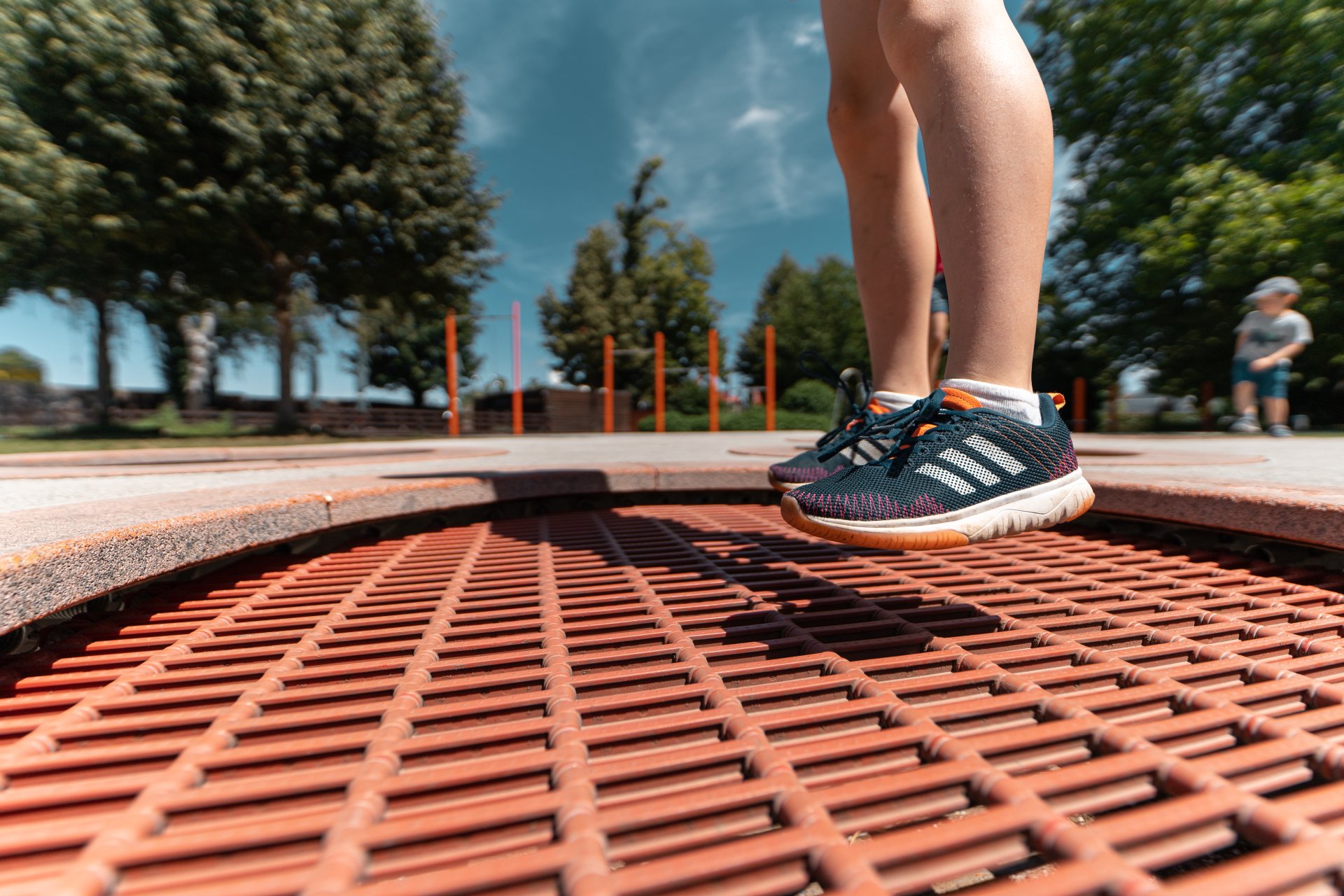
Trampoline at the Bleichwasen playground in Kitzingen
Diese Seite wurde automatisch übersetzt. Es kann daher zu Abweichungen oder Ungenauigkeiten im Text kommen. Verbindlich ist ausschließlich die Originalfassung. Rechtsansprüche aus Inhalten der übersetzten Version sind ausgeschlossen.

Activities for our youngest guests

Family & Children

Kitzingen quiz for kids

Along the sights of Kitzingen, little sleuths can set off with their parents to discover the town. The quiz is available for children aged 3 and over in the form of a picture search. Older children from the age of 6 have to play a little more detective to get all the answers. The solution to the puzzle can be found along our suggested city walk (city map), so that parents can take their time to look at Kitzingen and its sights and the children can experience Kitzingen in a playful way. The completed quiz is taken back to the tourist information centre. A quiz diploma and a small surprise await the children there.

Kitzingen playground guide

The Kitzingen Playground Guide with all 31 playgrounds in the city centre and districts is now also available to take away from the Tourstinfo. Have fun getting to know and trying out the various playgrounds!

To the playground overview

Kitzinger colouring pictures

Missing Kitzingen? For anyone who can’t get enough of Kitzingen, or who isn’t able to visit at the moment: our new colouring pages are now available to download for free here, or you can pick up a copy at the Tourist Information Centre! Artists of all ages are welcome to send us their finished artwork. We’ll then display them at the Tourist Information Centre and publish them on VisitKitzingen!
#ExperienceKitzingenFromHome

Help with accessibility

  • General

    We endeavour to make our website accessible. You can find details on this in our accessibility statement. You can send us suggestions for improvement via our feedback form Report accessibility.

  • Font size

    To adjust the font size, please use the following key combinations:

    Larger

    command
    +

    Smaller

    command

    Larger

    Ctrl
    +

    Smaller

    Ctrl
  • Keyboard navigation

    Use TAB and SHIFT + TAB to navigate through next/previous links, form elements, and buttons.

    Use ENTER to open links and interact with elements.

  • Contrast mode

    Press the following key combination to reduce or increase the contrast:

    Enlarge

    control
    option
    command
    .

    Decrease

    control
    option
    command
    ,
    Note: The shortcuts must be activated in the system settings of the operating system.

    Press the left ALT key + left SHIFT key + PRINT to quickly turn high contrast mode on or off.

  • Invert colours

    Press the following key combination to switch the colour inversion on and off:

    control
    option
    command
    8
    Note: The shortcuts must be activated in the system settings of the operating system.

    First activate the screen magnifier and then switch the colour inversion on and off with the following key combinations:

    1. screen magnifier

    +

    2. invert colours

    Ctrl
    Old
    I
  • Screen magnifier

    Press the following key combinations to use the screen magnifier:

    Switch on/off

    option
    command
    8

    Enlarge view

    option
    command
    =

    Zoom out view

    option
    command
    Note: The shortcuts must be activated in the system settings of the operating system.

    Switch on / Enlarge view

    +

    Zoom out view

Select language