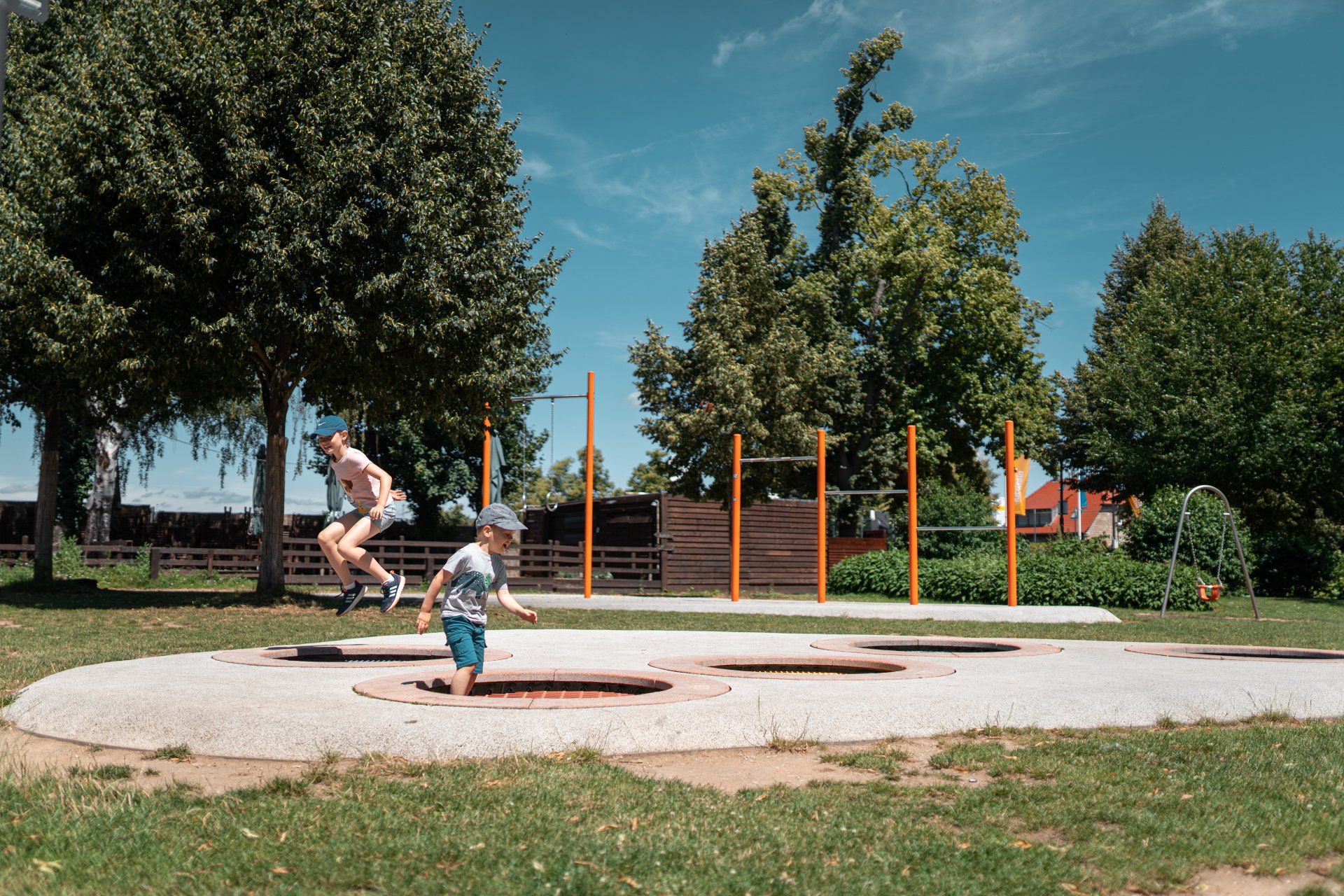
Children playing in a playground
Diese Seite wurde automatisch übersetzt. Es kann daher zu Abweichungen oder Ungenauigkeiten im Text kommen. Verbindlich ist ausschließlich die Originalfassung. Rechtsansprüche aus Inhalten der übersetzten Version sind ausgeschlossen.

Playgrounds

There are more than 30 lovingly designed playgrounds in Kitzingen that offer children of all ages space to run around, discover and play. Whether in the middle of the town, in the districts or on the banks of the Main - colourful play equipment, climbing towers, swings and sandy areas invite children everywhere to exercise and have fun outdoors. The town of Kitzingen attaches great importance to safe, varied and family-friendly play areas, which are regularly maintained and further developed with new ideas.

Playground sponsors

As a sponsor, you keep an eye on this playground, its cleanliness and the condition of the equipment. With your voluntary commitment, you ensure that our children can have fun and enjoy playing on a well-maintained playground.

How do I become a sponsor?

If you are interested in becoming a sponsor for this playground, please contact our building centre!


Defective play equipment?

Have you discovered defective play equipment at a playground? Please report it directly to our municipal building yard.

Playground overview

%count% elements found in total.

Help with accessibility

  • General

    We endeavour to make our website accessible. You can find details on this in our accessibility statement. You can send us suggestions for improvement via our feedback form Report accessibility.

  • Font size

    To adjust the font size, please use the following key combinations:

    Larger

    command
    +

    Smaller

    command

    Larger

    Ctrl
    +

    Smaller

    Ctrl
  • Keyboard navigation

    Use TAB and SHIFT + TAB to navigate through next/previous links, form elements, and buttons.

    Use ENTER to open links and interact with elements.

  • Contrast mode

    Press the following key combination to reduce or increase the contrast:

    Enlarge

    control
    option
    command
    .

    Decrease

    control
    option
    command
    ,
    Note: The shortcuts must be activated in the system settings of the operating system.

    Press the left ALT key + left SHIFT key + PRINT to quickly turn high contrast mode on or off.

  • Invert colours

    Press the following key combination to switch the colour inversion on and off:

    control
    option
    command
    8
    Note: The shortcuts must be activated in the system settings of the operating system.

    First activate the screen magnifier and then switch the colour inversion on and off with the following key combinations:

    1. screen magnifier

    +

    2. invert colours

    Ctrl
    Old
    I
  • Screen magnifier

    Press the following key combinations to use the screen magnifier:

    Switch on/off

    option
    command
    8

    Enlarge view

    option
    command
    =

    Zoom out view

    option
    command
    Note: The shortcuts must be activated in the system settings of the operating system.

    Switch on / Enlarge view

    +

    Zoom out view

Select language