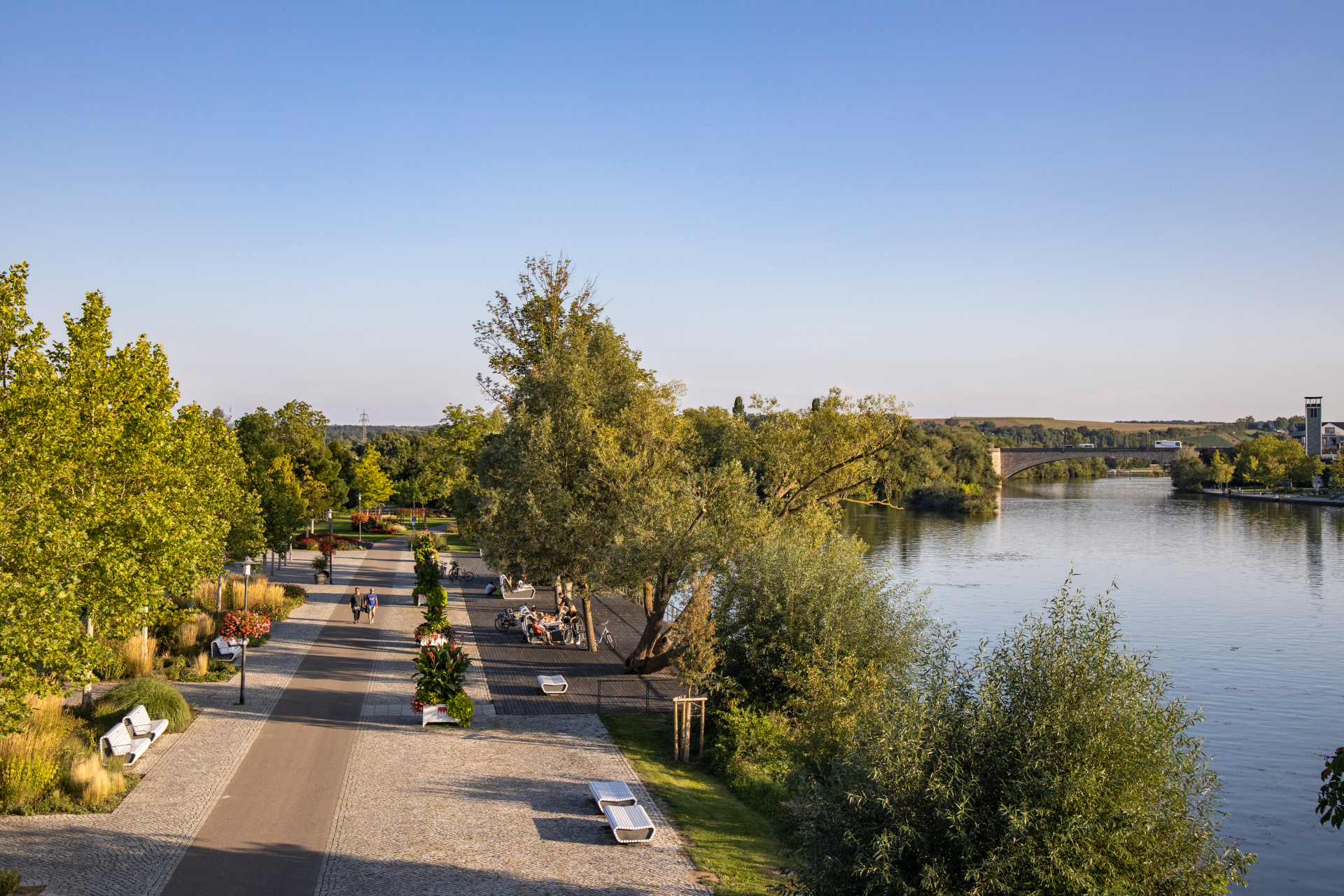
View of the city balcony on the Main
Diese Seite wurde automatisch übersetzt. Es kann daher zu Abweichungen oder Ungenauigkeiten im Text kommen. Verbindlich ist ausschließlich die Originalfassung. Rechtsansprüche aus Inhalten der übersetzten Version sind ausgeschlossen.

Excursion with the historic fire engine "Lotte"

Nostalgic "Spritz Tour" with drinks service and picnic

Genau das Richtige für Nostalgiker: Genießt eine kurze Fahrt mit dem Magirus Deutz Merkur Löschfahrzeug TLF 16 (Bj. 1957!) zum zünftigen Picknick am Gartenschaugelände. Zwischendurch gibt es natürlich ein paar Infos zum Fahrzeug und zu unserer liebenswerten Stadt am Main. Damit die Fahrt nicht zu trocken wird, steht selbstverständlich der „Bord-Service“ mit erfrischenden Getränken zur Verfügung. Eine herzhafte Stärkung folgt beim Picknick am Gartenschaugelände mit Blick auf die historische Altstadt Kitzingens, hier werden weitere Getränke gereicht. Wer mag, fährt mit der „Lotte“ wieder zurück, oder erkundet vom Stadtbalkon aus die Sehenswürdigkeiten der Stadt fußläufig in Eigenregie.

Dauer: ca. 1 - 3 Stunden
Preis: 24 € pro Person
Enthaltene Leistung: kurze Fahrt mit der „Lotte“, fachkundige Infos zur Stadt und zum Fahrzeug, reichhaltiges Picknick und Getränke
Treffpunkt: Kaiserstraße, Bushaltestelle Rathaus
Termine 2026: Termine folgen in kürze

Registration

Please register 3 days in advance.

Kitzingen Tourist Information
Telephone: 09321 20 8888 | tourismus@stadt-kitzingen.de
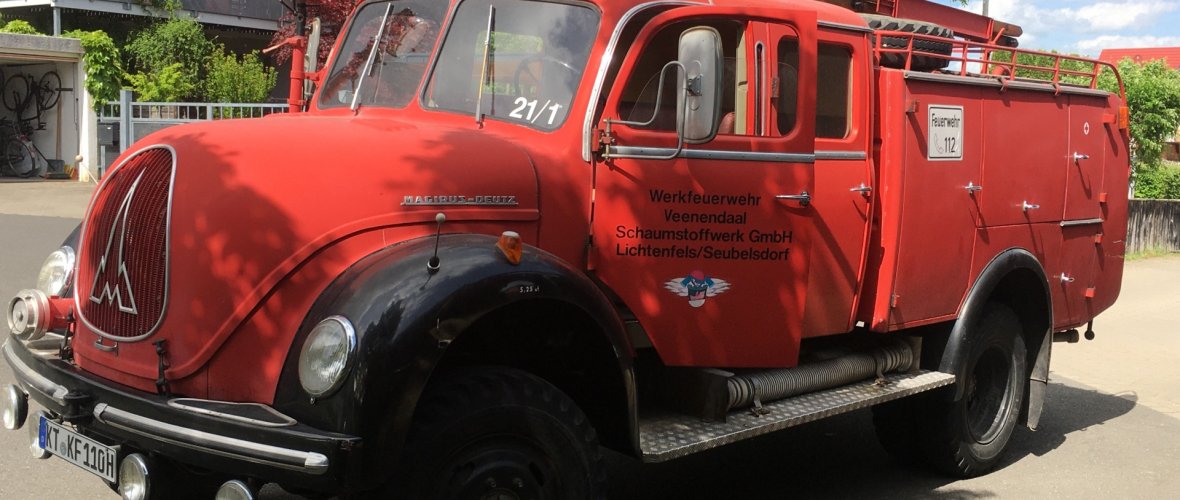
An old fire engine is ready to go out on the road

Help with accessibility

  • General

    We endeavour to make our website accessible. You can find details on this in our accessibility statement. You can send us suggestions for improvement via our feedback form Report accessibility.

  • Font size

    To adjust the font size, please use the following key combinations:

    Larger

    command
    +

    Smaller

    command

    Larger

    Ctrl
    +

    Smaller

    Ctrl
  • Keyboard navigation

    Use TAB and SHIFT + TAB to navigate through next/previous links, form elements, and buttons.

    Use ENTER to open links and interact with elements.

  • Contrast mode

    Press the following key combination to reduce or increase the contrast:

    Enlarge

    control
    option
    command
    .

    Decrease

    control
    option
    command
    ,
    Note: The shortcuts must be activated in the system settings of the operating system.

    Press the left ALT key + left SHIFT key + PRINT to quickly turn high contrast mode on or off.

  • Invert colours

    Press the following key combination to switch the colour inversion on and off:

    control
    option
    command
    8
    Note: The shortcuts must be activated in the system settings of the operating system.

    First activate the screen magnifier and then switch the colour inversion on and off with the following key combinations:

    1. screen magnifier

    +

    2. invert colours

    Ctrl
    Old
    I
  • Screen magnifier

    Press the following key combinations to use the screen magnifier:

    Switch on/off

    option
    command
    8

    Enlarge view

    option
    command
    =

    Zoom out view

    option
    command
    Note: The shortcuts must be activated in the system settings of the operating system.

    Switch on / Enlarge view

    +

    Zoom out view

Select language