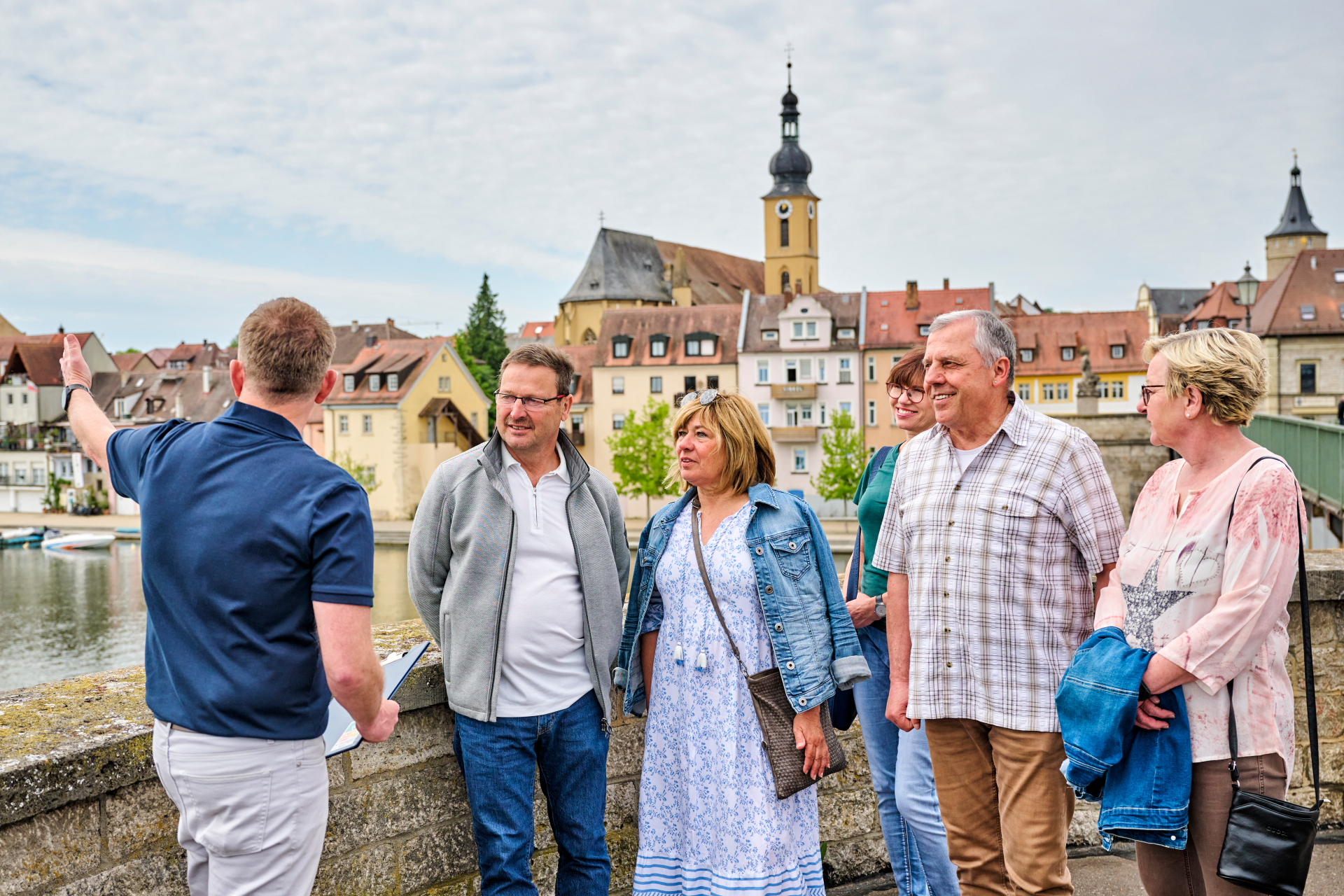
The Kitzingen panorama is explained to a group of people
Diese Seite wurde automatisch übersetzt. Es kann daher zu Abweichungen oder Ungenauigkeiten im Text kommen. Verbindlich ist ausschließlich die Originalfassung. Rechtsansprüche aus Inhalten der übersetzten Version sind ausgeschlossen.

Public guided city tours

April to October

Kitzingen has far more to offer than just the Falterturm with its sloping spire and the Old Main Bridge. Join our experienced tour guides on an entertaining journey of discovery through Kitzingen’s past and present. Situated directly on the River Main with a picturesque
city panorama, Kitzingen exudes an almost Mediterranean charm. In the historic centre, we’ll walk across the market square, following in the footsteps of our historic wine-trading town’s history. Take a peek behind the scenes and learn more about Kitzingen’s culture and architecture, whilst being entertained by some fascinating anecdotes. We warmly welcome you!

Duration: 1 hour
Service: expert guided tour
Price: Adults €5, children and school pupils €2
Dates for 2026: April–October, every Saturday, Sunday and public holiday at 11.00 am

Meeting point: Tourist Information Centre, Schrannenstraße 1; please pay at the Tourist Information Centre.


Registration

If larger groups would like to join, please register at the Tourist Information Centre.
Maximum number of participants: 25 people

Kitzingen Tourist Information
Telephone: 09321 20 8888 | Book at
tourismus@stadt-kitzingen.deOnline
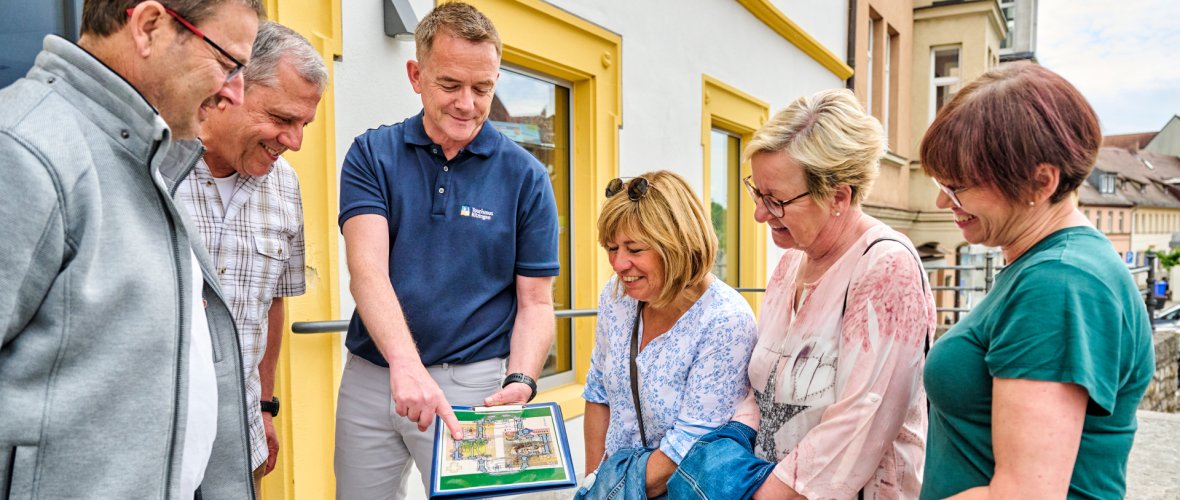
A man shows the group a picture and explains something about it

Help with accessibility

  • General

    We endeavour to make our website accessible. You can find details on this in our accessibility statement. You can send us suggestions for improvement via our feedback form Report accessibility.

  • Font size

    To adjust the font size, please use the following key combinations:

    Larger

    command
    +

    Smaller

    command

    Larger

    Ctrl
    +

    Smaller

    Ctrl
  • Keyboard navigation

    Use TAB and SHIFT + TAB to navigate through next/previous links, form elements, and buttons.

    Use ENTER to open links and interact with elements.

  • Contrast mode

    Press the following key combination to reduce or increase the contrast:

    Enlarge

    control
    option
    command
    .

    Decrease

    control
    option
    command
    ,
    Note: The shortcuts must be activated in the system settings of the operating system.

    Press the left ALT key + left SHIFT key + PRINT to quickly turn high contrast mode on or off.

  • Invert colours

    Press the following key combination to switch the colour inversion on and off:

    control
    option
    command
    8
    Note: The shortcuts must be activated in the system settings of the operating system.

    First activate the screen magnifier and then switch the colour inversion on and off with the following key combinations:

    1. screen magnifier

    +

    2. invert colours

    Ctrl
    Old
    I
  • Screen magnifier

    Press the following key combinations to use the screen magnifier:

    Switch on/off

    option
    command
    8

    Enlarge view

    option
    command
    =

    Zoom out view

    option
    command
    Note: The shortcuts must be activated in the system settings of the operating system.

    Switch on / Enlarge view

    +

    Zoom out view

Select language