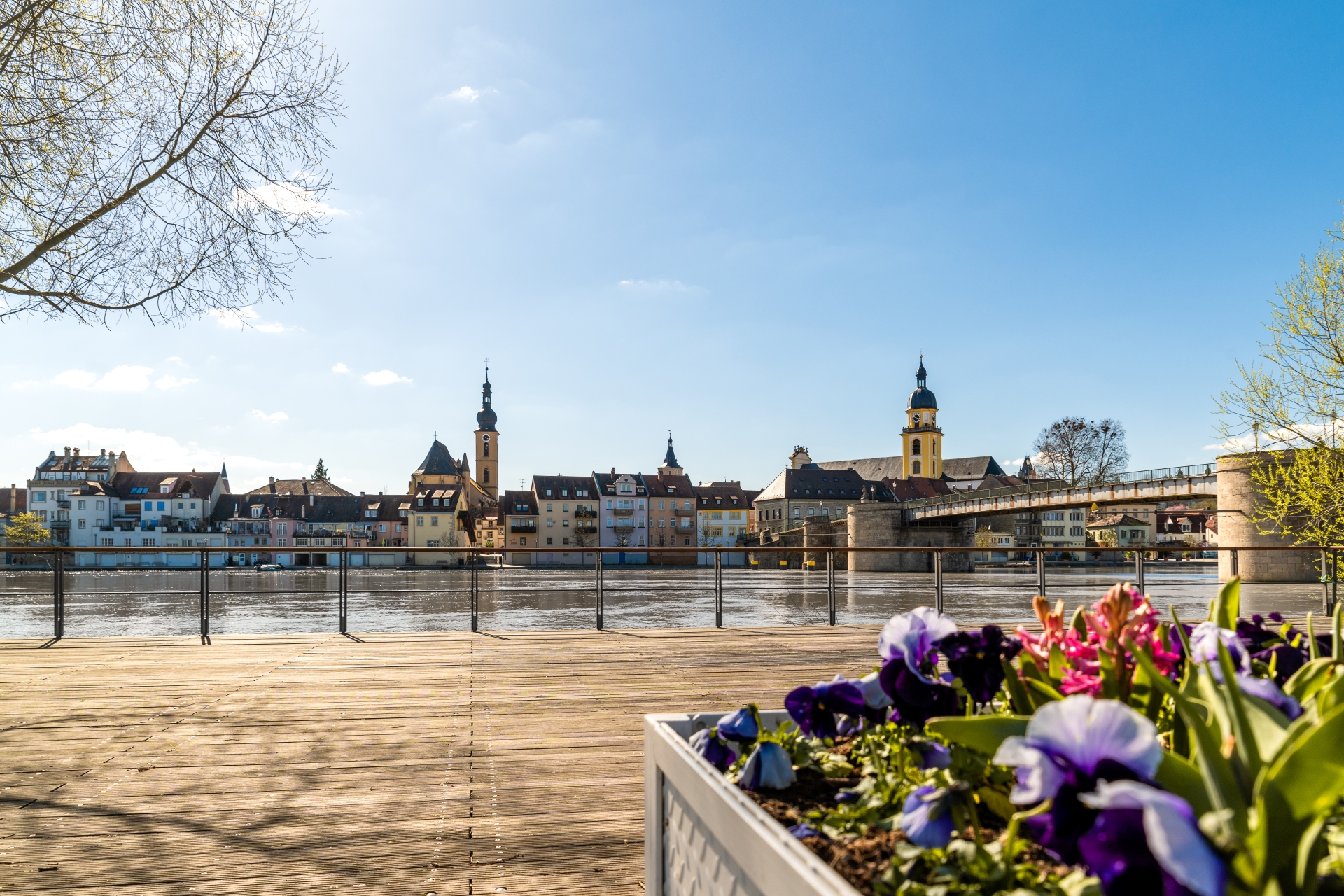
City skyline from the city balcony
Diese Seite wurde automatisch übersetzt. Es kann daher zu Abweichungen oder Ungenauigkeiten im Text kommen. Verbindlich ist ausschließlich die Originalfassung. Rechtsansprüche aus Inhalten der übersetzten Version sind ausgeschlossen.

City tour

The Kitzingen city tour

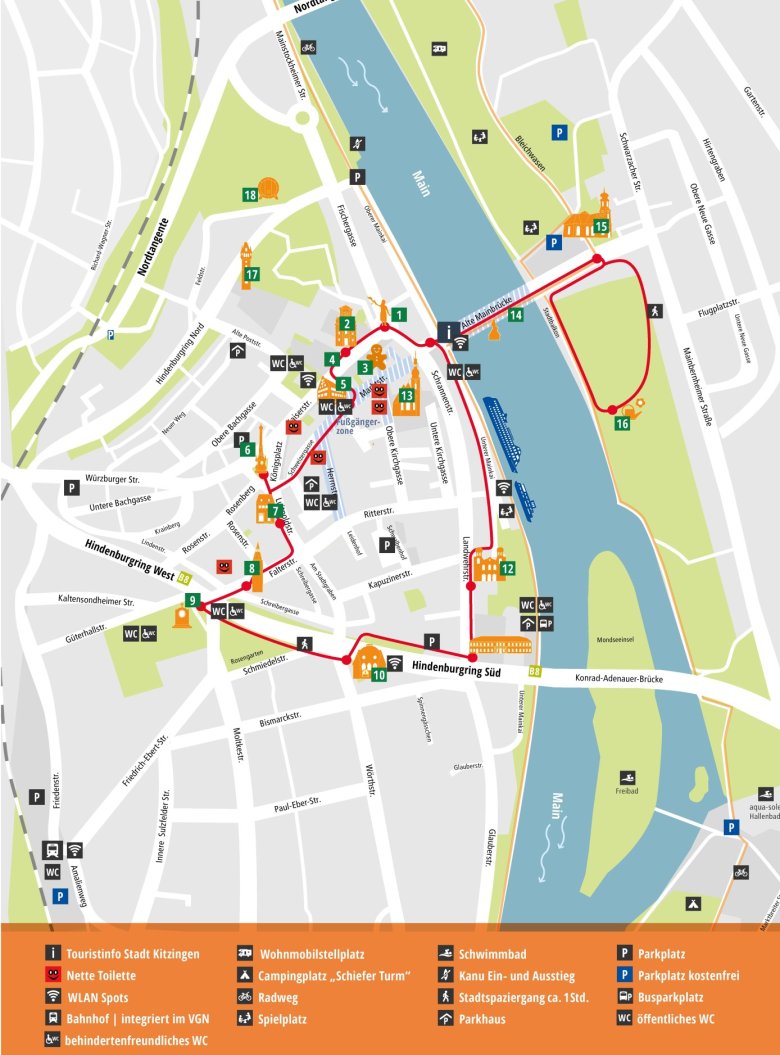
Discover Kitzingen on your own!

The city map, featuring a marked walking route, is the perfect companion for your stay.
It clearly guides you to the city’s main attractions, charming squares and special spots.
Thanks to the red route, you can explore the city at your own pace and in a relaxed manner – without missing a thing.

Kitzingen city map with tour marked

A walk through Kitzingen's past

As you stroll through Kitzingen, you’ll come across them time and again: the commemorative plaques on the town’s houses. They honour well-known figures from Kitzingen and are displayed exactly where these people once lived.

Each plaque tells its story in just a few words – and you can find out even more by scanning the QR code. A total of 12 residential buildings have already been awarded such a plaque.

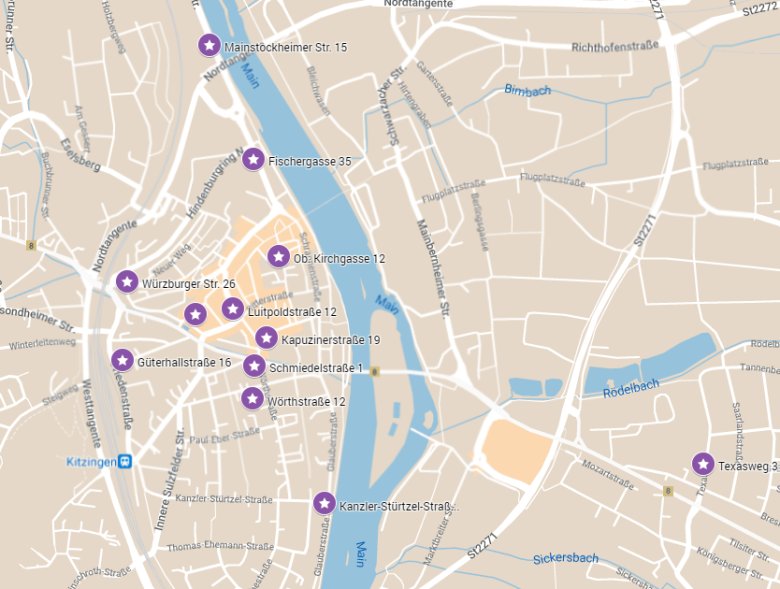
To help you keep an overview, we have created a small map for you. It shows you all the locations at a glance and invites you to take a historical tour of Kitzingen.


• 1. Obere Kirchgasse 12 – Bartholomäus Dietwar (1592–1670) • 2. Fischergasse 35 – Johann Rudolf Glauber (1604–1670) • 3. Würzburger Straße 26 – Engelbert Bach (1928–1999) • 4. Mainstockheimer Straße 15 – Olga Pöhlmann (1880–1969) • 5. Schmiedelstraße 1 – Andreas Schmiedel (1829–1882) • 6. Wörthstraße 12 – Max Fromm (1873–1956) • 7. Kapuzinerstraße 19 – Frida von Soden (1860–1933) • 8. Luitpoldstraße 12 – Friedrich von Deuster (1836–1911) • 9. Texasweg 3 – Anselm Caliz (1882–1964) • 10. Güterhallstraße 16 – Michael Korbacher (1861–1943) • 11. Rosenstraße 17 – Johann Daniel Sander (1680–1731) • 12. Glauberstraße / Kanzler-Stürtzel-Straße – Richard Wildhagen (1890–1981).

Here you can find out more about notable figures from Kitzingen.
Map with markings of the locations of the memorial plaques.


Help with accessibility

  • General

    We endeavour to make our website accessible. You can find details on this in our accessibility statement. You can send us suggestions for improvement via our feedback form Report accessibility.

  • Font size

    To adjust the font size, please use the following key combinations:

    Larger

    command
    +

    Smaller

    command

    Larger

    Ctrl
    +

    Smaller

    Ctrl
  • Keyboard navigation

    Use TAB and SHIFT + TAB to navigate through next/previous links, form elements, and buttons.

    Use ENTER to open links and interact with elements.

  • Contrast mode

    Press the following key combination to reduce or increase the contrast:

    Enlarge

    control
    option
    command
    .

    Decrease

    control
    option
    command
    ,
    Note: The shortcuts must be activated in the system settings of the operating system.

    Press the left ALT key + left SHIFT key + PRINT to quickly turn high contrast mode on or off.

  • Invert colours

    Press the following key combination to switch the colour inversion on and off:

    control
    option
    command
    8
    Note: The shortcuts must be activated in the system settings of the operating system.

    First activate the screen magnifier and then switch the colour inversion on and off with the following key combinations:

    1. screen magnifier

    +

    2. invert colours

    Ctrl
    Old
    I
  • Screen magnifier

    Press the following key combinations to use the screen magnifier:

    Switch on/off

    option
    command
    8

    Enlarge view

    option
    command
    =

    Zoom out view

    option
    command
    Note: The shortcuts must be activated in the system settings of the operating system.

    Switch on / Enlarge view

    +

    Zoom out view

Select language