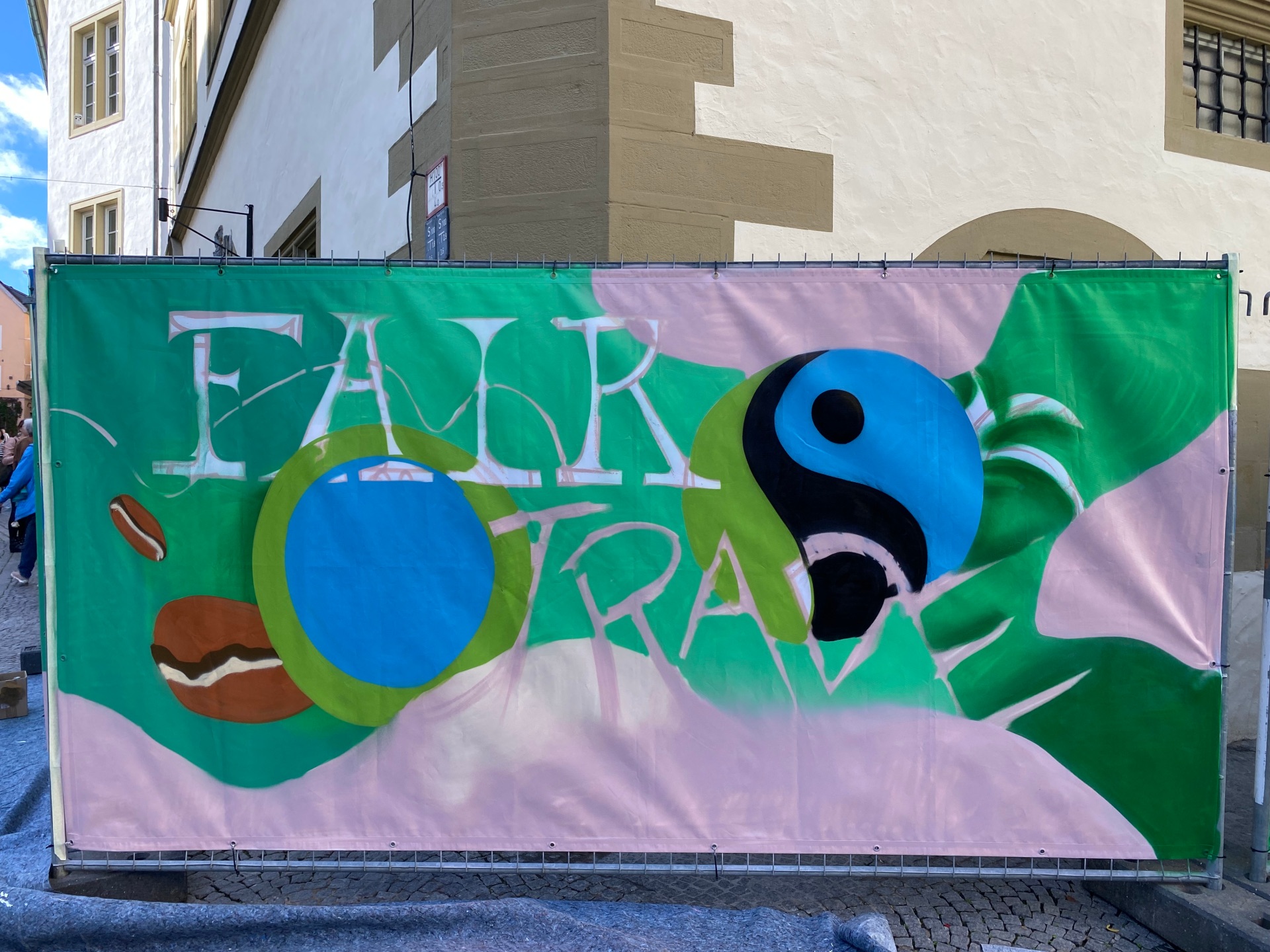
Sprayer Macs sprays a building fence for Fairtrade Day 2022.
Diese Seite wurde automatisch übersetzt. Es kann daher zu Abweichungen oder Ungenauigkeiten im Text kommen. Verbindlich ist ausschließlich die Originalfassung. Rechtsansprüche aus Inhalten der übersetzten Version sind ausgeschlossen.

Fairtrade

With its certification as the 477th Fairtrade town in April 2017, the town of Kitzingen has sent out a signal that it is taking responsibility for the town's actions with awareness-raising measures and active projects and motivating its citizens to get involved. Kitzingen has been successfully recertified twice, i.e. the requirement criteria have been checked, fulfilled and the certificate awarded again.

What is Fairtrade?

Fairtrade connects consumers, companies and producer organisations and changes trade through better prices for smallholder families and decent working conditions for workers on plantations in developing and emerging countries.

Fairtrade works

Fair trade is an effective instrument for combating poverty.

Fair partnership

Consumers opt for high-quality and fairly traded products. This ensures fair prices and long-term trading relationships for smallholder families.

Better working conditions - a self-determined future

The payment of the Fairtrade premium for social welfare, infrastructure and education enables the construction of schools and health centres, for example.

Ban on exploitative child labour

Children are given the opportunity to attend school and thus lead an emancipated life.

Fair to nature

Environmentally friendly cultivation methods are particularly encouraged and organic premiums are paid. Fairtrade - an ecological promise to the future


Buy fair products in Kitzingen


Help with accessibility

  • General

    We endeavour to make our website accessible. You can find details on this in our accessibility statement. You can send us suggestions for improvement via our feedback form Report accessibility.

  • Font size

    To adjust the font size, please use the following key combinations:

    Larger

    command
    +

    Smaller

    command

    Larger

    Ctrl
    +

    Smaller

    Ctrl
  • Keyboard navigation

    Use TAB and SHIFT + TAB to navigate through next/previous links, form elements, and buttons.

    Use ENTER to open links and interact with elements.

  • Contrast mode

    Press the following key combination to reduce or increase the contrast:

    Enlarge

    control
    option
    command
    .

    Decrease

    control
    option
    command
    ,
    Note: The shortcuts must be activated in the system settings of the operating system.

    Press the left ALT key + left SHIFT key + PRINT to quickly turn high contrast mode on or off.

  • Invert colours

    Press the following key combination to switch the colour inversion on and off:

    control
    option
    command
    8
    Note: The shortcuts must be activated in the system settings of the operating system.

    First activate the screen magnifier and then switch the colour inversion on and off with the following key combinations:

    1. screen magnifier

    +

    2. invert colours

    Ctrl
    Old
    I
  • Screen magnifier

    Press the following key combinations to use the screen magnifier:

    Switch on/off

    option
    command
    8

    Enlarge view

    option
    command
    =

    Zoom out view

    option
    command
    Note: The shortcuts must be activated in the system settings of the operating system.

    Switch on / Enlarge view

    +

    Zoom out view

Select language