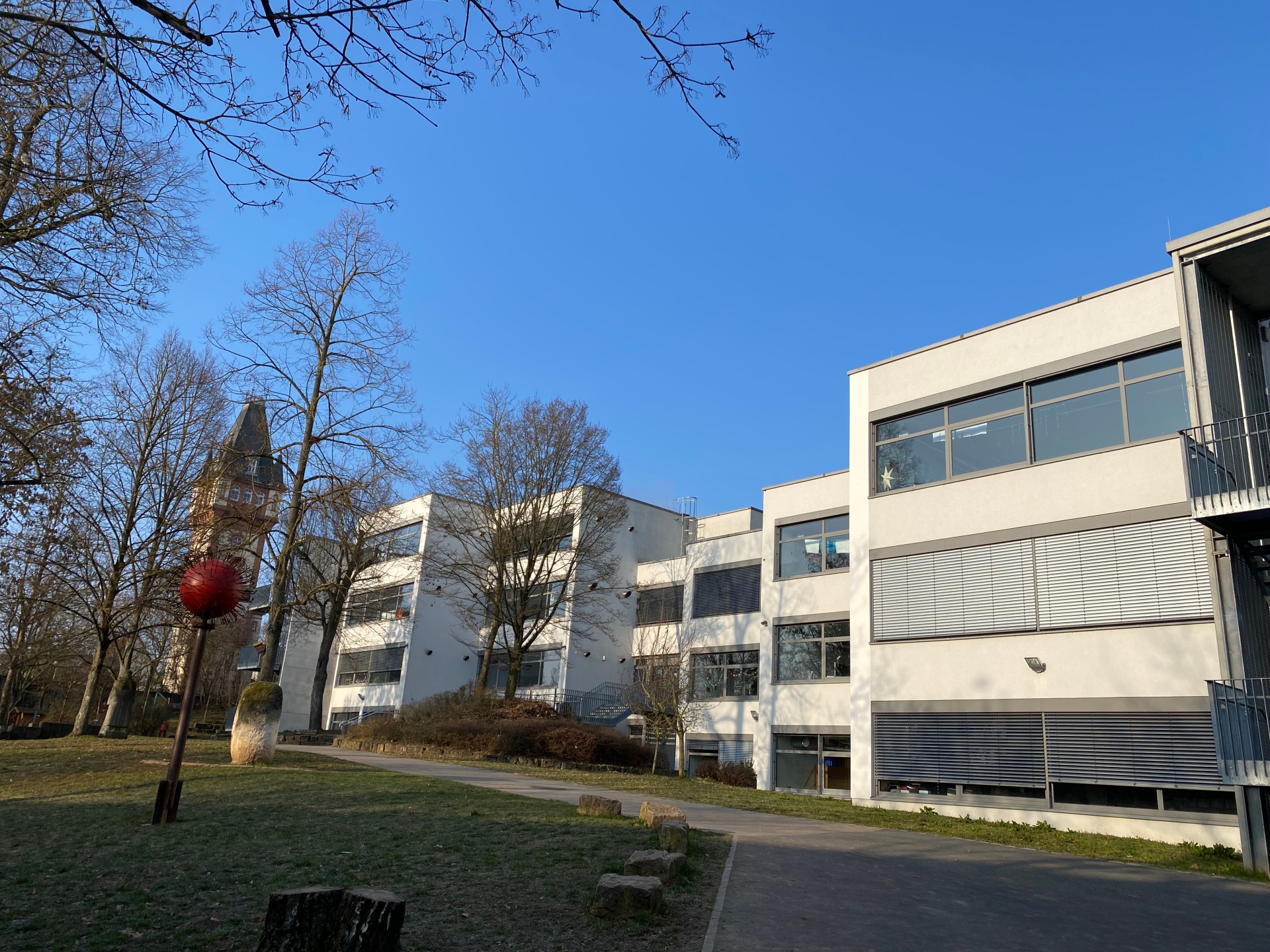
In Bavaria, compulsory education applies to all children and young people. It begins at the age of six and lasts for twelve years. Nine of these years are spent in full-time compulsory education, i.e. attending primary and secondary school. This is followed by three years of compulsory vocational education, which is completed either through a dual training programme or at a vocational school. Young people without a training place must also attend a school that prepares them for a career. The aim of compulsory education is to enable all young people to acquire a basic education and participate in society.
Compulsory schooling & registration
Compulsory schooling
At the beginning of the school year, all children are required to attend school in accordance with Art. 37 Para. 1 Sentence 1 of the Bavarian Education and Teaching Act (BayEUG),
- who are six years old by 30 June,
- who turn six in the period from 1 July to 30 September and whose legal guardians do not postpone the start of compulsory schooling until the following school year,
- whose legal guardians have already postponed the start of compulsory schooling once in accordance with Art. 37 Para. 1 Sentence 1 No. 2 BayEUG or
- who have already been deferred from admission to primary school in accordance with Art. 37 Para. 2 or Para. 4 BayEUG.
Children whose observable development is such that they are likely to be able to participate successfully in school, although they have not yet reached the required age by the deadline of 30 September, can be enrolled in school early upon application in accordance with Art. 37 Para. 1 Sentences 2 and 3 BayEUG.
Children must be enrolled at the public primary school in whose school district they live or at a state-approved private primary school. This also applies if the legal guardians wish to apply for authorisation for a guest school relationship.
Registration
Parents/guardians should attend the school enrolment in person with their child. If they are unable to attend, a representative must accompany the child to school enrolment. If there is more than one legal guardian, enrolment must be by mutual agreement. As a rule, a signature on the enrolment form is sufficient.
The required enrolment documents will be distributed to parents in advance via the respective Kitzingen kindergartens. You must bring these documents with you to enrolment:
- Birth certificate or family register
- Proof of the child's nationality
- Health certificate from the health authority
- Custody order (for single parents)
Legal guardians who intentionally or negligently fail to register a school-age child without a legitimate reason can be fined in accordance with Art. 119 Para. 1 No. 1 BayEUG.