

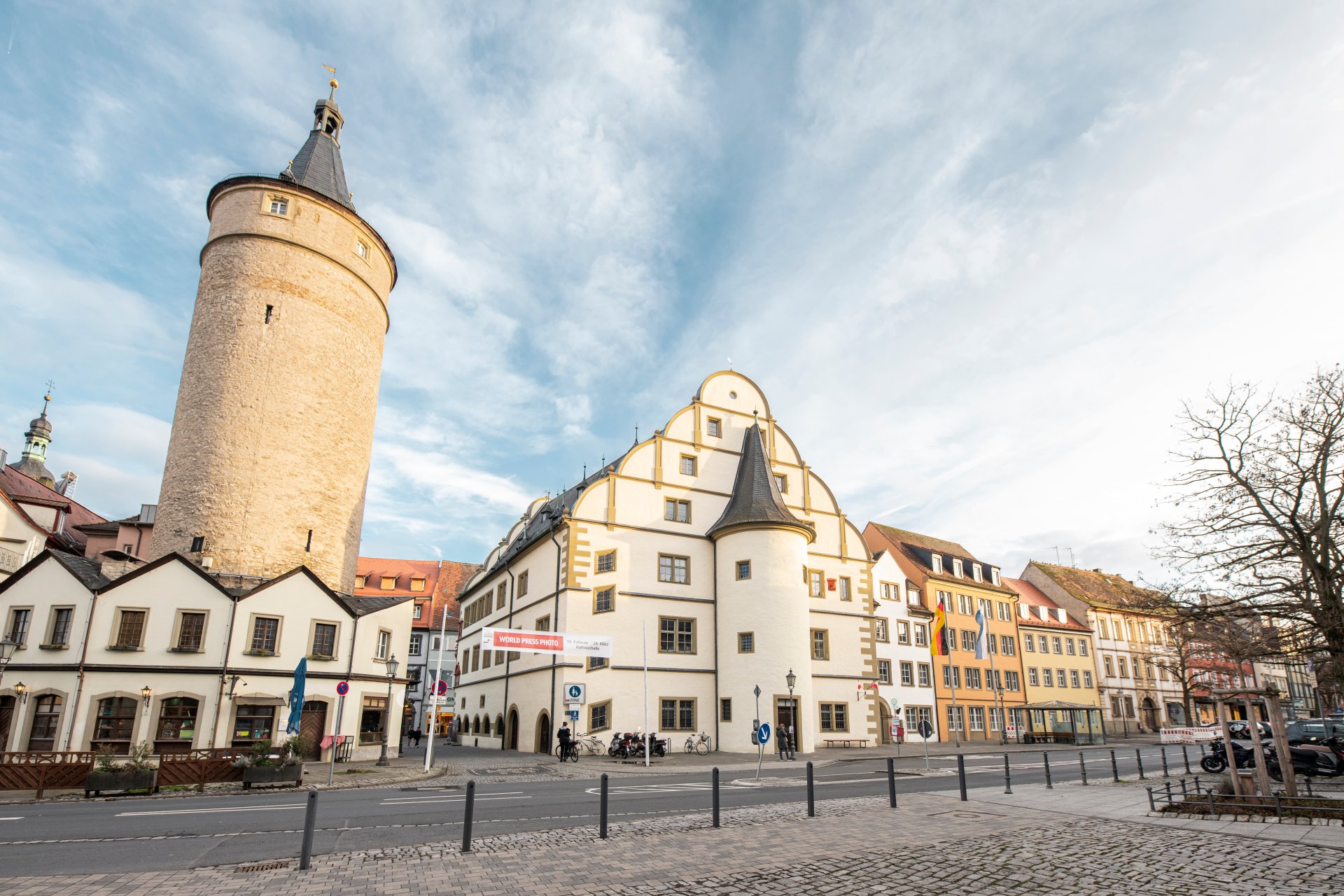
Market tower next to the historic town hall and the adjoining city administration in the other buildings.
Diese Seite wurde automatisch übersetzt. Es kann daher zu Abweichungen oder Ungenauigkeiten im Text kommen. Verbindlich ist ausschließlich die Originalfassung. Rechtsansprüche aus Inhalten der übersetzten Version sind ausgeschlossen.

Unser Oberbürgermeister

Der Oberbürgermeister leitet unsere Stadtverwaltung, sorgt dafür, dass Beschlüsse umgesetzt werden, und vertritt unsere Stadt nach außen. Er ist Ansprechpartner für Bürgerinnen und Bürger, hört ihre Anliegen und kümmert sich darum, dass das Leben in der Stadt sicher, geordnet und lebenswert ist.

In unserem Format "Rathaus TV" fasst er die wichtigsten Tagesordnungspunkte im Anschluss an die Stadtratssitzung zusammen.

Oberbürgermeister Stefan Güntner

Oberbürgermeister Stefan Güntner

Sprechstunde

Die Anliegen der Kitzinger Bürgerinnen und Bürger wollen Oberbürgermeister Stefan Güntner und die Stadtverwaltung ernst nehmen. Während einer Sprechstunde lassen sich Sorgen und Probleme bereden und Lösungswege diskutieren. Termine können flexibel im Vorzimmer bei Christina Wittstadt vereinbart werden. Alternativ können Sie unseren Oberbürgermeister jederzeit auf der Straße oder bei einer Veranstaltung ansprechen.

Geburtstage

Gerne kommt einer der Bürgermeister auch bei einem Geburtstag vorbei und gratuliert im Namen der Stadt. Anmeldung ebenfalls über das Vorzimmer. Diese Regelung greift ab 85 Jahren.

Help with accessibility

  • General

    We endeavour to make our website accessible. You can find details on this in our accessibility statement. You can send us suggestions for improvement via our feedback form Report accessibility.

  • Font size

    To adjust the font size, please use the following key combinations:

    Larger

    command
    +

    Smaller

    command

    Larger

    Ctrl
    +

    Smaller

    Ctrl
  • Keyboard navigation

    Use TAB and SHIFT + TAB to navigate through next/previous links, form elements, and buttons.

    Use ENTER to open links and interact with elements.

  • Contrast mode

    Press the following key combination to reduce or increase the contrast:

    Enlarge

    control
    option
    command
    .

    Decrease

    control
    option
    command
    ,
    Note: The shortcuts must be activated in the system settings of the operating system.

    Press the left ALT key + left SHIFT key + PRINT to quickly turn high contrast mode on or off.

  • Invert colours

    Press the following key combination to switch the colour inversion on and off:

    control
    option
    command
    8
    Note: The shortcuts must be activated in the system settings of the operating system.

    First activate the screen magnifier and then switch the colour inversion on and off with the following key combinations:

    1. screen magnifier

    +

    2. invert colours

    Ctrl
    Old
    I
  • Screen magnifier

    Press the following key combinations to use the screen magnifier:

    Switch on/off

    option
    command
    8

    Enlarge view

    option
    command
    =

    Zoom out view

    option
    command
    Note: The shortcuts must be activated in the system settings of the operating system.

    Switch on / Enlarge view

    +

    Zoom out view

Select language