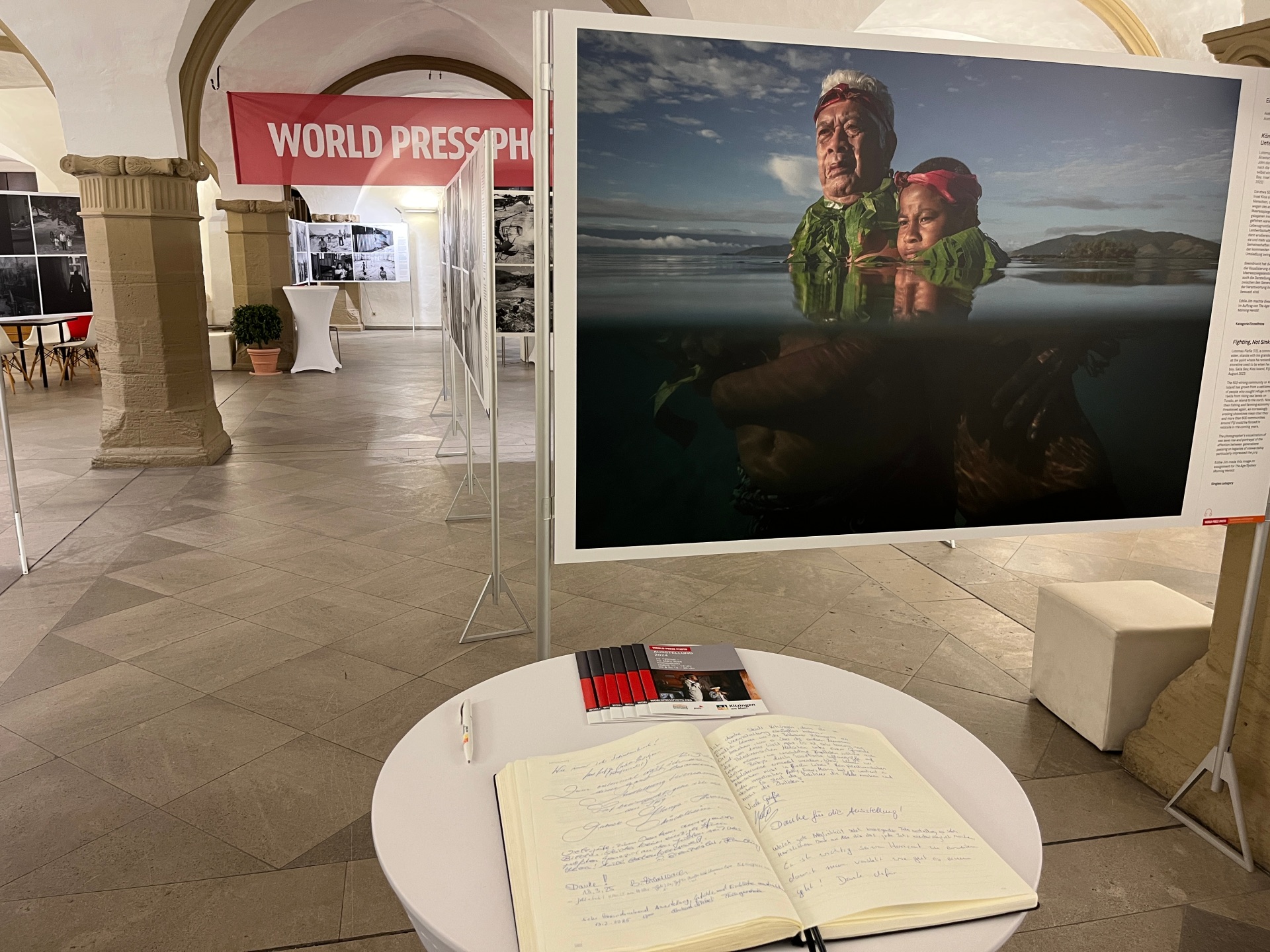
Panels with various pictures in front of the World Press photo banner and the guest book in the Kitzingen town hall.
Diese Seite wurde automatisch übersetzt. Es kann daher zu Abweichungen oder Ungenauigkeiten im Text kommen. Verbindlich ist ausschließlich die Originalfassung. Rechtsansprüche aus Inhalten der übersetzten Version sind ausgeschlossen.

World Press Photo Exhibition

150 Bilder waren von Samstag, 28. Februar, bis einschließlich Montag, 06. April 2026 in der Rathaushalle Kitzingen zu sehen. Aufnahmen, die besonders unter die Haut gehen, wurden wieder im Rathauskeller ausgestellt.

Guided tours

For the 20th time, the city of Kitzingen is bringing the most important exhibition of international press photography to the world's smallest host city. In times of global uncertainty, the award-winning images provide orientation, make news tangible and show what is happening. Experience the most impressive moments of the past year - up close and moving.

Audio Guide

The audio guide provides a wealth of background and additional information about the photographs and the exhibition. The audio guide is accessed via your smartphone. QR codes on the display panels link to the audio tour of the World Press Photo exhibition. The audio tracks can be accessed via the web link or the free “Smartify” app. In addition to German and English, numerous other languages are available. Please bring your own headphones for the audio guide.

Parking facilities


Our sponsors
Logo collage of all sponsors of World Press Photo: Sparkasse Mainfranken, LKW Kitzingen, von Poll Immobilien, VR Bank Kitzingen eG, Autohaus Spindler, Reka, Deutsche Bahn, Stadtmarketingverein, LZR, Töpfer, Otto Volk, Fiebig Immobilienmanagement, Scholz Druck, BR, Der Falter, MainPost, Die Kitzinger and the Kitzinger Fundgrube

Help with accessibility

  • General

    We endeavour to make our website accessible. You can find details on this in our accessibility statement. You can send us suggestions for improvement via our feedback form Report accessibility.

  • Font size

    To adjust the font size, please use the following key combinations:

    Larger

    command
    +

    Smaller

    command

    Larger

    Ctrl
    +

    Smaller

    Ctrl
  • Keyboard navigation

    Use TAB and SHIFT + TAB to navigate through next/previous links, form elements, and buttons.

    Use ENTER to open links and interact with elements.

  • Contrast mode

    Press the following key combination to reduce or increase the contrast:

    Enlarge

    control
    option
    command
    .

    Decrease

    control
    option
    command
    ,
    Note: The shortcuts must be activated in the system settings of the operating system.

    Press the left ALT key + left SHIFT key + PRINT to quickly turn high contrast mode on or off.

  • Invert colours

    Press the following key combination to switch the colour inversion on and off:

    control
    option
    command
    8
    Note: The shortcuts must be activated in the system settings of the operating system.

    First activate the screen magnifier and then switch the colour inversion on and off with the following key combinations:

    1. screen magnifier

    +

    2. invert colours

    Ctrl
    Old
    I
  • Screen magnifier

    Press the following key combinations to use the screen magnifier:

    Switch on/off

    option
    command
    8

    Enlarge view

    option
    command
    =

    Zoom out view

    option
    command
    Note: The shortcuts must be activated in the system settings of the operating system.

    Switch on / Enlarge view

    +

    Zoom out view

Select language