
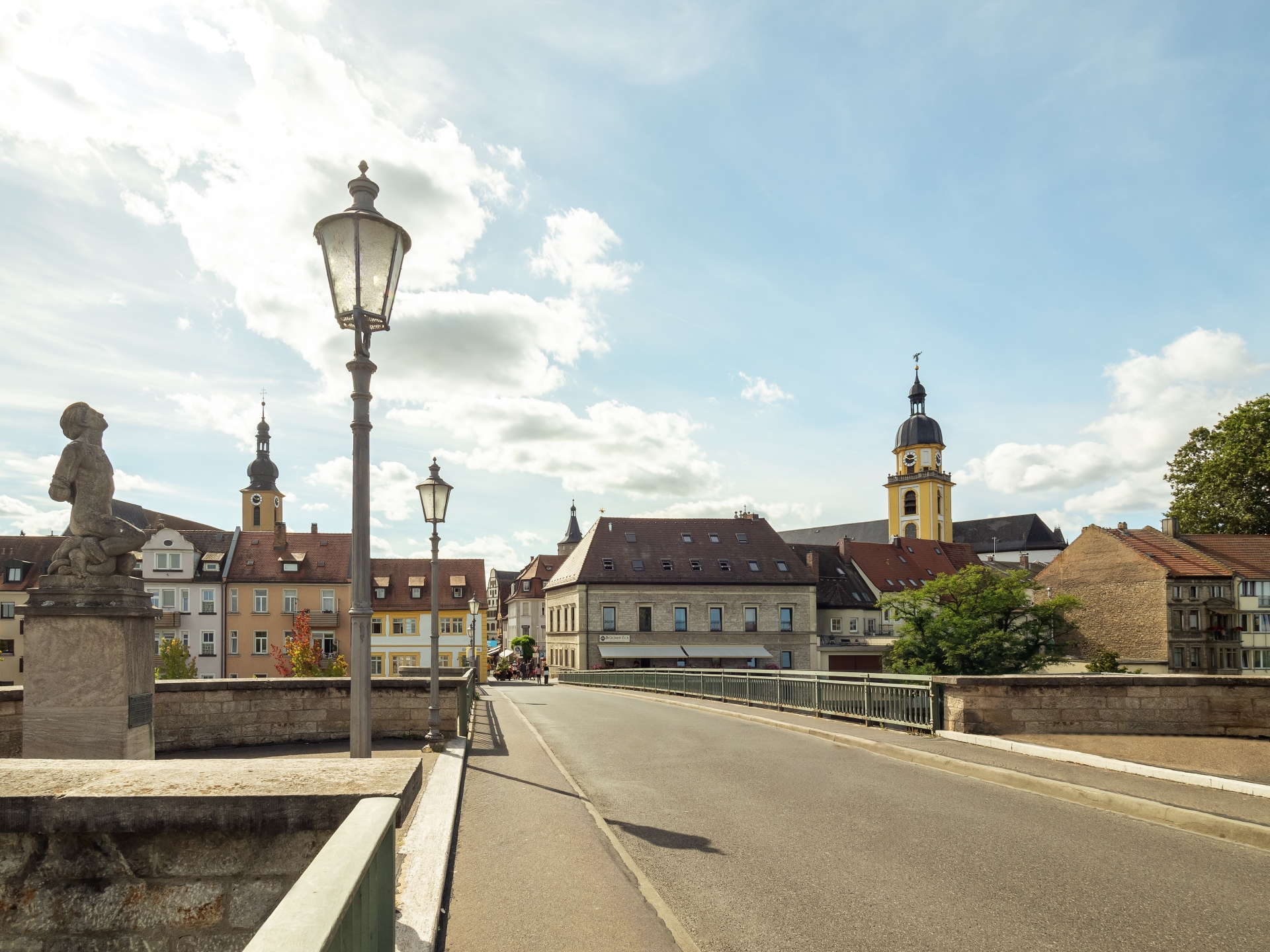
View of Kitzingen town centre from the Old Main Bridge. On the left is the Richard Rother statue.
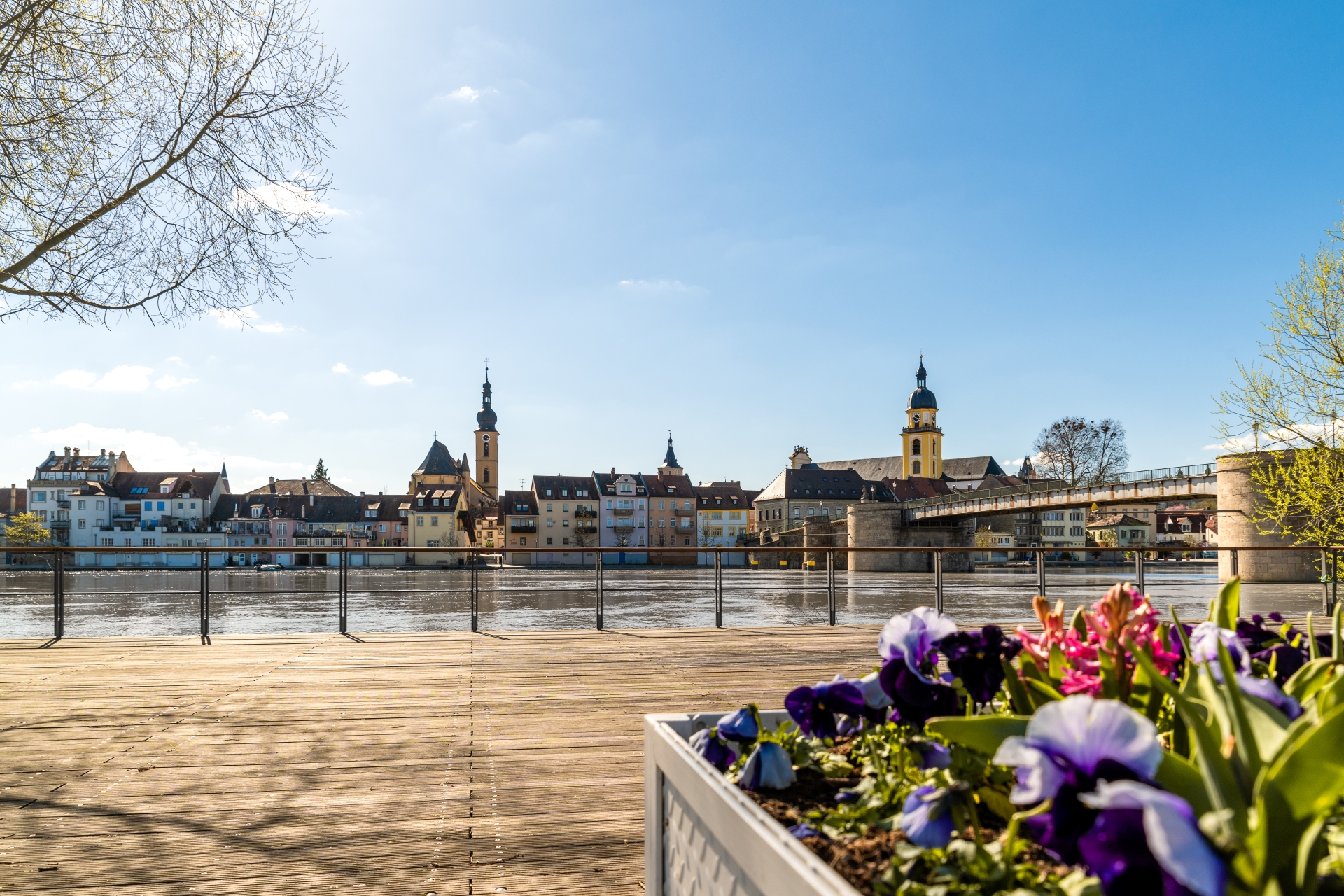
City skyline from the city balcony
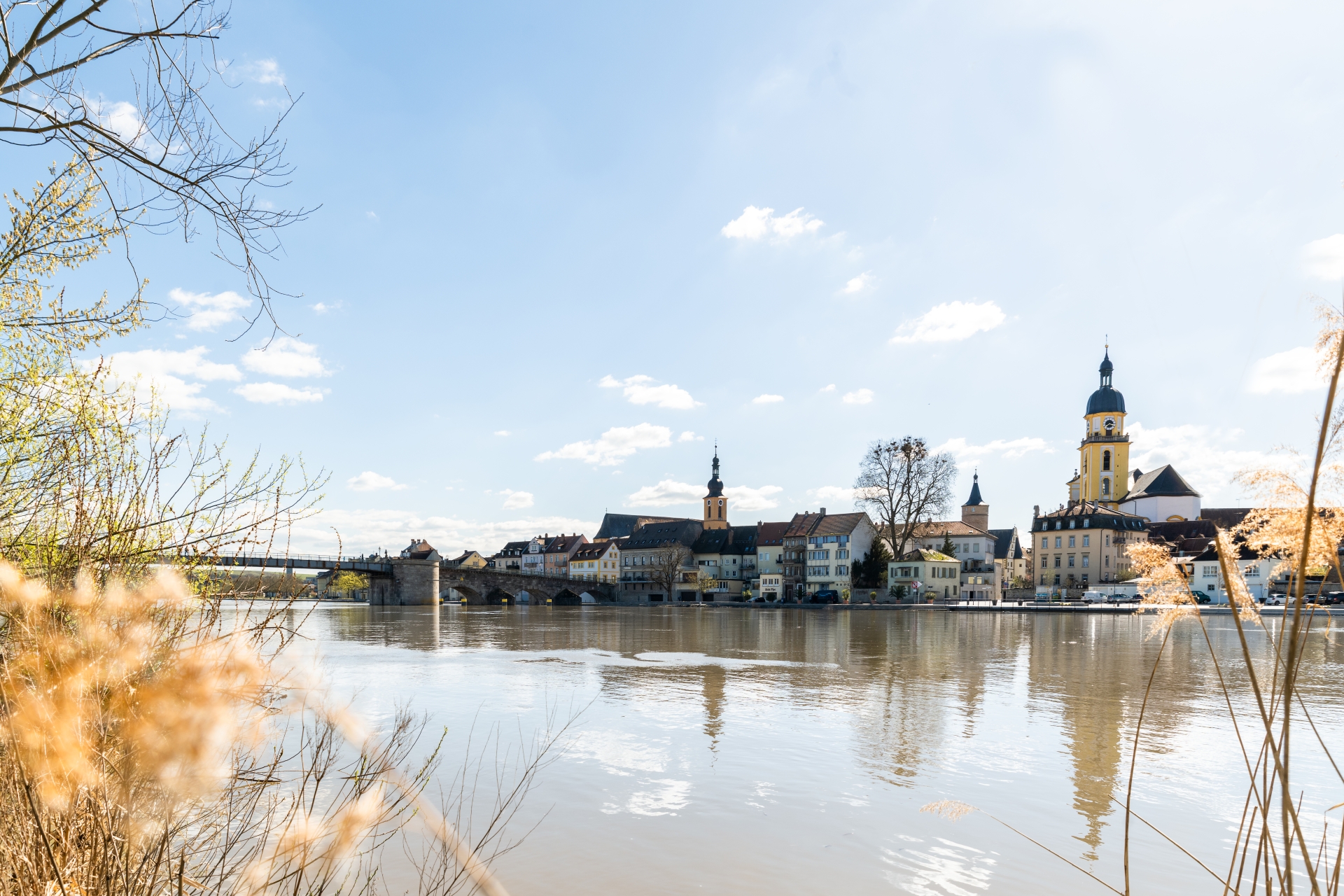
Kitzingen city skyline with the Old Main Bridge on the Upper Main Quay.
Diese Seite wurde automatisch übersetzt. Es kann daher zu Abweichungen oder Ungenauigkeiten im Text kommen. Verbindlich ist ausschließlich die Originalfassung. Rechtsansprüche aus Inhalten der übersetzten Version sind ausgeschlossen.

Living in Kitzingen

Urban, Mediterranean and yet distinctly Franconian – that’s Kitzingen! Our town is growing steadily and now has a population of around 23,000. Situated close to the university town of Würzburg and part of the Nuremberg metropolitan region, Kitzingen combines the advantages of a vibrant town with the charm of a close-knit community.

Kitzingen offers families plenty of space to live and thrive: everything is within easy reach, there is a good range of childcare options, and schools for all ages. Whether it’s running around on the banks of the Main, cycling along the river or visiting one of the many playgrounds – there’s never a dull moment here.

Cultural events, festivals and sporting activities throughout the year ensure there’s plenty of variety and a sense of community. Kitzingen is a town where people of all ages can feel at home – open, vibrant and with a touch of that holiday feeling☀️

Latest news

Help with accessibility

  • General

    We endeavour to make our website accessible. You can find details on this in our accessibility statement. You can send us suggestions for improvement via our feedback form Report accessibility.

  • Font size

    To adjust the font size, please use the following key combinations:

    Larger

    command
    +

    Smaller

    command

    Larger

    Ctrl
    +

    Smaller

    Ctrl
  • Keyboard navigation

    Use TAB and SHIFT + TAB to navigate through next/previous links, form elements, and buttons.

    Use ENTER to open links and interact with elements.

  • Contrast mode

    Press the following key combination to reduce or increase the contrast:

    Enlarge

    control
    option
    command
    .

    Decrease

    control
    option
    command
    ,
    Note: The shortcuts must be activated in the system settings of the operating system.

    Press the left ALT key + left SHIFT key + PRINT to quickly turn high contrast mode on or off.

  • Invert colours

    Press the following key combination to switch the colour inversion on and off:

    control
    option
    command
    8
    Note: The shortcuts must be activated in the system settings of the operating system.

    First activate the screen magnifier and then switch the colour inversion on and off with the following key combinations:

    1. screen magnifier

    +

    2. invert colours

    Ctrl
    Old
    I
  • Screen magnifier

    Press the following key combinations to use the screen magnifier:

    Switch on/off

    option
    command
    8

    Enlarge view

    option
    command
    =

    Zoom out view

    option
    command
    Note: The shortcuts must be activated in the system settings of the operating system.

    Switch on / Enlarge view

    +

    Zoom out view

Select language