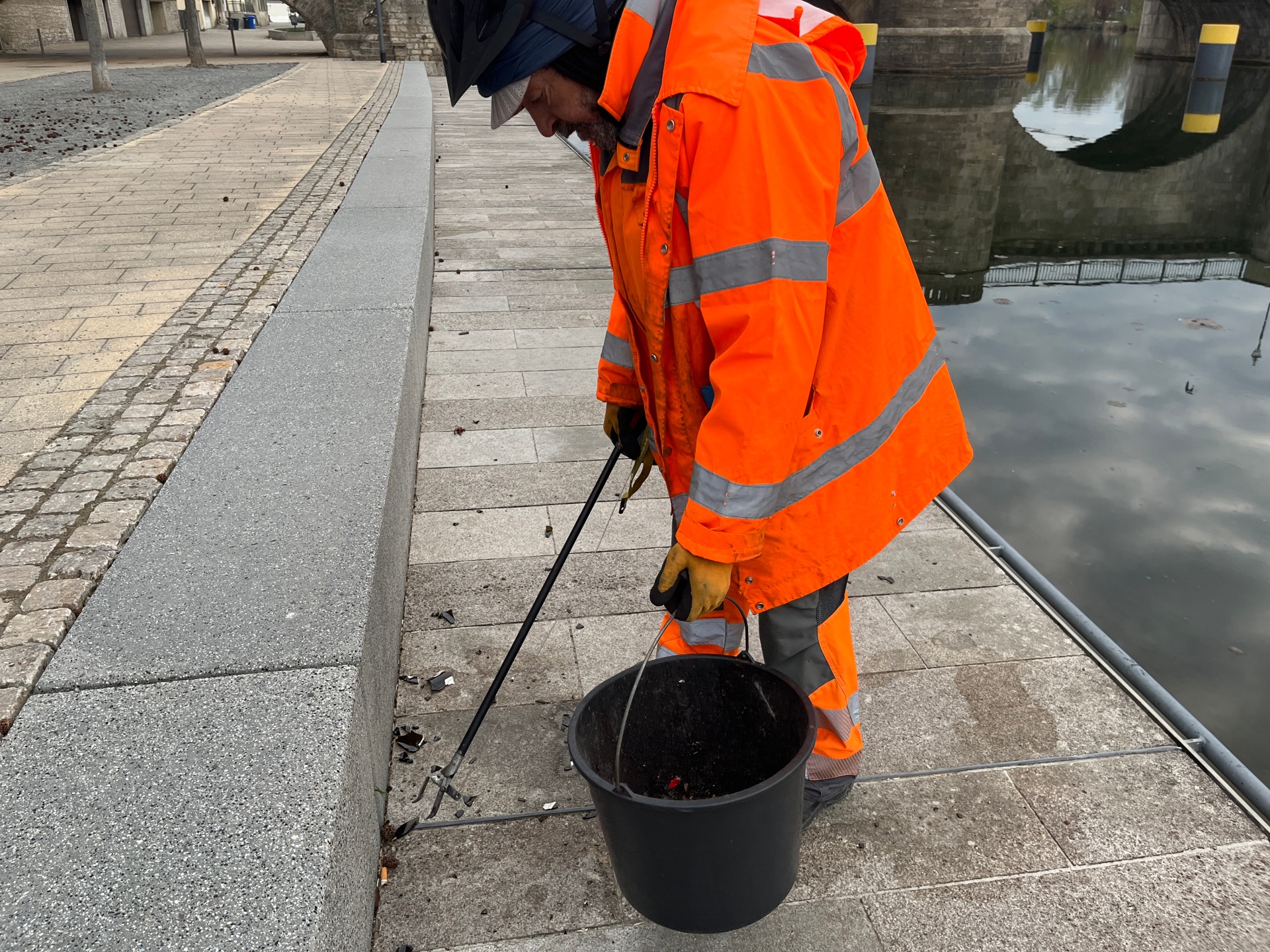
A street cleaner is picking up rubbish from the ground on the Mainkai.
Diese Seite wurde automatisch übersetzt. Es kann daher zu Abweichungen oder Ungenauigkeiten im Text kommen. Verbindlich ist ausschließlich die Originalfassung. Rechtsansprüche aus Inhalten der übersetzten Version sind ausgeschlossen.

Waste & cleanliness

A clean cityscape is important to us all – because everyone wants to live in an environment that is well-maintained, welcoming and safe. Unfortunately, litter carelessly discarded in the city centre repeatedly leads to pollution, unpleasant odours and an overall untidy appearance.

This not only affects the well-being of residents and visitors, but also attracts pests and leads to high cleaning costs. Cleanliness protects our health, improves our quality of life and makes our town centre a place where people enjoy shopping, strolling and spending time. Together, we share the responsibility for keeping Kitzingen clean.
Rats? NO THANKS

Rats can carry various diseases. They thrive particularly where rubbish or waste is left lying around in the open. Rats also like to make their nests in garden sheds, attics or cellars. Care should be taken to seal off any potential entry points in these areas.

Landowners, authorised users and other owners of residential and commercial premises are obliged to identify and control any rat infestation. Any rat infestation within the town limits must be reported to Kitzingen Town Council. To ensure that rats do not feel at home on your property, we have set out a few ways in which you can prevent them from appearing.

In the garden

  • Do not put food scraps or eggshells in the compost
  • Avoid leaving birdseed on the ground, e.g. beneath bird feeders
  • Food should always be stored in buckets with lids or in a sealable container

Yellow bag

  • Do not put any unwashed yoghurt pots or tins in the yellow bag
  • Put it outside your house no earlier than the evening before collection day
  • Store it in such a way that rats or mice cannot get to the sack

On the road

  • Do not leave rubbish lying around on the street
  • Do not dispose of food waste down the drain
  • Do not pour cooking fats from pans down the drain

Rat bait boxes

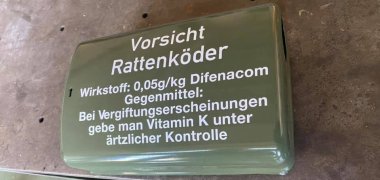
A green rat bait box on a table.

The municipal works department is actively combating rats in the city using child-safe, high-tech bait boxes. A total of 36 boxes have been placed throughout the city; these are electronically monitored and baited.

Help with accessibility

  • General

    We endeavour to make our website accessible. You can find details on this in our accessibility statement. You can send us suggestions for improvement via our feedback form Report accessibility.

  • Font size

    To adjust the font size, please use the following key combinations:

    Larger

    command
    +

    Smaller

    command

    Larger

    Ctrl
    +

    Smaller

    Ctrl
  • Keyboard navigation

    Use TAB and SHIFT + TAB to navigate through next/previous links, form elements, and buttons.

    Use ENTER to open links and interact with elements.

  • Contrast mode

    Press the following key combination to reduce or increase the contrast:

    Enlarge

    control
    option
    command
    .

    Decrease

    control
    option
    command
    ,
    Note: The shortcuts must be activated in the system settings of the operating system.

    Press the left ALT key + left SHIFT key + PRINT to quickly turn high contrast mode on or off.

  • Invert colours

    Press the following key combination to switch the colour inversion on and off:

    control
    option
    command
    8
    Note: The shortcuts must be activated in the system settings of the operating system.

    First activate the screen magnifier and then switch the colour inversion on and off with the following key combinations:

    1. screen magnifier

    +

    2. invert colours

    Ctrl
    Old
    I
  • Screen magnifier

    Press the following key combinations to use the screen magnifier:

    Switch on/off

    option
    command
    8

    Enlarge view

    option
    command
    =

    Zoom out view

    option
    command
    Note: The shortcuts must be activated in the system settings of the operating system.

    Switch on / Enlarge view

    +

    Zoom out view

Select language