Winter maintenance service – Municipal Works Department
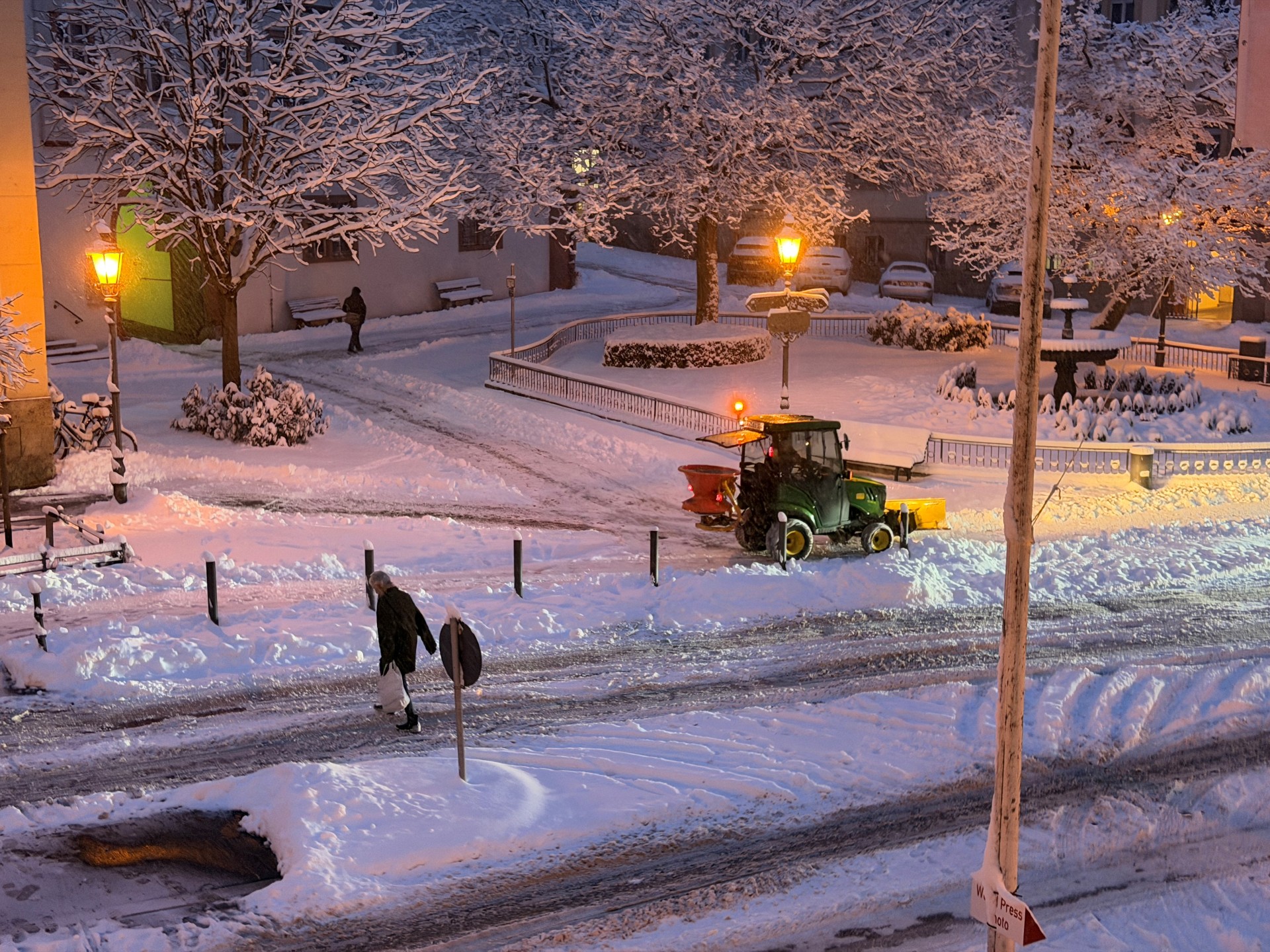
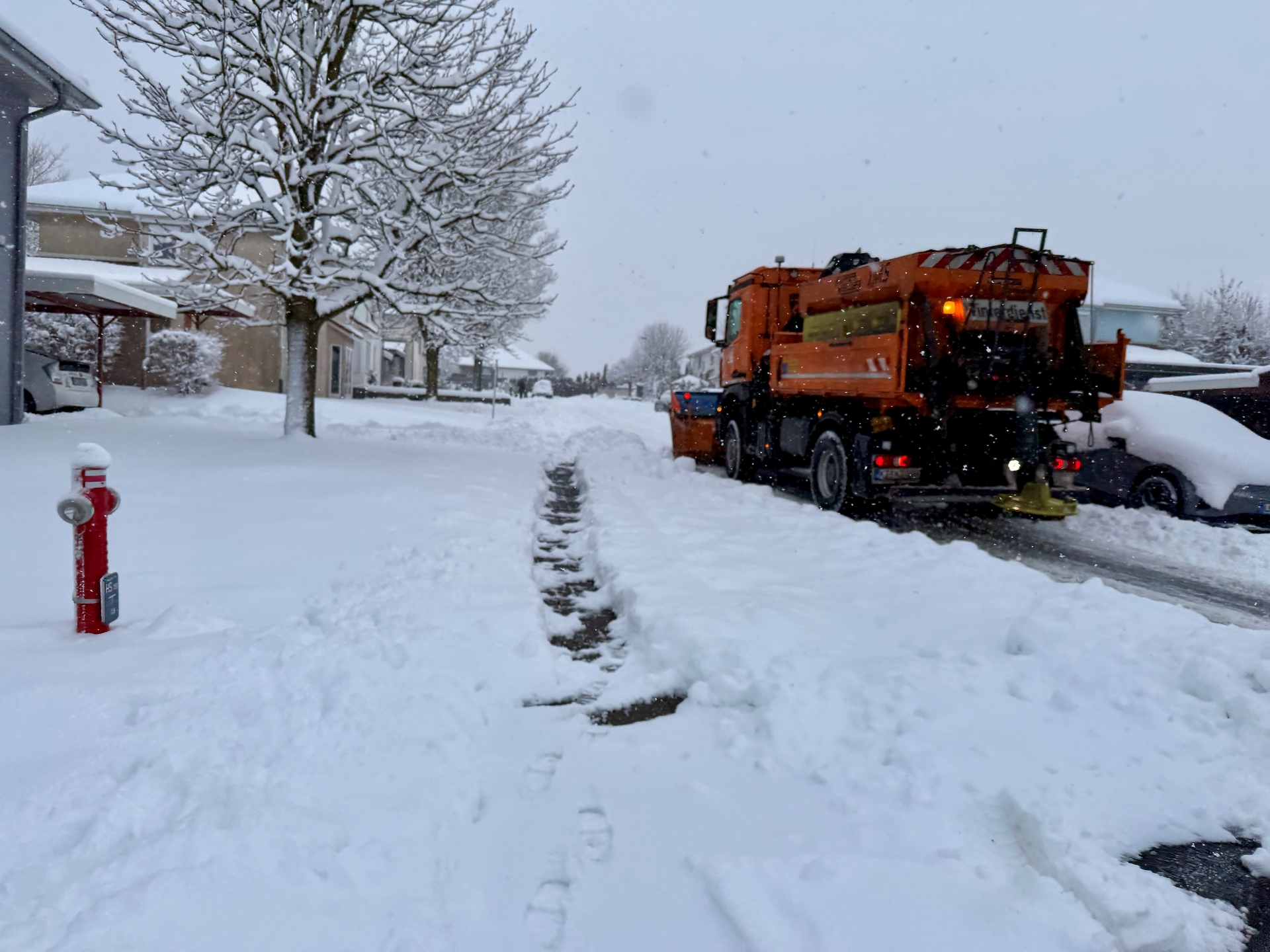
If the weather forecast suggests it might be necessary, a member of staff is on standby and takes a drive round the area at 2 am to see whether the winter maintenance team needs to be called out. If so, he alerts his colleagues. They meet at the depot at 3 am and set off with three lorries, one large and five smaller Bulldog gritters.
From 5 o’clock onwards, ten colleagues are also out and about with manual snow-clearing tools. The main roads and central pavements are cleared first. Side streets are no longer cleared.
Should the Met Office issue a warning of hazardous conditions and the weather develop accordingly, teams will be deployed as early as the evening, from 5 pm to 9 pm, to clear the roads.
Who is responsible?
In principle, owners and authorised users of land that borders a public road or is accessed via such a road are responsible for:
- cleaning the street
- keeping footpaths clear in winter
What do you need to do in winter?
1. Tidying up
- As soon as snow has fallen, the pavement in front of your property must be cleared
- This requirement applies from 7.00 am on weekdays and from 8.00 am on Sundays and public holidays
- The pavement must be cleared so that it can be walked on safely
2. Gritting
- In the event of snow, hoar frost or black ice, the path must be gritted with gritting materials, such as sand or grit, or the ice must be removed
- De-icing salt or other corrosive substances are generally not permitted, except in particularly hazardous areas such as stairs or steep paths
3. Repeat
- These safety measures must be repeated until 8.00 pm as often as is necessary to prevent hazards
How much space needs to be cleared?
- The so-called ‘safety zone’ is defined in the regulation as the pavement area in front of your property within the cleaning zone
- Pavements without a clearly defined area are generally considered to be 2 metres wide, measured from the boundary of the property.
- Even on pavements on one side of the road, the residents concerned are obliged to ensure safety
Important rules for clearing snow
Please note:
- Do not push snow and ice onto the carriageway – it must be cleared in such a way that it does not endanger or obstruct traffic
- Drainage channels, fire hydrants, sewer inlets and pedestrian crossings must be kept clear during clearance operations
Delegation of winter maintenance responsibilities
Many property owners outsource their winter maintenance to:
- Tenant (under the tenancy agreement) or
- Caretaker and cleaning services
Important:
Even if the obligation has been delegated, the owner remains responsible for supervision. If the area is not cleared, or is cleared inadequately, the owner may still be held liable.
Liability in the event of accidents
If a fall occurs because pavements have not been cleared or gritted:
- claims for damages and compensation for pain and suffering may arise,
- in particular in the event of a proven breach of duty
What happens in the event of breaches
Anyone who fails to fulfil their obligations under the regulation may be liable to a fine of up to 1,000 euros.