

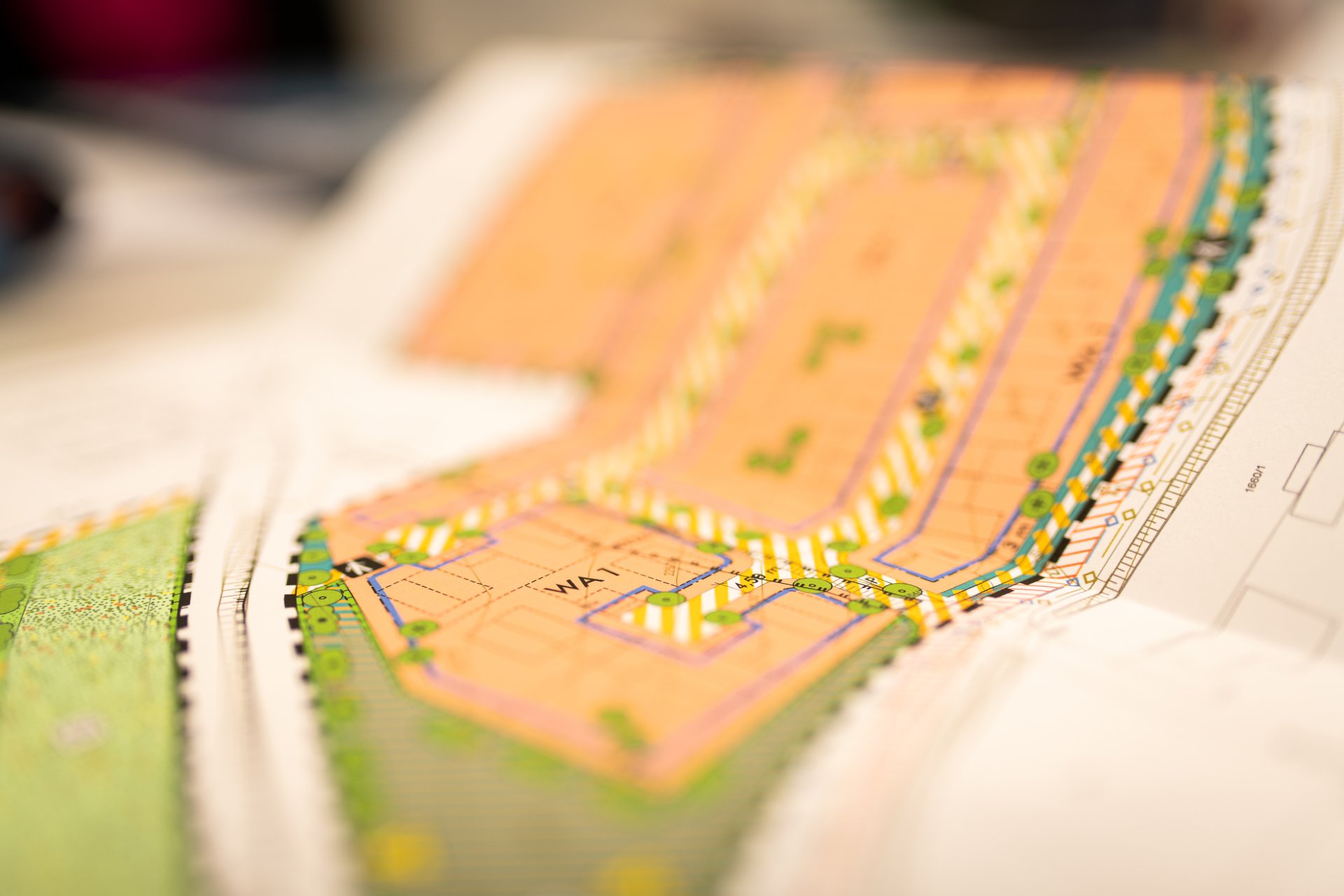
Close-up view of a development plan.
Diese Seite wurde automatisch übersetzt. Es kann daher zu Abweichungen oder Ungenauigkeiten im Text kommen. Verbindlich ist ausschließlich die Originalfassung. Rechtsansprüche aus Inhalten der übersetzten Version sind ausgeschlossen.

Land use plan

Land use plan

The land use plan (FNP) at a scale of 1:15,000 depicts the utilisation of all areas in the municipal area, e.g. areas for forest, agriculture, housing, commerce, transport, etc. The land use plan includes the intended urban development over the next 10 to 15 years. The urban land-use plan takes into account the intended urban development over the next 10 to 15 years. Regulations on the land utilisation plan are set out in § 5 ff. of the German Building Code.

The land utilisation plan provides the municipality with the framework for subsequent planning. All development plans developed from the land use plan comply with the urban planning regulations. Areas may only be designated if they have been identified in the land-use plan.

However, the land use plan has no direct legal effect on citizens, i.e. citizens cannot refer to the representations in the land use plan and, for example, demand the designation of building land at a certain location.

A project in an unplanned inner area (Section 34 BauGB) cannot be objected to on the basis of the land use plan. The situation is different for projects in outdoor areas as defined by Section 35 BauGB, where the land use plan as a "public interest" usually represents an insurmountable hurdle for many projects.

The land use plan (in the version of the 23rd amendment) was adopted by the town council of Kitzingen on 21 April 2005 after a planning process lasting several years. This plan was approved by the responsible authority, the government of Lower Franconia, on 4 October 2005.

By resolution of 30 September 2014, the Kitzingen City Council approved the digital redrawing 2014 including various partial amendments of recent years in accordance with Section 6 (6) BauGB.

Help with accessibility

  • General

    We endeavour to make our website accessible. You can find details on this in our accessibility statement. You can send us suggestions for improvement via our feedback form Report accessibility.

  • Font size

    To adjust the font size, please use the following key combinations:

    Larger

    command
    +

    Smaller

    command

    Larger

    Ctrl
    +

    Smaller

    Ctrl
  • Keyboard navigation

    Use TAB and SHIFT + TAB to navigate through next/previous links, form elements, and buttons.

    Use ENTER to open links and interact with elements.

  • Contrast mode

    Press the following key combination to reduce or increase the contrast:

    Enlarge

    control
    option
    command
    .

    Decrease

    control
    option
    command
    ,
    Note: The shortcuts must be activated in the system settings of the operating system.

    Press the left ALT key + left SHIFT key + PRINT to quickly turn high contrast mode on or off.

  • Invert colours

    Press the following key combination to switch the colour inversion on and off:

    control
    option
    command
    8
    Note: The shortcuts must be activated in the system settings of the operating system.

    First activate the screen magnifier and then switch the colour inversion on and off with the following key combinations:

    1. screen magnifier

    +

    2. invert colours

    Ctrl
    Old
    I
  • Screen magnifier

    Press the following key combinations to use the screen magnifier:

    Switch on/off

    option
    command
    8

    Enlarge view

    option
    command
    =

    Zoom out view

    option
    command
    Note: The shortcuts must be activated in the system settings of the operating system.

    Switch on / Enlarge view

    +

    Zoom out view

Select language