

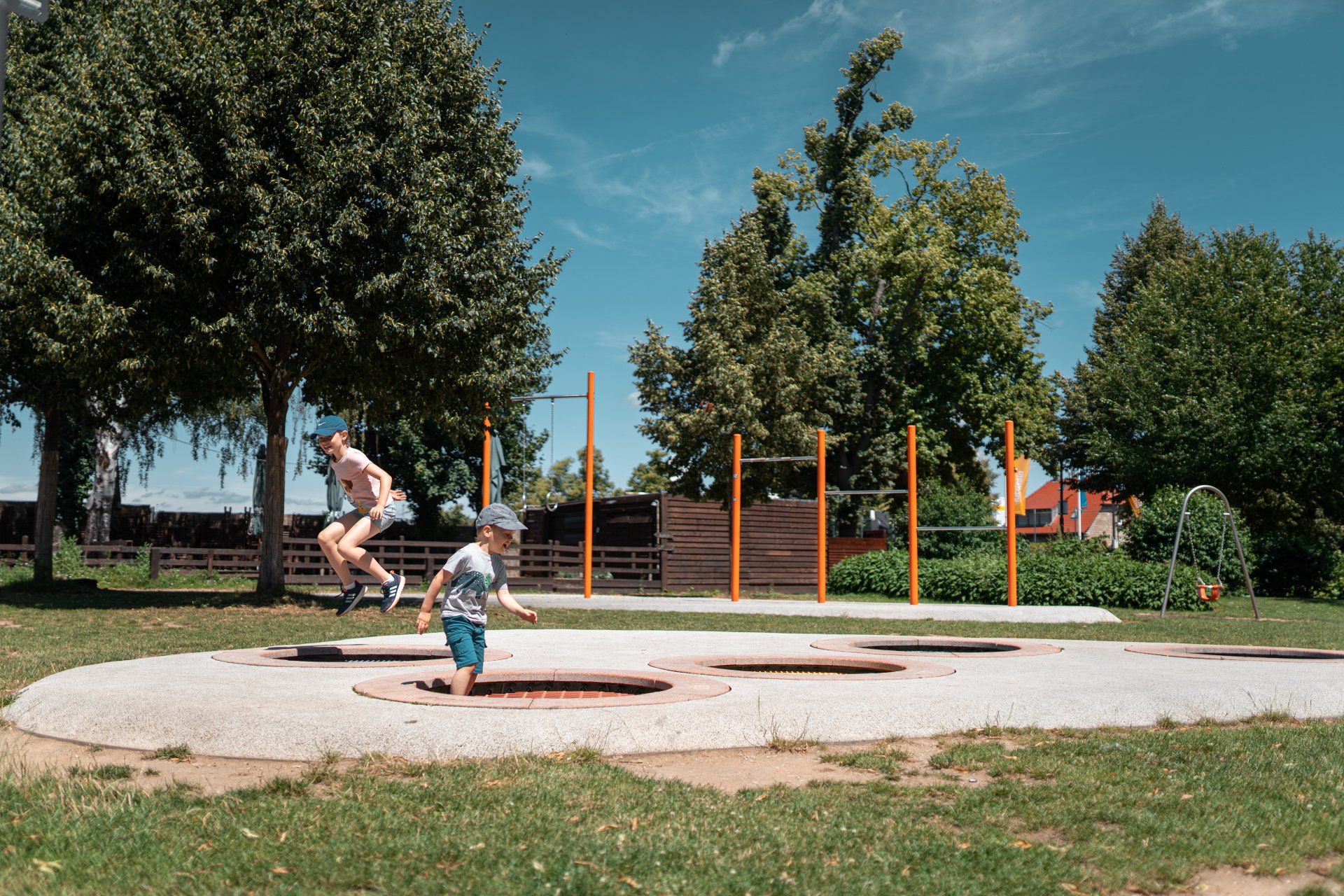
Kinder spielen auf einem Spielplatz
Diese Seite wurde automatisch übersetzt. Es kann daher zu Abweichungen oder Ungenauigkeiten im Text kommen. Verbindlich ist ausschließlich die Originalfassung. Rechtsansprüche aus Inhalten der übersetzten Version sind ausgeschlossen.

Playgrounds

In Kitzingen gibt es mehr als 30 liebevoll gestaltete Spielplätze, die Kindern jeden Alters Raum zum Toben, Entdecken und Spielen bieten. Ob mitten in der Stadt, in den Ortsteilen oder am Mainufer – überall laden bunte Spielgeräte, Klettertürme, Schaukeln und Sandflächen zu Bewegung und Spaß im Freien ein. Die Stadt Kitzingen legt großen Wert auf sichere, abwechslungsreiche und familienfreundliche Spielräume, die regelmäßig gepflegt und mit neuen Ideen weiterentwickelt werden.

Spielplatz-Paten

Als Pate haben Sie „ein Auge“ auf diesen Spielplatz, auf dessen Sauberkeit und den Zustand der Geräte. Mit Ihrem ehrenamtlichen Engagement sorgen Sie dafür, dass unsere Kinder mit viel Spaß und Lust auf einem gepflegten Spielplatz spielen können.

Wie werde ich Pate?

Wenn Sie Interesse daran haben, Pate für diesen Spielplatz zu werden, melden Sie sich in unserem Bauhof!


Spielgerät defekt?

Sie haben an einem Spielplatz ein defektes Spielgerät entdeckt? Melden Sie es gerne direkt unserem Städtischen Bauhof.

Spielplatz-Übersicht

%count% elements found in total.

Help with accessibility

  • General

    We endeavour to make our website accessible. You can find details on this in our accessibility statement. You can send us suggestions for improvement via our feedback form Report accessibility.

  • Font size

    To adjust the font size, please use the following key combinations:

    Larger

    command
    +

    Smaller

    command

    Larger

    Ctrl
    +

    Smaller

    Ctrl
  • Keyboard navigation

    Use TAB and SHIFT + TAB to navigate through next/previous links, form elements, and buttons.

    Use ENTER to open links and interact with elements.

  • Contrast mode

    Press the following key combination to reduce or increase the contrast:

    Enlarge

    control
    option
    command
    .

    Decrease

    control
    option
    command
    ,
    Note: The shortcuts must be activated in the system settings of the operating system.

    Press the left ALT key + left SHIFT key + PRINT to quickly turn high contrast mode on or off.

  • Invert colours

    Press the following key combination to switch the colour inversion on and off:

    control
    option
    command
    8
    Note: The shortcuts must be activated in the system settings of the operating system.

    First activate the screen magnifier and then switch the colour inversion on and off with the following key combinations:

    1. screen magnifier

    +

    2. invert colours

    Ctrl
    Old
    I
  • Screen magnifier

    Press the following key combinations to use the screen magnifier:

    Switch on/off

    option
    command
    8

    Enlarge view

    option
    command
    =

    Zoom out view

    option
    command
    Note: The shortcuts must be activated in the system settings of the operating system.

    Switch on / Enlarge view

    +

    Zoom out view

Select language