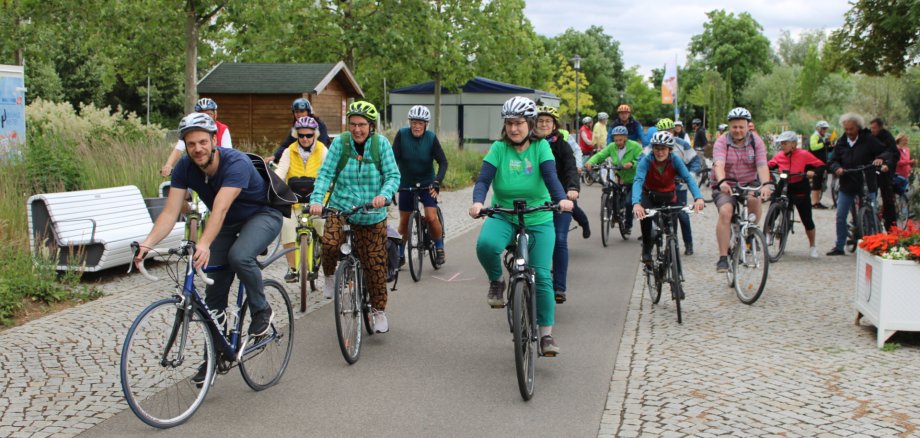
The fourth Kitzingen city cycling event is once again being organised in cooperation with the district of Kitzingen. After last year's success, we are delighted to be taking part again this year and hope that many people from Kitzingen will take part. The starting signal is 01 May. The city cycling event will run for three weeks until 21 May 2026.
Register now at
Procedure
You can register at https://www.stadtradeln.de/kitzingen and download the City Cycling app to your mobile phone. When registering, please select the municipality “Kitzingen im Landkreis Kitzingen, Stadt”. The app has been updated and now offers a number of new features.
From 1 May, you can track the distances you have cycled in the City Cycling app. To do this, switch on the GPS on your smartphone, open the City Cycling app, press the Start button, put your mobile phone away again and set off. After completing the ride, please open the City Cycling app again and press Stop so that the ride is recorded correctly. For the city cycling competition, it does not matter where you cycle the kilometres (this can also be in Würzburg, for example). The town of Kitzingen naturally welcomes it if as many kilometres as possible are covered within the town area. If you do not want to use an app, you can also enter the kilometres you have covered online using a mileage log.
Teams
When registering in the City Cycling app, you must select a team. It would make sense if, for example, schools, clubs, political parties or city districts form their own team. The team would have to be registered by one person. The respective teams compete with each other in a playful manner. The most kilometres ridden in relation to the number of people will be counted. A competition can also be organised within the teams. If you do not want to belong to a specific team, then the "open team" Kitzingen is suitable for this. Registration is still possible until the end of the participation period.
Background
The routes tracked by the app are analysed anonymously by the Technical University of Dresden and made available to the city of Kitzingen. Among other things, this data depicts the respective speeds on the cycle paths, the movement patterns within the city and red and green waves at the traffic lights. Based on this data, further cycle path network planning in Kitzingen can be controlled in a more targeted manner, improvements can be made and increased road safety can be achieved in the long term. The more people who take part, the more accurate the available data pool will be.
Prices
In 2026, the town of Kitzingen will award prizes to the top three places for the most active team in terms of kilometres cycled per capita, the most active female cyclist and the most active male cyclist.
Last years
An overview of the last few years and how many people have taken part in city cycling.
Year | Number of recorded journeys | Recorded distance in [km] | Number of persons recorded |
2025 | 6.942 | 42.330 | 192 |
2024 | 2.545 | 22.775 | 346 |
2023 | 5.138 | 34.808 | 444 |
What happens to the data?
The previous data records were analysed. The data was analysed by looking at the number of people travelling on the individual routes, the speed, the waiting times, the time and the day of the week. This data is used for further cycle path planning (e.g. the planned cycle path to Kaltensondheim). Based on the data, we can clearly demonstrate the urgency of a dedicated cycle path to Kaltensondheim, as this is indicated by the number of kilometres cycled to this location in comparison with the other villages. This creates a reliable basis for further planning. Particularly where major structural changes are due in the next few years (Kaiserstrasse, railway station, etc.), we will be able to identify the most favourable routes based on the flow of cyclists. Another aim is to use the routes travelled to make schools in the city safer for cyclists. This data will therefore be used proactively over the next few years whenever changes are made to the cycling network.
We would like to thank all participants for their great commitment.