Diese Seite wurde automatisch übersetzt. Es kann daher zu Abweichungen oder Ungenauigkeiten im Text kommen. Verbindlich ist ausschließlich die Originalfassung. Rechtsansprüche aus Inhalten der übersetzten Version sind ausgeschlossen.

9 November

Commemorative event

The year 2026 marks the 88th anniversary of the destruction of the Kitzingen synagogue and the beginning of the eradication of the Jewish community. To commemorate the victims of Kristallnacht in 1938, a memorial service will be held on Monday 9 November.

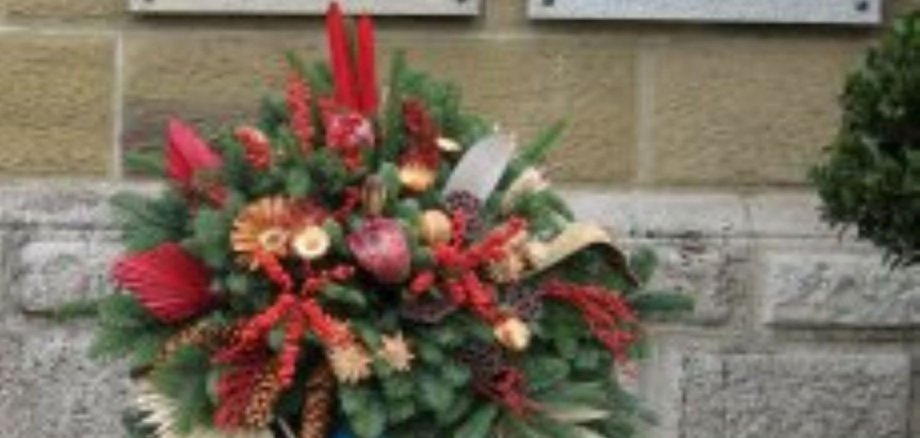
At around 6.30 pm, Mayor Dr Enis Tiz will lay a wreath in front of the Old Synagogue on behalf of the town of Kitzingen. This will be followed by a prayer. Afterwards, at 7.00 pm, the play ‘And the Music Plays On – Songs and Texts from Theresienstadt’ will be performed in the Great Hall of the Old Synagogue. It is a production by artists from Obernbreit and Kitzingen.

Theresienstadt was promoted by the Nazi regime as a ‘model Jewish ghetto’, yet for almost all those deported there, it was the final stop before their murder at the hands of the Nazis. Despite its monstrosity, it nevertheless provided a space for artistic expression. Conductors, singers, poets and other artists were interned here. The staged reading with music is accompanied by a photographic exhibition by Dr Jutta Schwegler featuring images from the Terezin ghetto.

Admission is free on each occasion. The artists would be grateful for a small donation.


Help with accessibility

  • General

    We endeavour to make our website accessible. You can find details on this in our accessibility statement. You can send us suggestions for improvement via our feedback form Report accessibility.

  • Font size

    To adjust the font size, please use the following key combinations:

    Larger

    ⌘command
    +

    Smaller

    ⌘command
    –

    Larger

    Ctrl
    +

    Smaller

    Ctrl
    –
  • Keyboard navigation

    Use TAB and SHIFT + TAB to navigate through next/previous links, form elements, and buttons.

    Use ENTER to open links and interact with elements.

  • Contrast mode

    Press the following key combination to reduce or increase the contrast:

    Enlarge

    ⌃control
    ⌥option
    ⌘command
    .

    Decrease

    ⌃control
    ⌥option
    ⌘command
    ,
    Note: The shortcuts must be activated in the system settings of the operating system.

    Press the left ALT key + left SHIFT key + PRINT to quickly turn high contrast mode on or off.

  • Invert colours

    Press the following key combination to switch the colour inversion on and off:

    ⌃control
    ⌥option
    ⌘command
    8
    Note: The shortcuts must be activated in the system settings of the operating system.

    First activate the screen magnifier and then switch the colour inversion on and off with the following key combinations:

    1. screen magnifier

    +

    2. invert colours

    Ctrl
    Old
    I
  • Screen magnifier

    Press the following key combinations to use the screen magnifier:

    Switch on/off

    ⌥option
    ⌘command
    8

    Enlarge view

    ⌥option
    ⌘command
    =

    Zoom out view

    ⌥option
    ⌘command
    –
    Note: The shortcuts must be activated in the system settings of the operating system.

    Switch on / Enlarge view

    +

    Zoom out view

    –